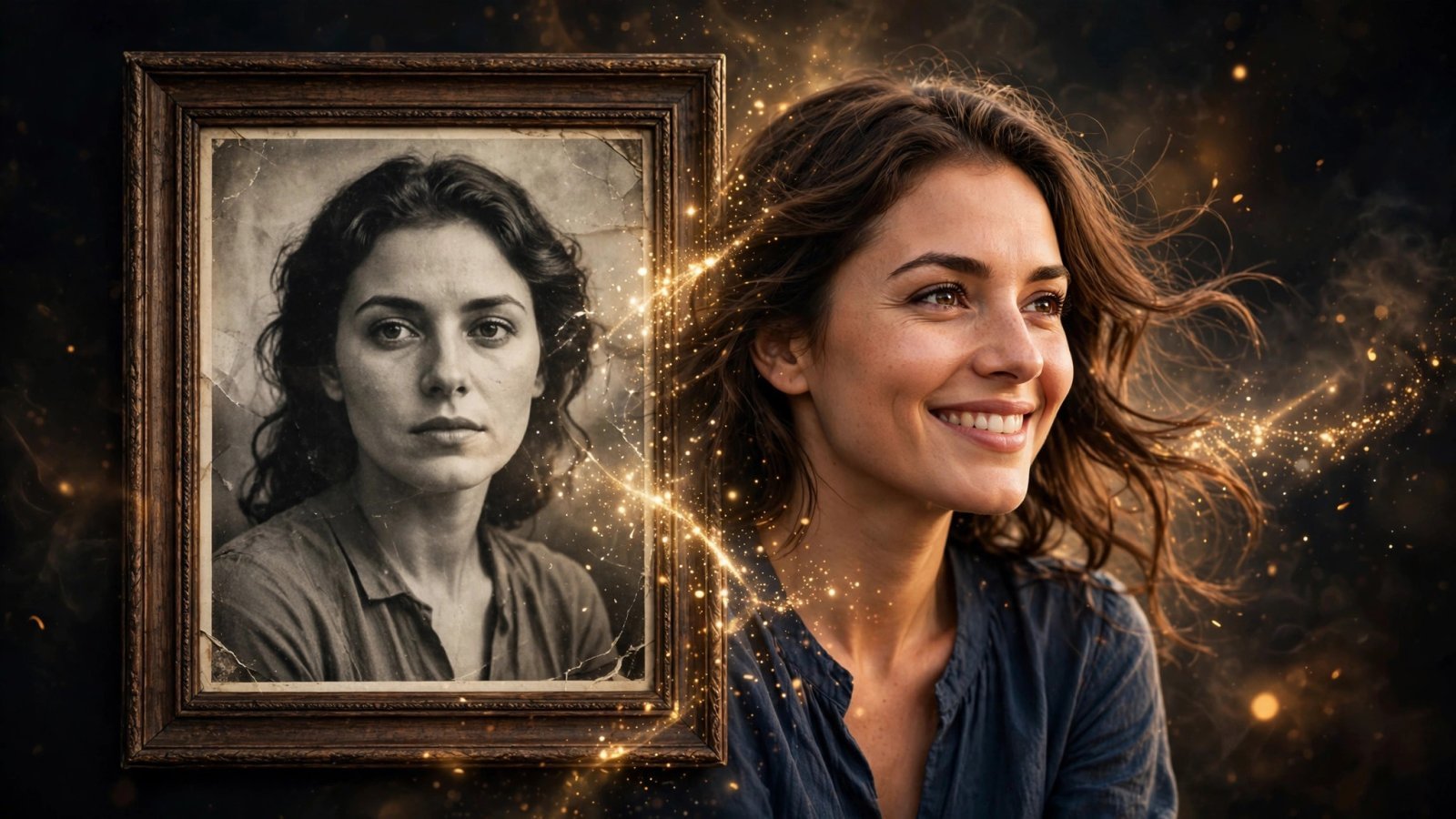
From One Photo to a Living Scene: Image-to-Video Motion Guide
Turn a single still photograph into a moving AI video scene, with motion prompts that keep the photo's composition while adding believable camera and subject movement.
Customize this prompt
Fill in the fields below — the prompt text updates automatically. [BRACKETED] words are placeholders you replace.
The prompt
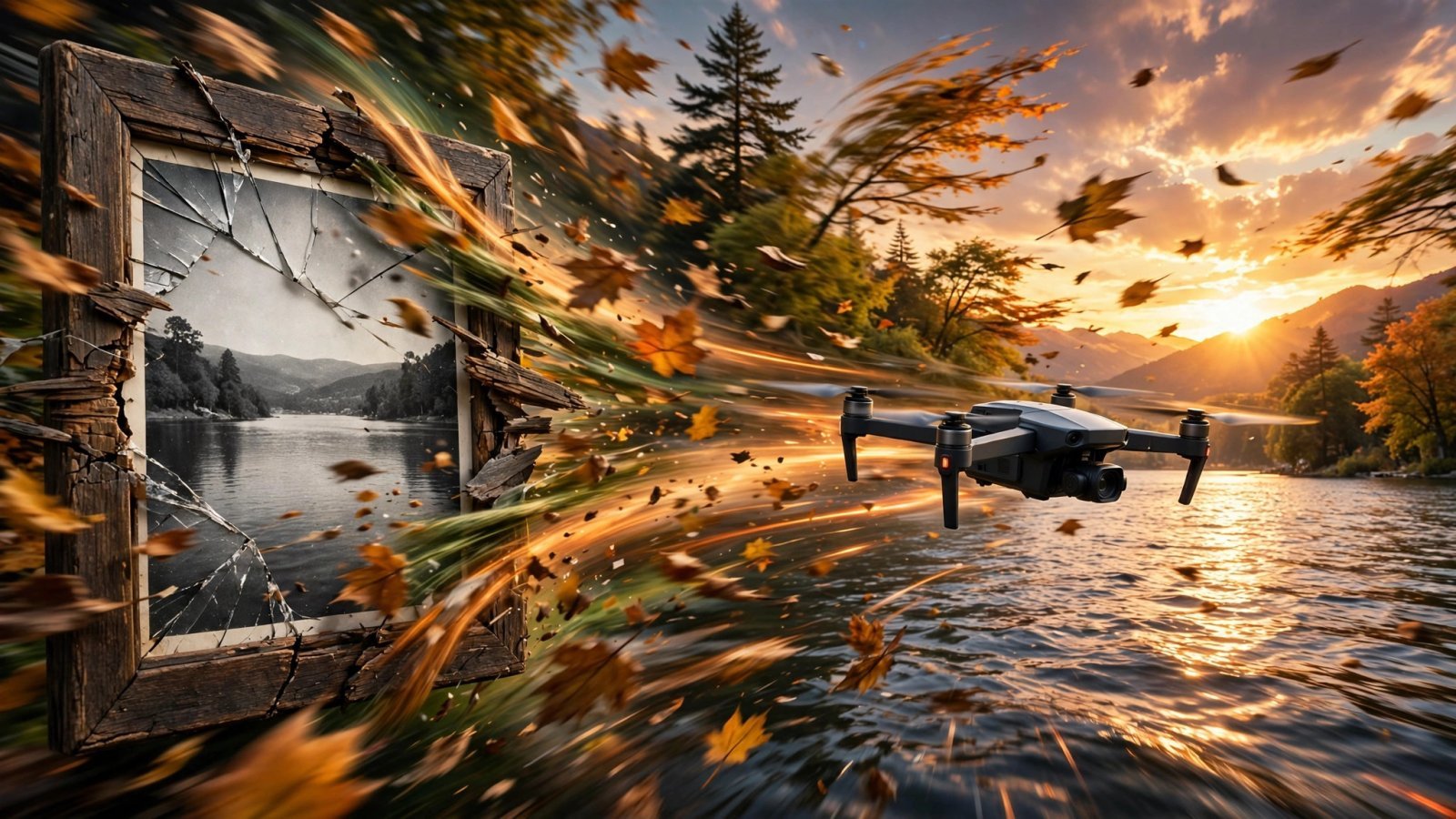
You are an AI video specialist turning one still photograph into a living scene. Start with the source photo: describe its subject [PHOTO_SUBJECT], setting [PHOTO_SETTING], light [LIGHT_TYPE], and composition in detail, and state which elements must stay frozen and which may move. Then choose a motion plan: a camera move [CAMERA_MOVE], subject motion [SUBJECT_MOTION], and ambient motion [AMBIENT_MOTION] such as wind, water or crowd movement, for a clip of [DURATION] seconds. Write a complete image-to-video prompt that anchors to the photo's composition, names the moving elements one by one, sets the motion strength [MOTION_STRENGTH], and forbids morphing faces, melting objects or drifting backgrounds. Add a troubleshooting section for the three most common failures — frozen clips, warping subjects, and sliding backgrounds — with a fix for each, plus a variation that reuses the same photo for a second, different motion.
How to use it
- Describe the source photo and mark what must stay frozen versus what may move.
- Choose a camera move, subject motion and ambient motion for the clip.
- Write a complete image-to-video prompt anchored to the photo's composition.
- Add fixes for frozen clips, warping subjects and sliding backgrounds.
- Create a second motion variation from the same photo.
Customization tips
Swap the photo, subject and motion plan to animate your own images.
Example use case
Animate product shots, portraits or travel photos for ads and social video.
Frequently asked questions
Why does my photo warp when it starts moving?
Usually the motion strength is too high or the prompt asks too many things to move at once. Lower the strength and move one main subject plus one ambient element.
Can I animate any photo?
Most clear, well-lit photos work best. Very blurry or crowded photos warp more easily, so start with a simple composition.
Share
Tags: image to video ai video photo animation motion prompt video generation
Reviewed by the PromptVault editorial team on October 26, 2026.
Source notes: Daily pipeline 20261026 batch 5