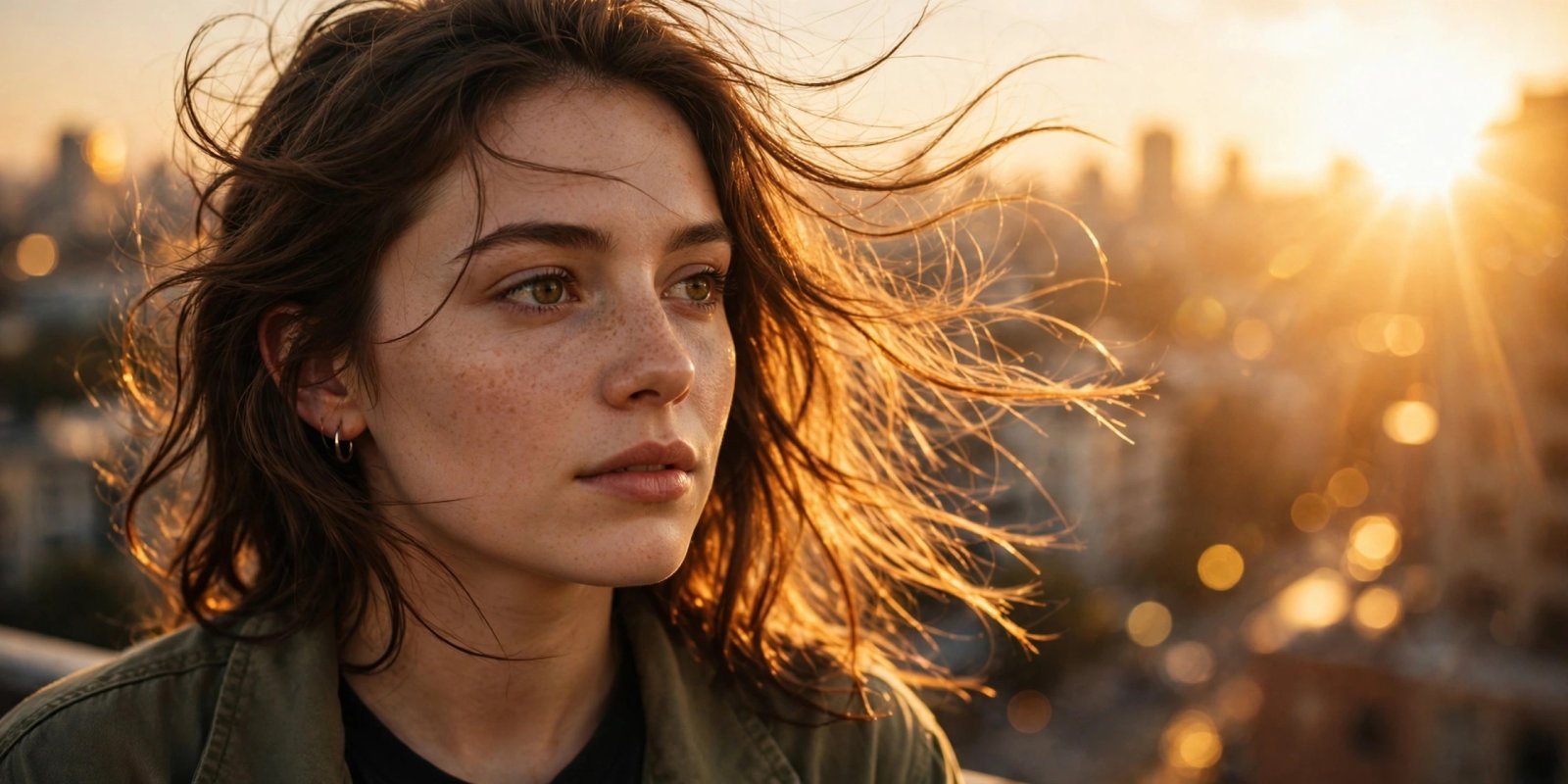
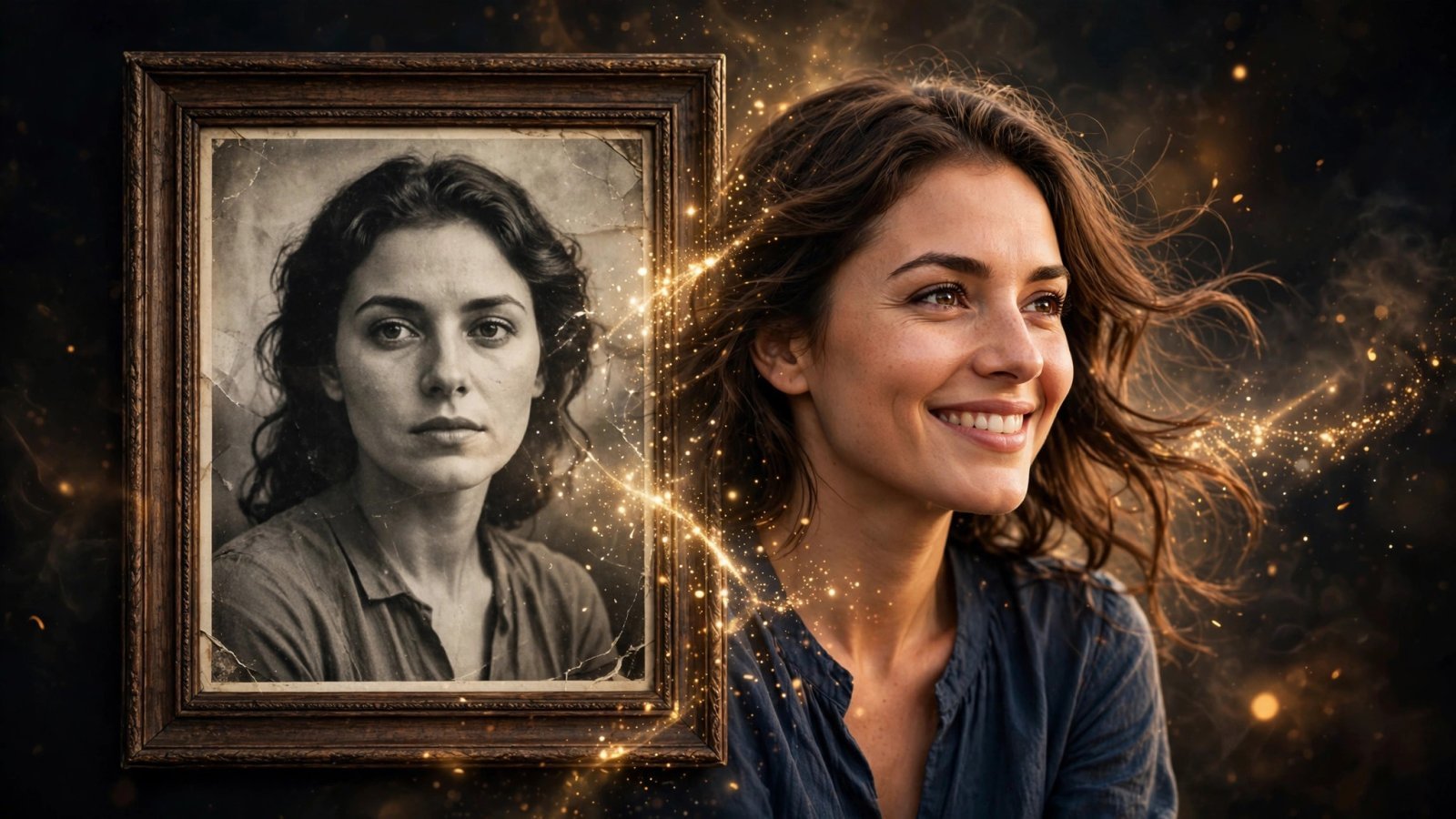
Make a Still Portrait Blink, Breathe and Smile on Video
Animate a still portrait into a short, natural video where the subject blinks, breathes and smiles, without warping the face you started from.
Customize this prompt
Fill in the fields below — the prompt text updates automatically. [BRACKETED] words are placeholders you replace.
The prompt
You are a video artist turning a still portrait into motion. Start from a portrait of [SUBJECT_DESCRIPTION] in [PORTRAIT_SETTING] with [LIGHTING_STYLE] lighting. Write an image-to-video prompt that keeps the face, framing and background exactly as photographed, then adds only gentle, believable motion: a slow blink, a soft breath, a slight head tilt, and a [EXPRESSION_CHANGE] that arrives gradually over [DURATION] seconds. Specify the camera as locked and still, forbid face morphing, background warping and extra people, and set the motion strength to [MOTION_STRENGTH]. Add two variations: one subtle loop for a profile picture and one warmer version for a birthday or tribute video. Finish with a quality checklist for checking the eyes, teeth and hairline frame by frame.
How to use it
- Describe the portrait, setting and lighting to preserve.
- Add only gentle motion: blink, breath, tilt and expression.
- Lock the camera and forbid face morphing or warping.
- Create the loop and tribute variations plus a frame checklist.
Customization tips
Use your own portrait, expression and duration to create a living photo or tribute clip.
Example use case
Anyone animating portraits for profiles, gifts or memorials.
Frequently asked questions
Why does the face warp in my animations?
Too much motion strength or a moving camera — lock the camera and keep motion gentle.
Does this work for old black-and-white portraits?
Yes, but keep the colour treatment fixed so the clip matches the original photo.
Share
Tags: image to video portrait animation photo animation ai video living portrait
Reviewed by the PromptVault editorial team on November 3, 2026.
Source notes: Daily pipeline 20261103 batch 5