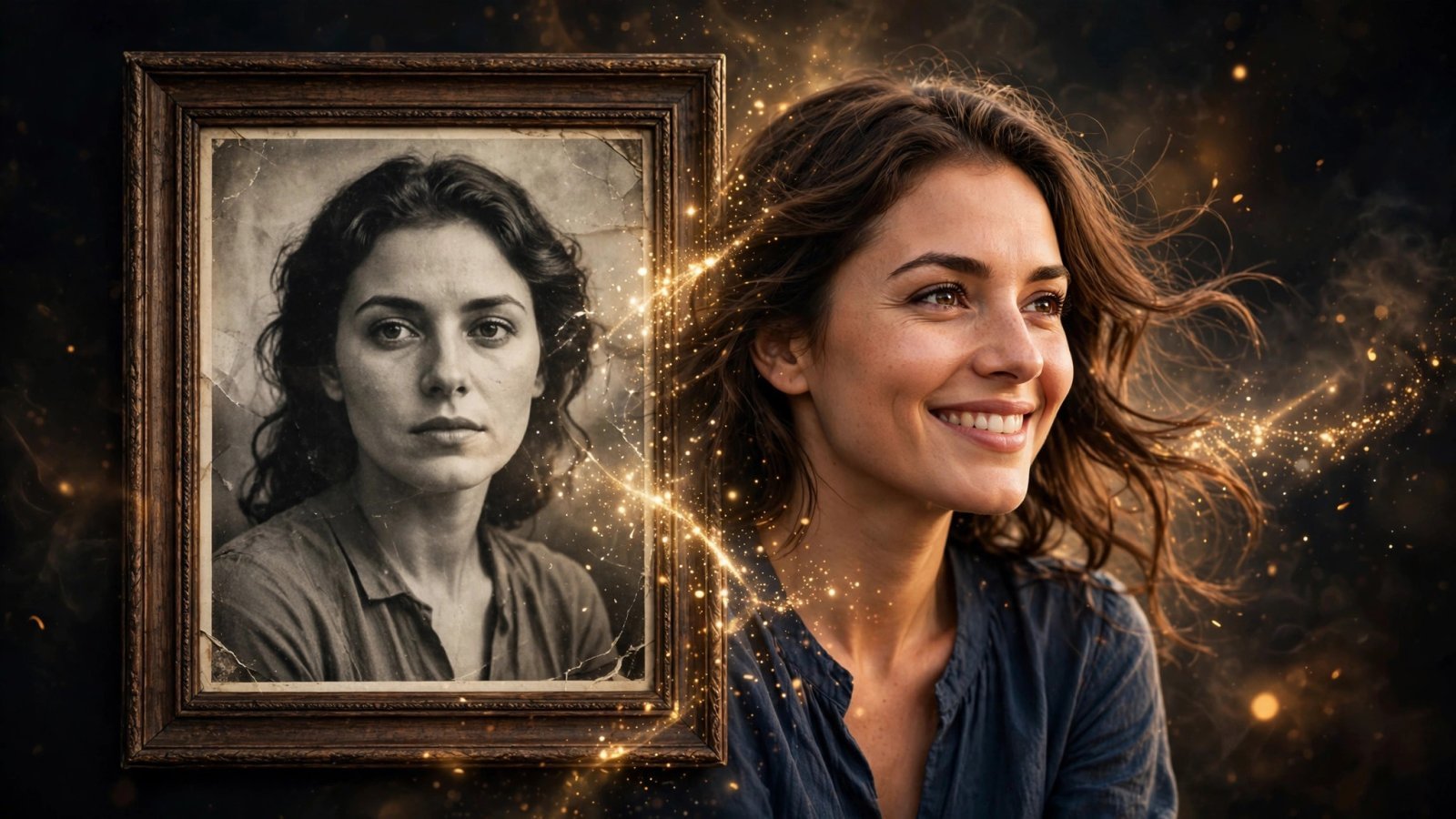
From Portrait Photo to a Gentle Blinking Cinematic Loop
Turn a still portrait into a subtle cinematic loop with a slow blink, a soft breath and drifting light, keeping the face perfectly unchanged.

Customize this prompt
Fill in the fields below — the prompt text updates automatically. [BRACKETED] words are placeholders you replace.
The prompt
Animate this portrait photo of [SUBJECT_NAME] into a [DURATION]-second gentle cinematic loop. The face, expression, hairstyle and clothing stay exactly as in the photo, with only the subtlest life added: a slow blink, a soft breath, and a faint shift of [LIGHT_SOURCE] light across the cheek. The background remains still and softly blurred, the camera holds a steady close-up, and the loop returns seamlessly to the first frame. Keep skin texture, eye colour and every detail faithful to the original photograph, with no morphing, no head turn and no change of expression.
How to use it
- Upload the portrait and limit motion to a blink and a breath.
- Fix the camera and keep the background still and softly blurred.
- Name the light source so its shift reads as natural.
- Ask for a seamless loop that returns to the first frame.
- Check the final frame against the original photo for drift.
Customization tips
Swap the blink for a faint smile or a slow hair drift, or set the portrait in candlelight for a warmer mood.
Example use case
Use it for a living portrait display, a tribute video, or a quiet social post.
Frequently asked questions
How do I stop the face morphing during the loop?
Restrict motion to a blink and a breath, fix the camera, and forbid head turns or expression changes in the prompt.
What is this kind of loop good for?
It works for a memorial tribute, a profile hero, a gallery piece, or a quiet social post where a still photo feels too flat.
Share
Tags: image to video portrait animation cinematic loop living portrait ai video subtle motion
Reviewed by the PromptVault editorial team on November 16, 2026.
Source notes: Daily pipeline 20261116 batch 5