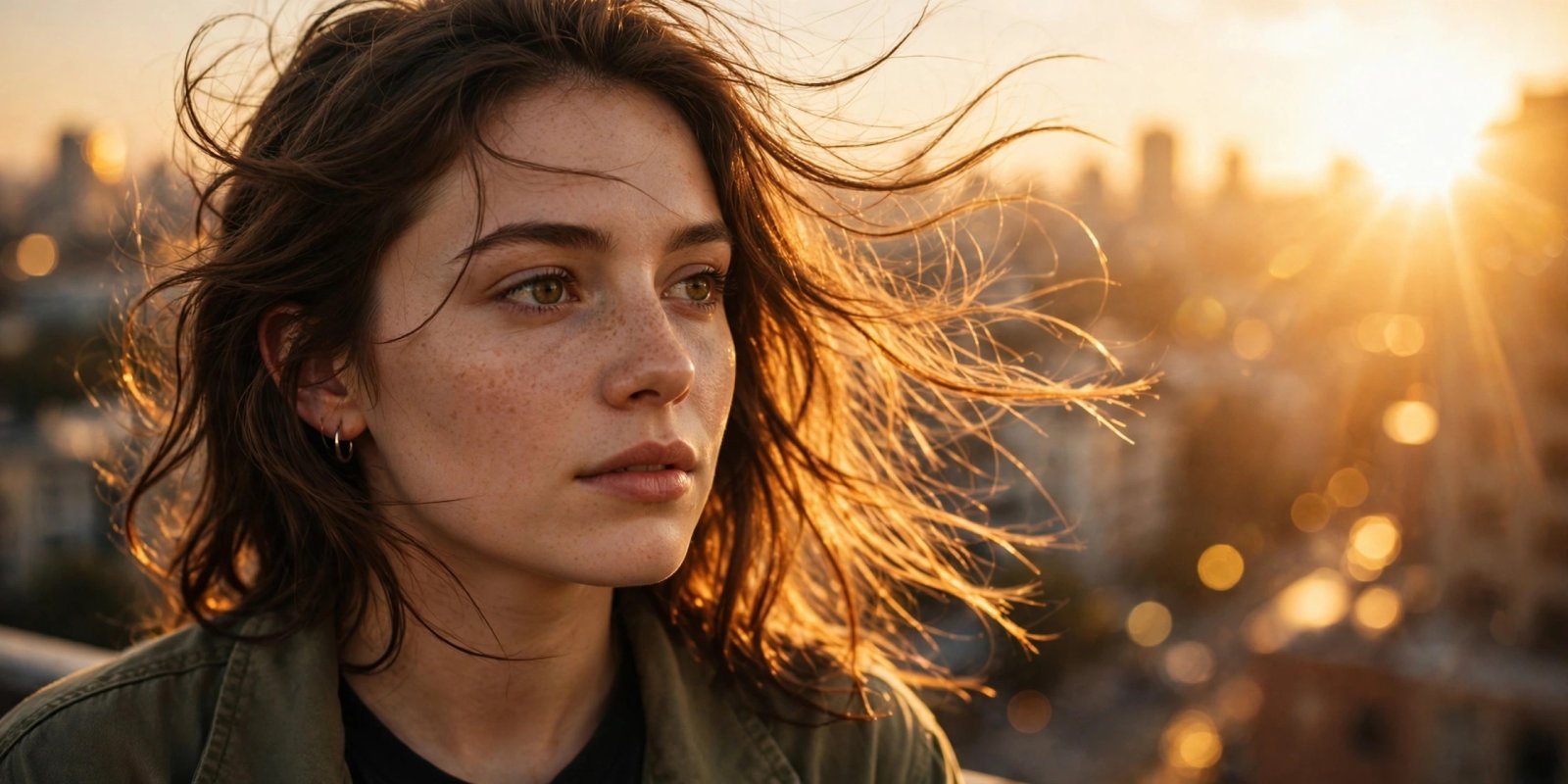
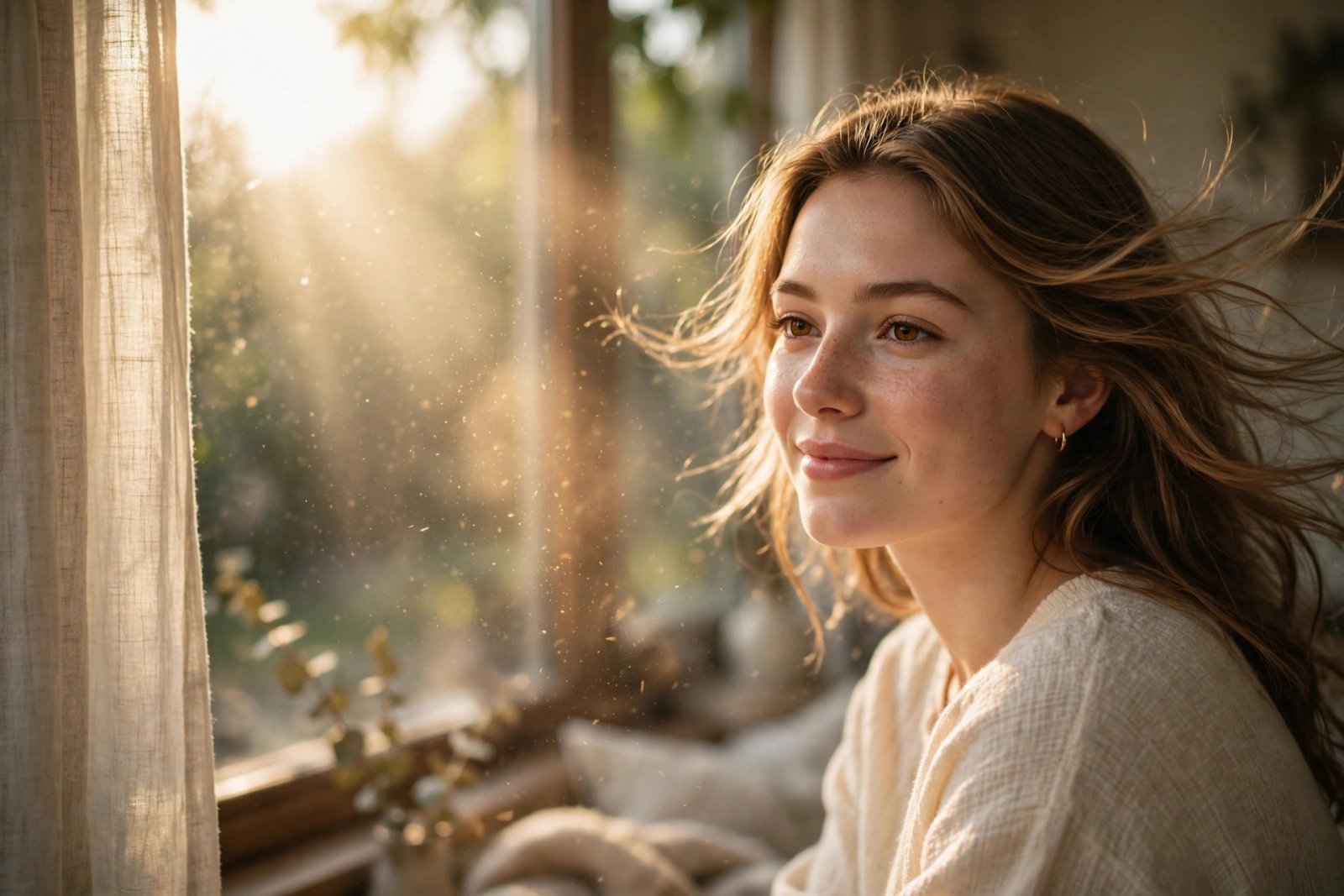
Turn a Portrait Photo Into a Living Cinematic Close-Up
Add gentle breathing, blinking, and cinematic light shifts to a still portrait while keeping the subject's face exactly the same.

Customize this prompt
Fill in the fields below — the prompt text updates automatically. [BRACKETED] words are placeholders you replace.
The prompt
Transform the attached portrait of [SUBJECT_DESCRIPTION] into a [CLIP_LENGTH] living portrait. Add only subtle, natural motion: gentle chest rise from breathing, one or two slow blinks, a slight shift in gaze toward [GAZE_DIRECTION], and soft [HAIR_MOTION] hair movement if hair is visible. Lighting evolves slowly from [LIGHTING_START] to [LIGHTING_END], giving a cinematic feel. The subject's facial features, expression, and identity must remain exactly as in the photo - no smile morphs, no head turns beyond [HEAD_TILT_LIMIT], no age or beauty changes. The background stays softly out of focus with [BACKGROUND_SUBTLETY]. Camera: static close-up in [CROP_STYLE]. Grade: [COLOR_GRADE] cinematic tone. If any frame alters the face beyond natural micro-motion, treat it as a failed take and regenerate with lower motion strength.
How to use it
- Upload a sharp, well-lit portrait with the face clearly visible.
- Set motion strength to low or subtle in the model settings.
- Describe only micro-motion: breathing, blinks, gaze shift, and lighting evolution.
- Generate and scrub frame by frame to confirm the face never morphs.
- Export the take where identity is perfectly preserved with a cinematic light shift.
Customization tips
Adjust gaze direction, lighting shift, and grade to match your portrait style - the subtle-motion limits stay the same.
Example use case
Photographers and creators making hero visuals and cinematic memorial-style portraits.
Frequently asked questions
The face slowly changes expression during the clip.
Your motion strength is too high. Lower it and explicitly forbid expression changes in the prompt text.
Does this work for black-and-white portraits?
Yes. Set the color grade placeholder to match the monochrome look so the model does not add color.
Share
Tags: image to video living portrait cinematic AI video portrait animation subtle motion
Reviewed by the PromptVault editorial team on October 24, 2026.
Source notes: Daily pipeline 20261024 batch 5