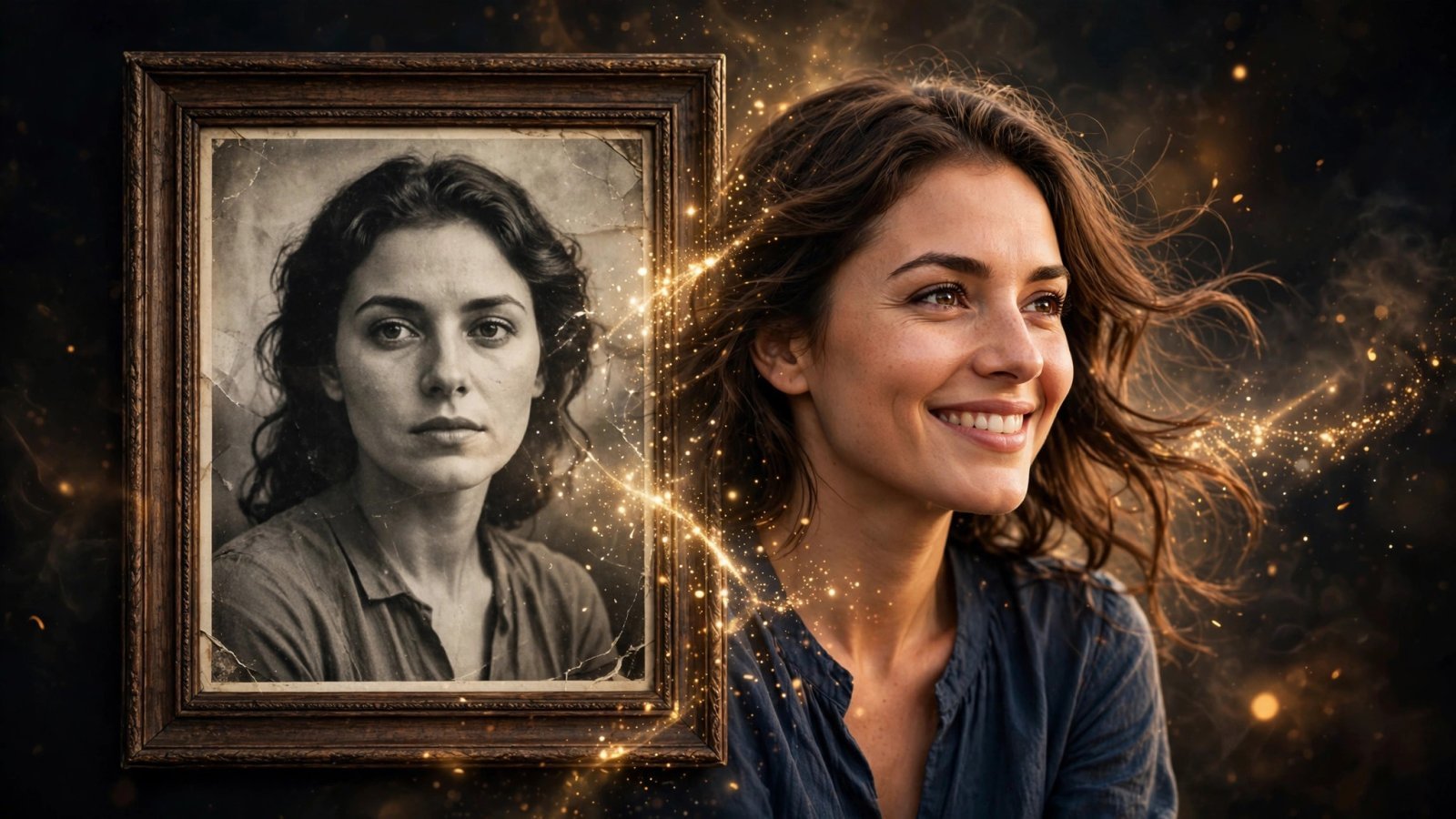
Make a Quiet Portrait Move: Blink, Breath and a Slow Turn
Animate a single portrait with subtle, believable motion: a blink, a breath and a slow turn toward the light.
Customize this prompt
Fill in the fields below — the prompt text updates automatically. [BRACKETED] words are placeholders you replace.
The prompt
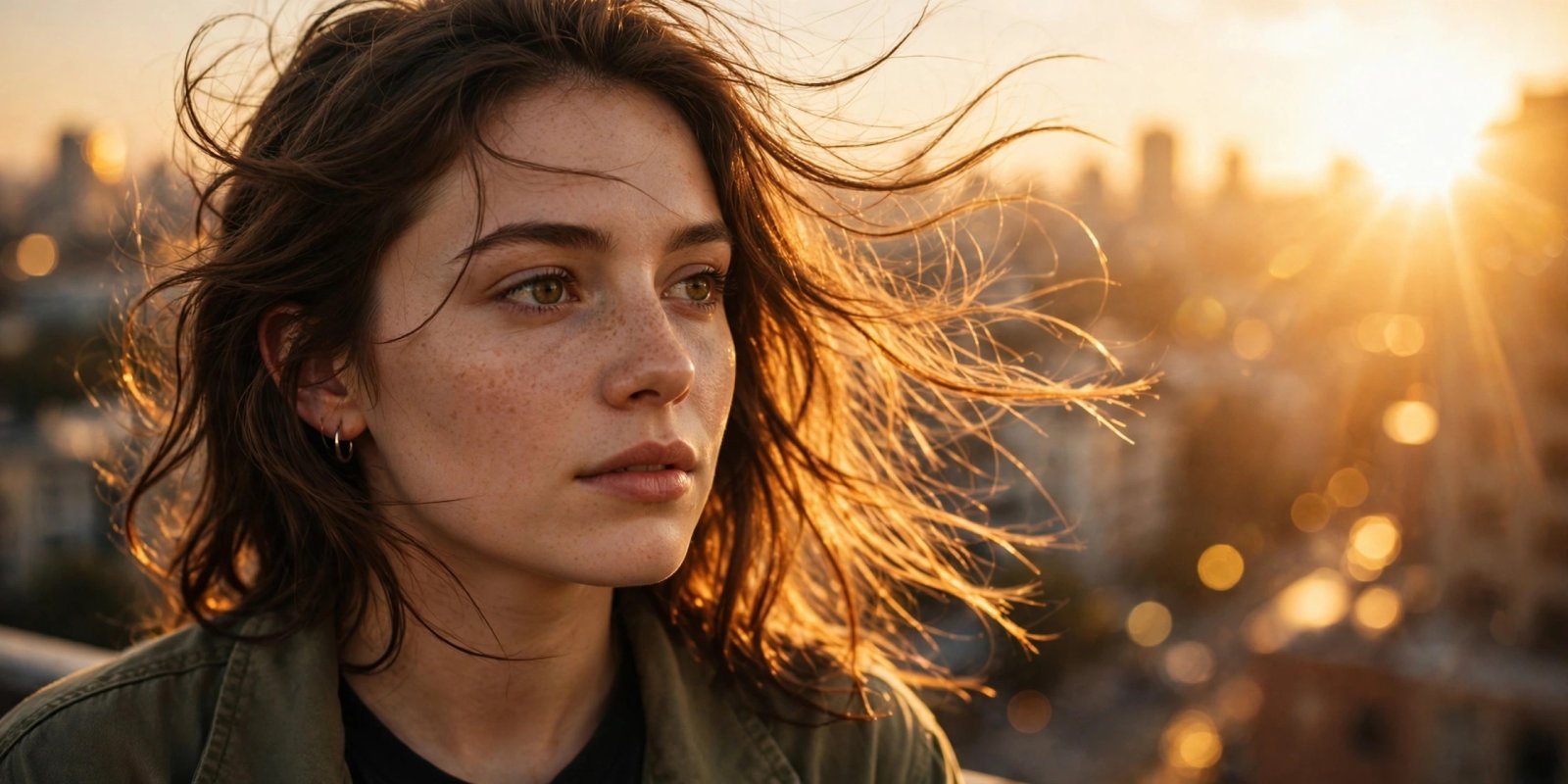
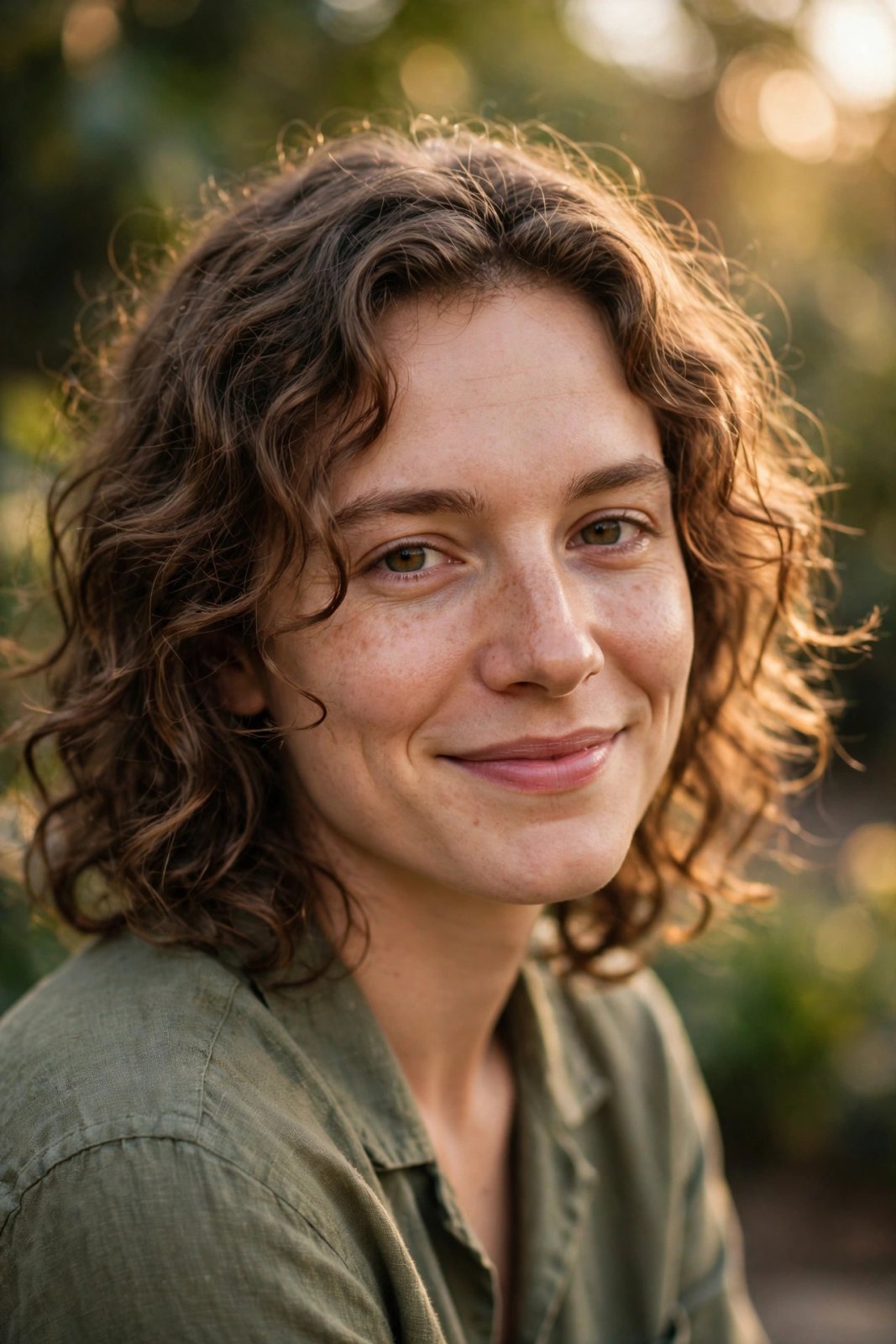
Animate this still portrait of [SUBJECT_DESCRIPTION] into a [DURATION]-second clip. Keep the face, clothing and background exactly as photographed, and add only gentle, believable motion: a slow blink, a soft breath, a slight head turn toward [LIGHT_DIRECTION] and a faint shift in [BACKGROUND_ELEMENT]. The camera should stay almost still, drifting slowly inward, and the lighting should remain warm and natural throughout. Avoid exaggerated gestures, warping or added objects; the goal is a portrait that feels alive, not a cartoon, with every detail of the original photograph preserved.
How to use it
- Choose a sharp, well-lit portrait with a clean background.
- Describe the subject and background exactly as they appear in the photo.
- Add only three subtle motions: blink, breath and head turn.
- Generate at a short duration first and check for warping around the eyes and hands.
- Extend the approved motion slowly rather than adding new actions.
Customization tips
Use a family portrait, a headshot or a painted portrait, adjusting only the motion list.
Example use case
Creators and families animating portraits for gifts, memorials or social posts.
Frequently asked questions
Why does the face warp in some attempts?
Too much motion or too long a clip strains the model; keep movements small, the camera near-static and the duration short.
Does this work on old scanned portraits?
Yes, provided the scan is sharp; clean up major scratches first, since the model will animate any flaw it sees.
Share
Tags: image to video portrait animation photo animation ai video subtle motion cinematic
Reviewed by the PromptVault editorial team on November 4, 2026.
Source notes: Daily pipeline 20261104 batch 5