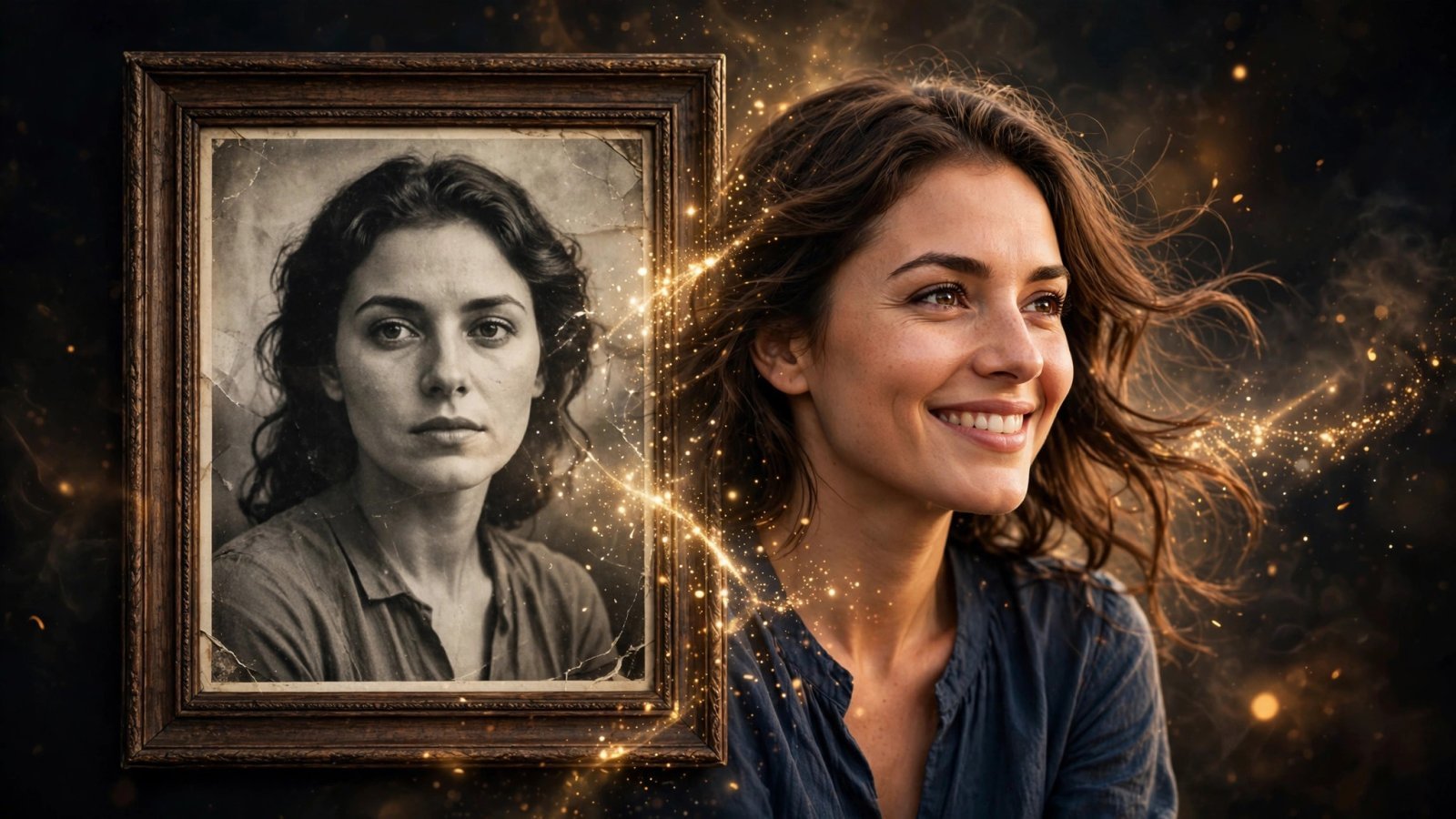
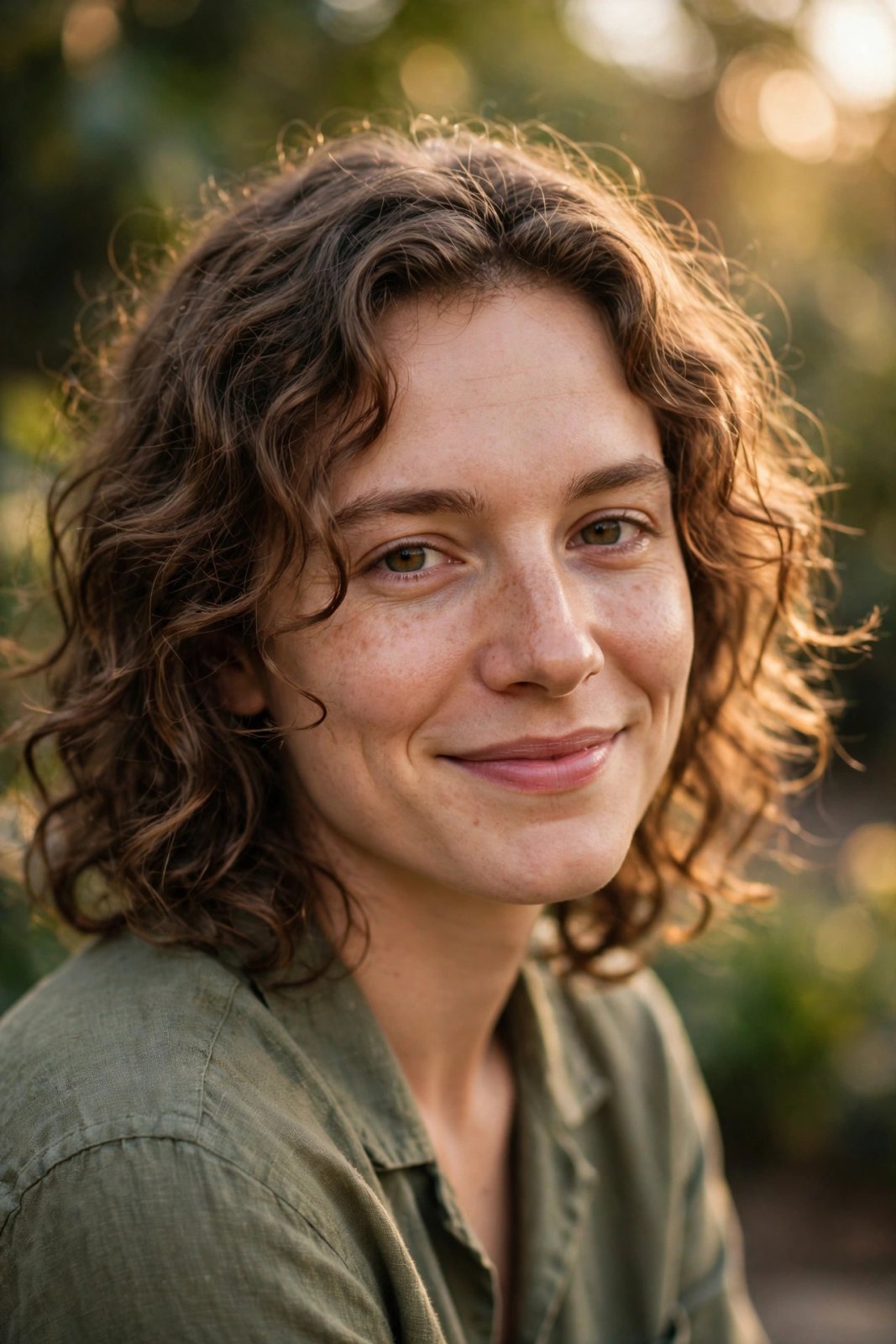
From a still portrait to a living scene with a slow cinematic push-in
Turn one portrait photo into a short cinematic clip: the camera drifts closer while the subject breathes and the background moves.
Customize this prompt
Fill in the fields below — the prompt text updates automatically. [BRACKETED] words are placeholders you replace.
The prompt
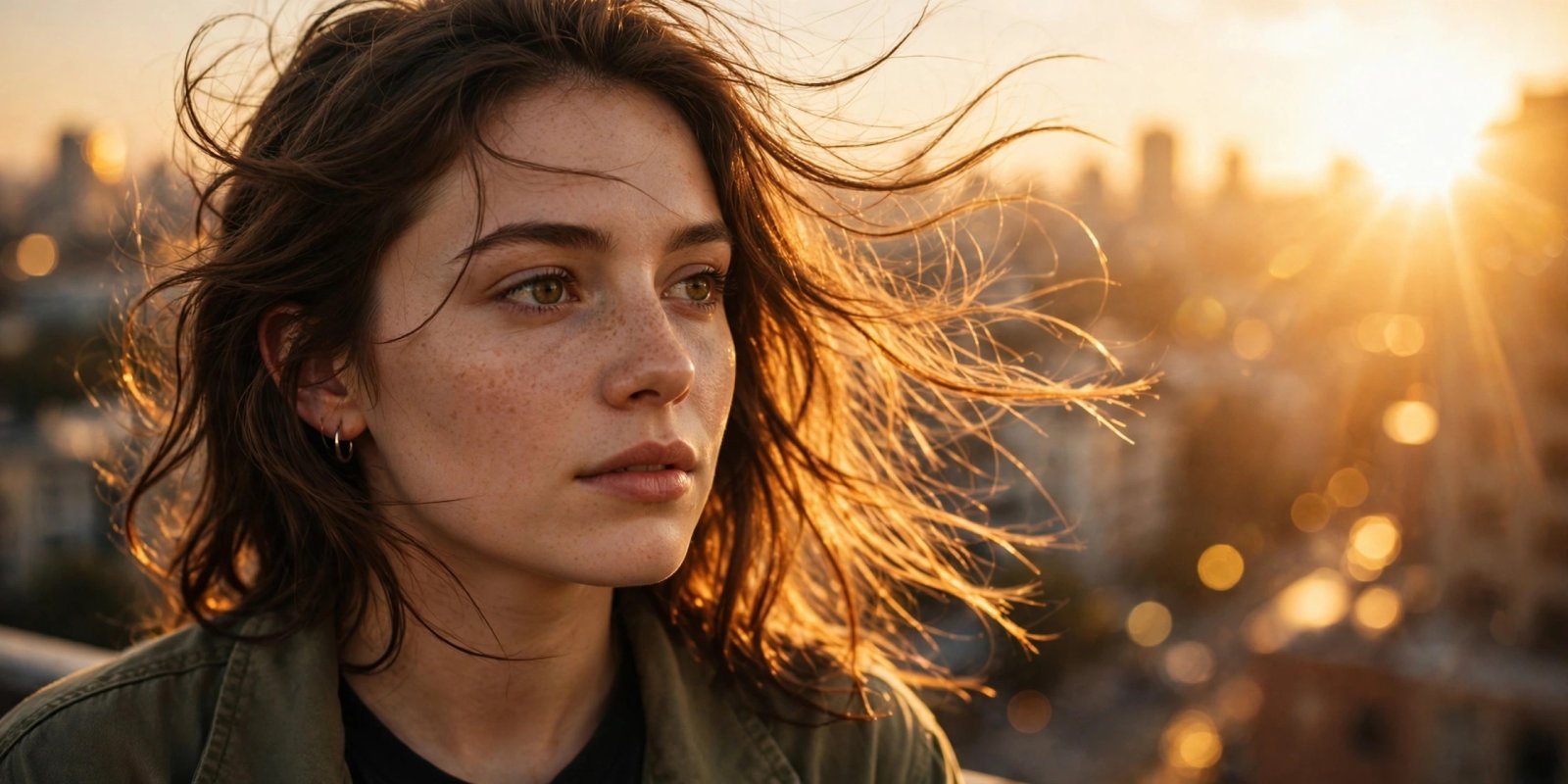
Animate a still portrait into a living cinematic clip. Start from the photo of [SUBJECT_DESCRIPTION] in [SETTING]. The camera performs a slow, steady push-in toward [FOCAL_POINT] over [DURATION] seconds. The subject [SUBTLE_MOVEMENT], their [CLOTHING_DETAIL] moves gently, and the background comes alive: [BACKGROUND_MOTION]. Keep the face, lighting and colours of the original photo exactly as they are. Use [LIGHTING_STYLE] and a shallow depth of field so the result feels like a film still that slowly wakes up.
How to use it
- Pick a sharp, well-lit portrait with a clear subject.
- Describe the subject and setting exactly as the photo shows them.
- Choose one subtle movement, like a blink, a breath or hair moving.
- Add one background motion, like drifting smoke or passing light.
- Generate the clip and check the face still matches the photo.
Customization tips
Change the subject, setting and movements to fit any portrait you have.
Example use case
Photographers and creators turning portraits into cinematic social clips.
Frequently asked questions
How much movement should I add to a portrait?
Very little. One small subject movement and one background motion is enough; too much motion warps the face.
Does this work with black and white portraits?
Yes. Say the clip must stay black and white with the same contrast as the photo, and the push-in will still read beautifully.
Share
Tags: image to video portrait animation cinematic push-in photo animation living portrait
Reviewed by the PromptVault editorial team on November 15, 2026.
Source notes: Daily pipeline 20261115 batch 5