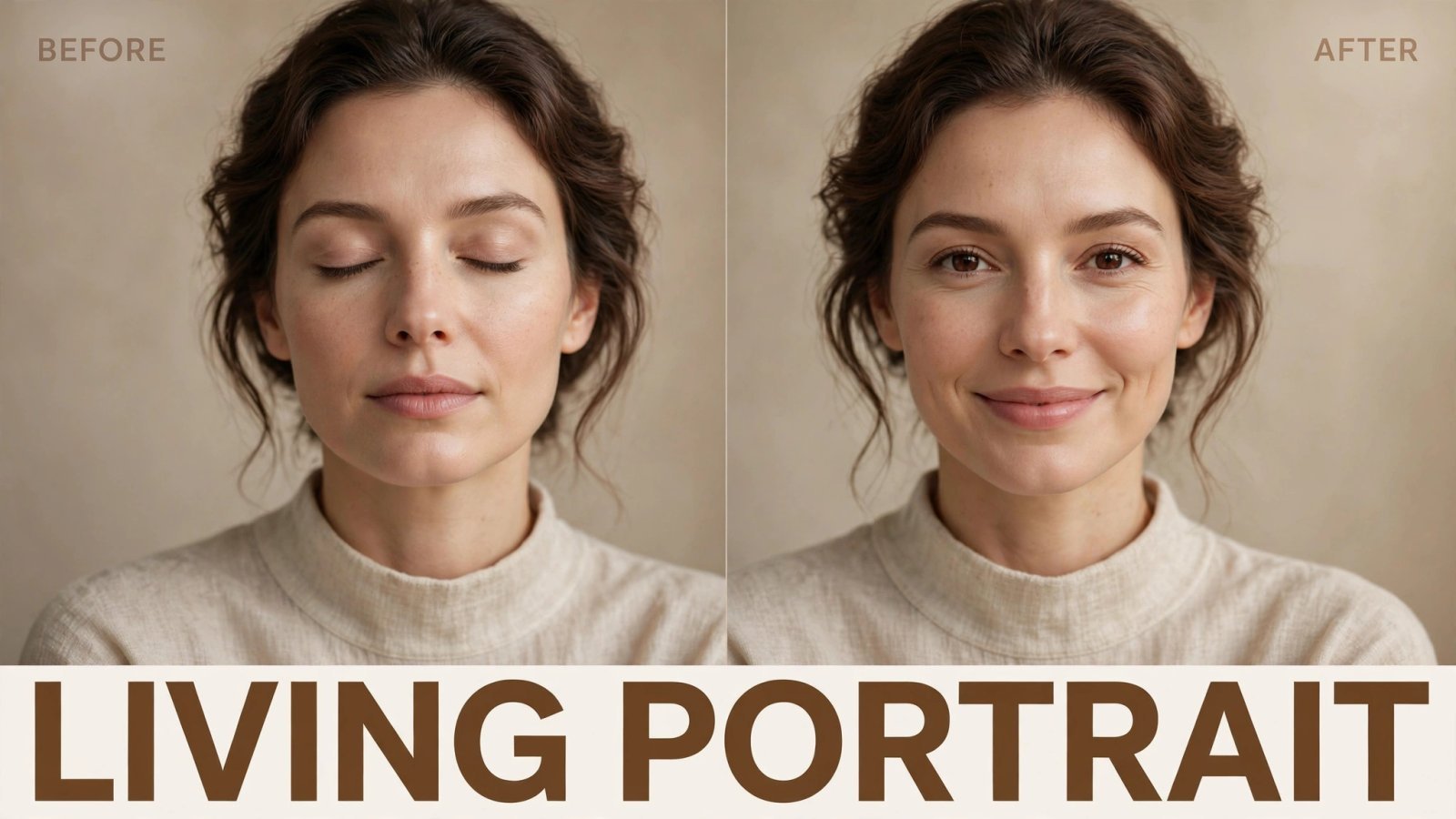
Wake a Quiet Portrait Into a Short Cinematic Clip
Animate a single portrait into a short cinematic clip with subtle motion, breathing light and a slow camera move that respects the original photo.
Customize this prompt
Fill in the fields below — the prompt text updates automatically. [BRACKETED] words are placeholders you replace.
The prompt
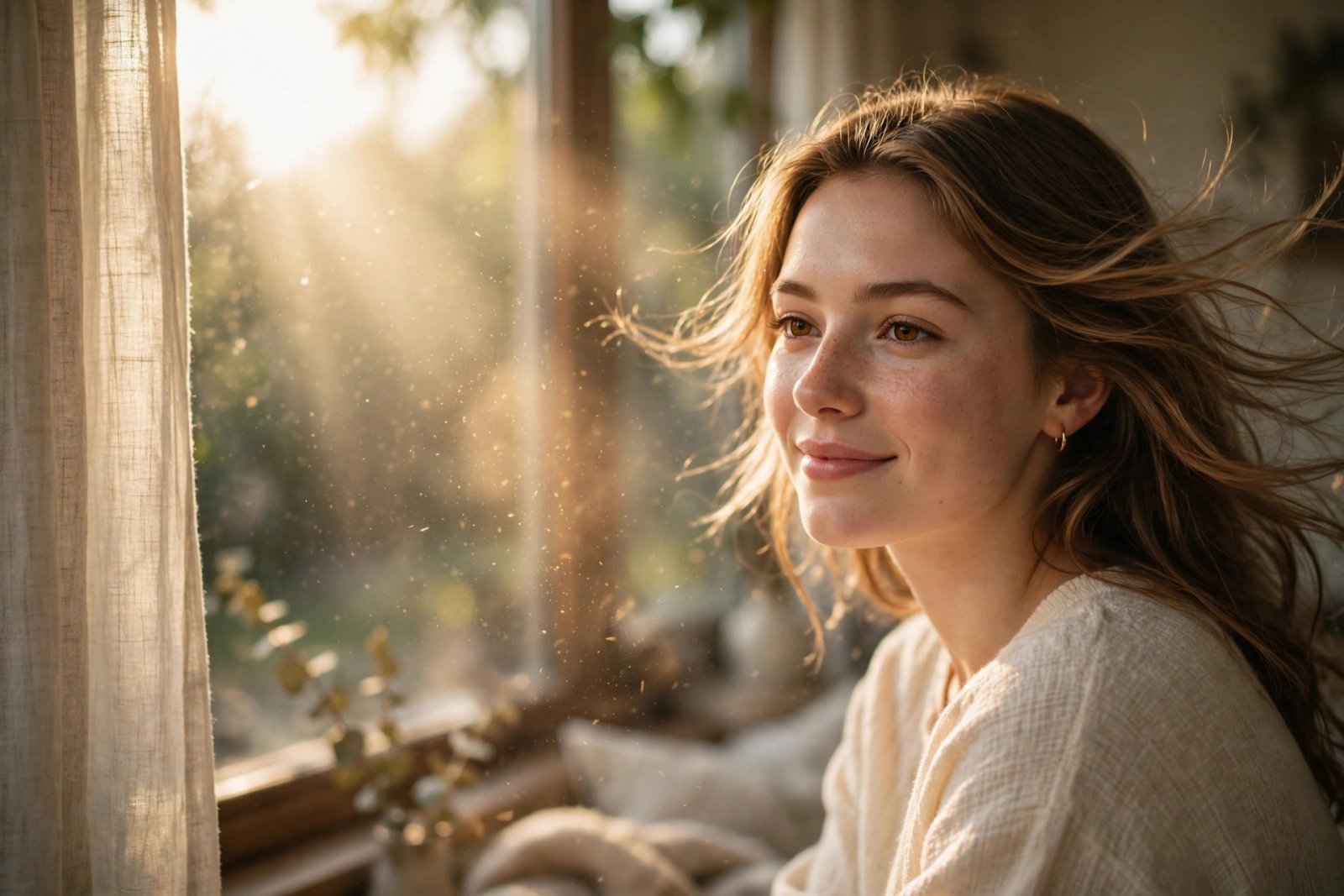
Animate this still portrait into a [DURATION]-second cinematic clip. The subject is [SUBJECT_DESCRIPTION] in a [SETTING], lit by [LIGHTING_MOOD]. Keep the face, pose and framing of the original photo exactly as they are; add only gentle, believable motion: a slow blink, a soft breath, hair or fabric drifting in a [WIND_STRENGTH] breeze, and dust or light particles moving through the air. Move the camera with a slow [CAMERA_STYLE] push-in, never a jump cut, so the portrait feels like it is waking up rather than being remade. Preserve the original colour grade and skin tones, and end the clip on the same framing it started with so it loops cleanly. The result should feel like the photograph itself came alive for a few seconds.
How to use it
- Choose a portrait with a clear face, clean background and soft light; busy backgrounds animate poorly.
- Upload the portrait as the image input and paste this prompt with your subject, setting and lighting filled in.
- Set the motion strength low so the face stays faithful to the original photo.
- Render once, then check the eyes, mouth and hairline frame by frame for warping.
- If the face drifts, lower the motion strength and re-render with the same seed or settings.
Customization tips
Swap the portrait for a painted portrait or a pet photo, and change the breeze, light and camera move to match the mood.
Example use case
Creators animating portraits for reels, memorials, album art and social posts.
Frequently asked questions
How do I stop the face warping when the portrait animates?
Keep motion strength low, ask only for blinks, breathing and hair movement, and avoid asking for head turns or large gestures.
What makes a portrait animate well?
A sharp, front-facing portrait with soft light and a simple background; profile shots and cluttered scenes warp far more often.
Share
Tags: image to video portrait animation cinematic clip living portrait AI video photo animation
Reviewed by the PromptVault editorial team on November 23, 2026.
Source notes: Daily pipeline 20261123 batch 5