Animate a Still Portrait Into a Living, Breathing Clip
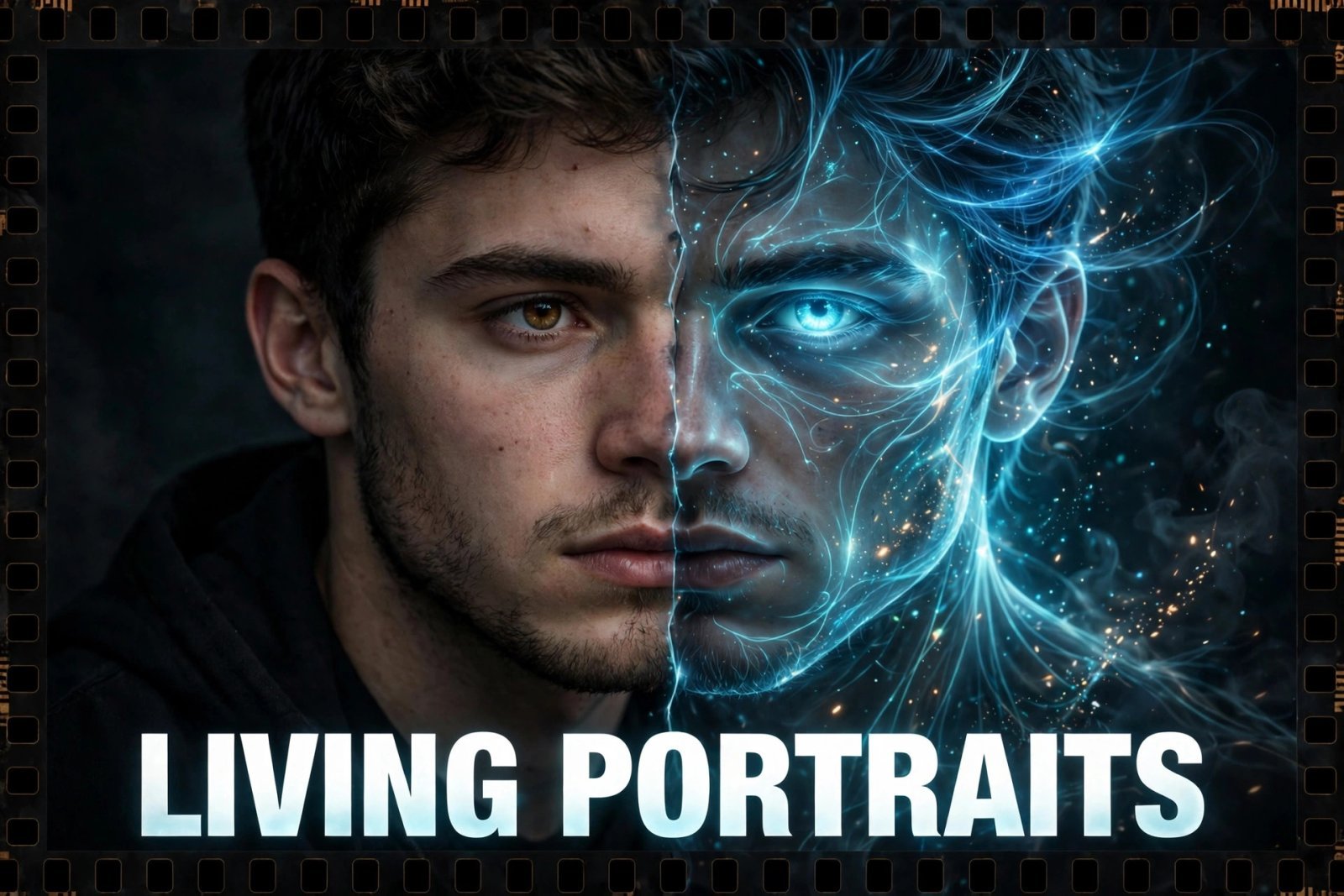
Turn a still portrait into a lifelike clip with natural blinks, breathing and subtle head movement — perfect for thumbnails and storytelling.
Customize this prompt
Fill in the fields below — the prompt text updates automatically. [BRACKETED] words are placeholders you replace.
The prompt
Animate this portrait photograph into a short living clip. The subject [SUBJECT_DESCRIPTION] must remain exactly recognizable — same face, same [HAIR_STYLE], same [CLOTHING], same expression tone. Add only natural, restrained motion: [MOTION_SET] such as a slow blink, slight head tilt and gentle breathing. Keep the [BACKGROUND] and [LIGHTING] of the original photo unchanged. The result should feel like a brief, real moment captured on camera — not a cartoon. No face morphing, no expression exaggeration, no background changes.
How to use it
- Start with a sharp, well-lit portrait facing the camera
- Set a restrained [MOTION_SET] — small motions look real, big ones don't
- Confirm [BACKGROUND] and [LIGHTING] match the source photo
- Generate and verify the face stays identical throughout the clip
- Use for story intros, video thumbnails or digital memorials
Customization tips
Adjust [MOTION_SET] for gentle smiles or side glances; keep identity-critical fields fixed.
Example use case
Creators, storytellers and educators animating portraits for video content.
Frequently asked questions
The animated face looks uncanny or distorted. What helps?
Reduce the motion to blinks and breathing only, and make sure the source photo is sharp — low-resolution faces degrade fastest during animation.
Can I animate photos of real people without their permission?
You should have the person's consent before animating their likeness, and follow your platform's policies on synthetic likenesses.
Share
Tags: portrait animation photo to video image to video living portrait thumbnails
Reviewed by the PromptVault editorial team on October 22, 2026.
Source notes: Daily pipeline 20261022 batch 5

