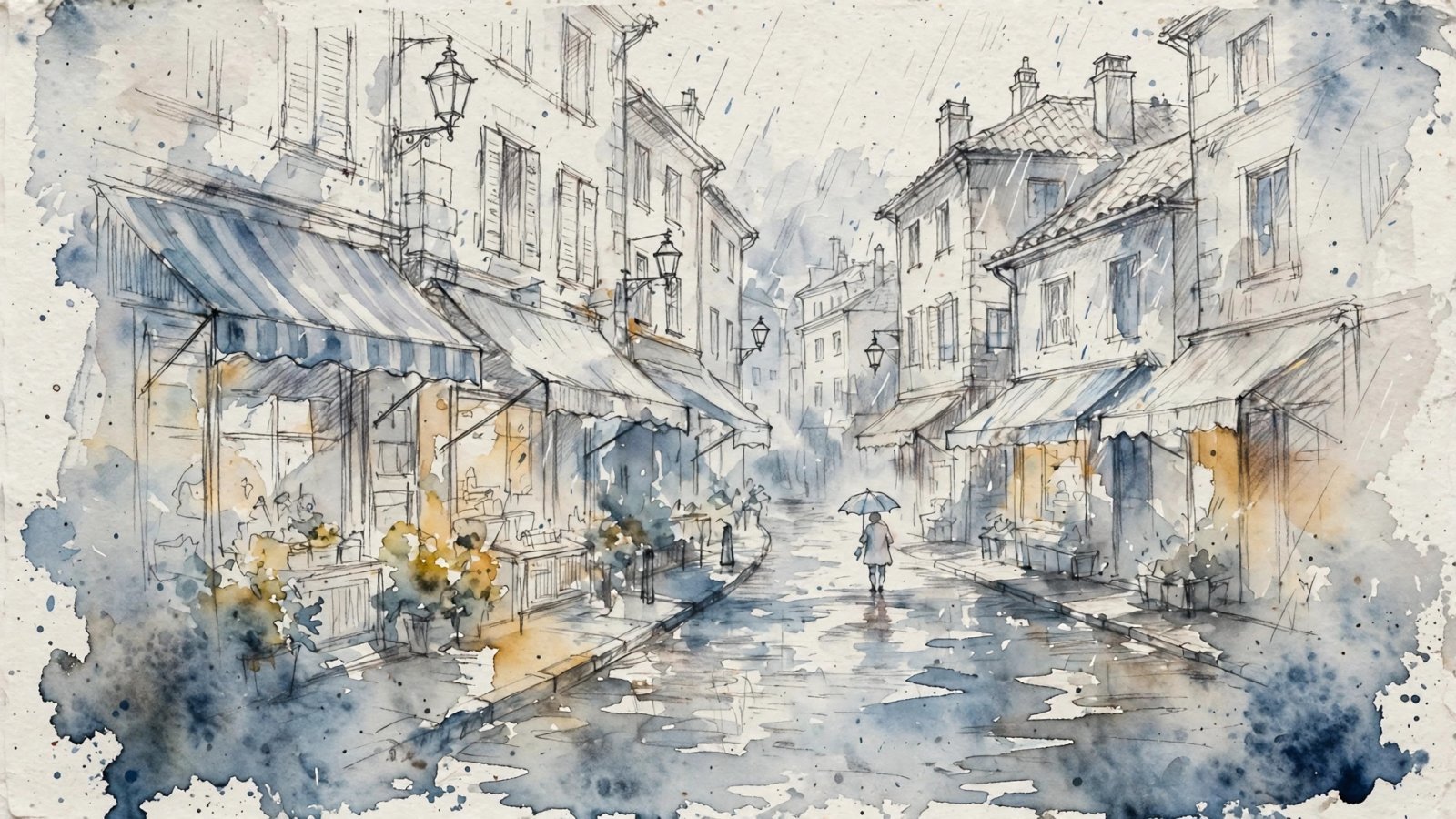
Animate Your Artwork: Turn Illustrations into Short Films
Bring an illustration to life by separating foreground, midground and background motion and writing a clip prompt that respects the art style.
Customize this prompt
Fill in the fields below — the prompt text updates automatically. [BRACKETED] words are placeholders you replace.
The prompt
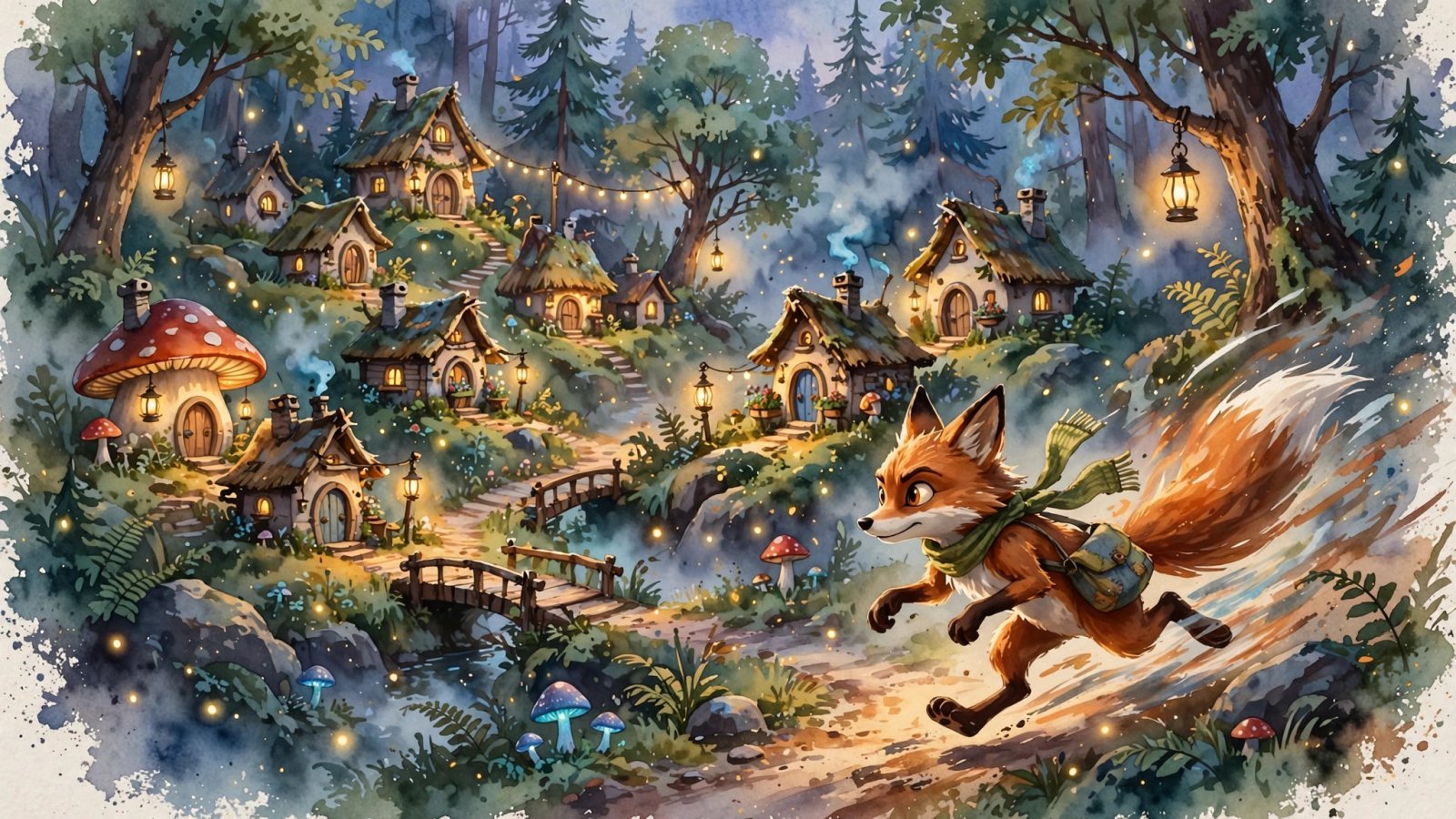
You are an animation director adapting an illustration into a short film clip. Take the artwork [ARTWORK_DESCRIPTION] in the style [ART_STYLE] and break it into three motion layers: foreground elements move [FOREGROUND_MOTION], midground characters move [MIDGROUND_MOTION], and the background shifts [BACKGROUND_MOTION]. Write an image-to-video prompt that names the art style first, locks the palette [COLOUR_PALETTE], and describes each layer's motion over [CLIP_LENGTH] seconds with a camera move [CAMERA_MOVE]. Add style guardrails: brushwork and line quality must stay consistent, no photorealistic details may creep in, and characters must keep their illustrated proportions. Finish with a sequence plan for [CLIP_COUNT] connected clips that share the same style line so they cut together as one film.
How to use it
- Name the art style and lock the palette before describing motion.
- Split motion into foreground, midground and background layers.
- Write the clip prompt with style guardrails included.
- Generate the first clip and check the style holds.
- Plan connected clips that share the same style line.
Customization tips
Use your own artwork and art style, and adjust the motion layers to suit it.
Example use case
Adapt comics, children's book art or concept art into animated shorts and trailers.
Frequently asked questions
Why does my illustration turn photorealistic?
Because the prompt did not restate the style. Name the art style first and add a guardrail against photorealistic detail.
How do I keep several clips looking like one film?
Reuse the same style line and palette in every clip prompt, and keep camera moves in the same family.
Share
Tags: illustration animation image to video art style short film ai video
Reviewed by the PromptVault editorial team on October 25, 2026.
Source notes: Daily pipeline 20261025 batch 5