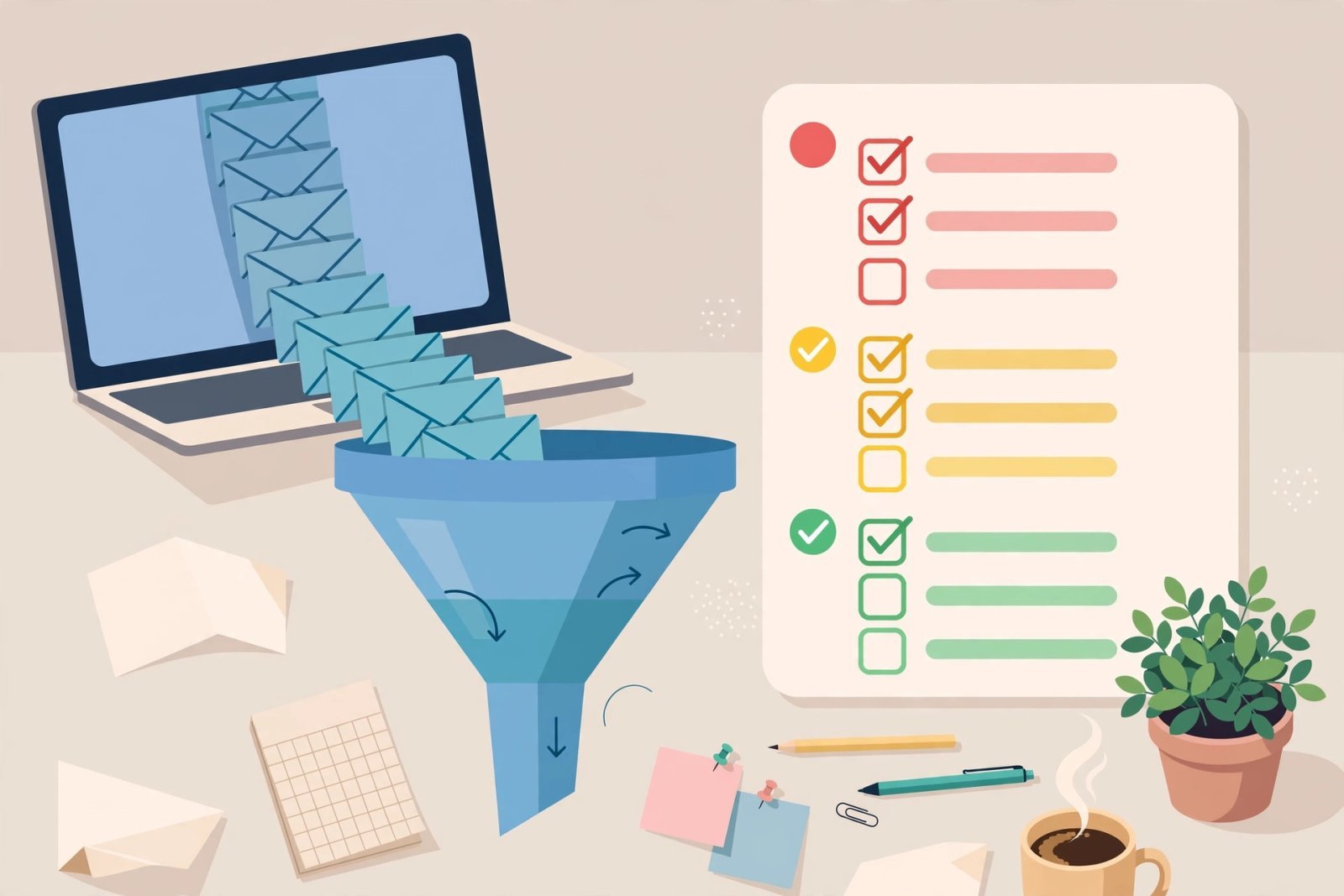
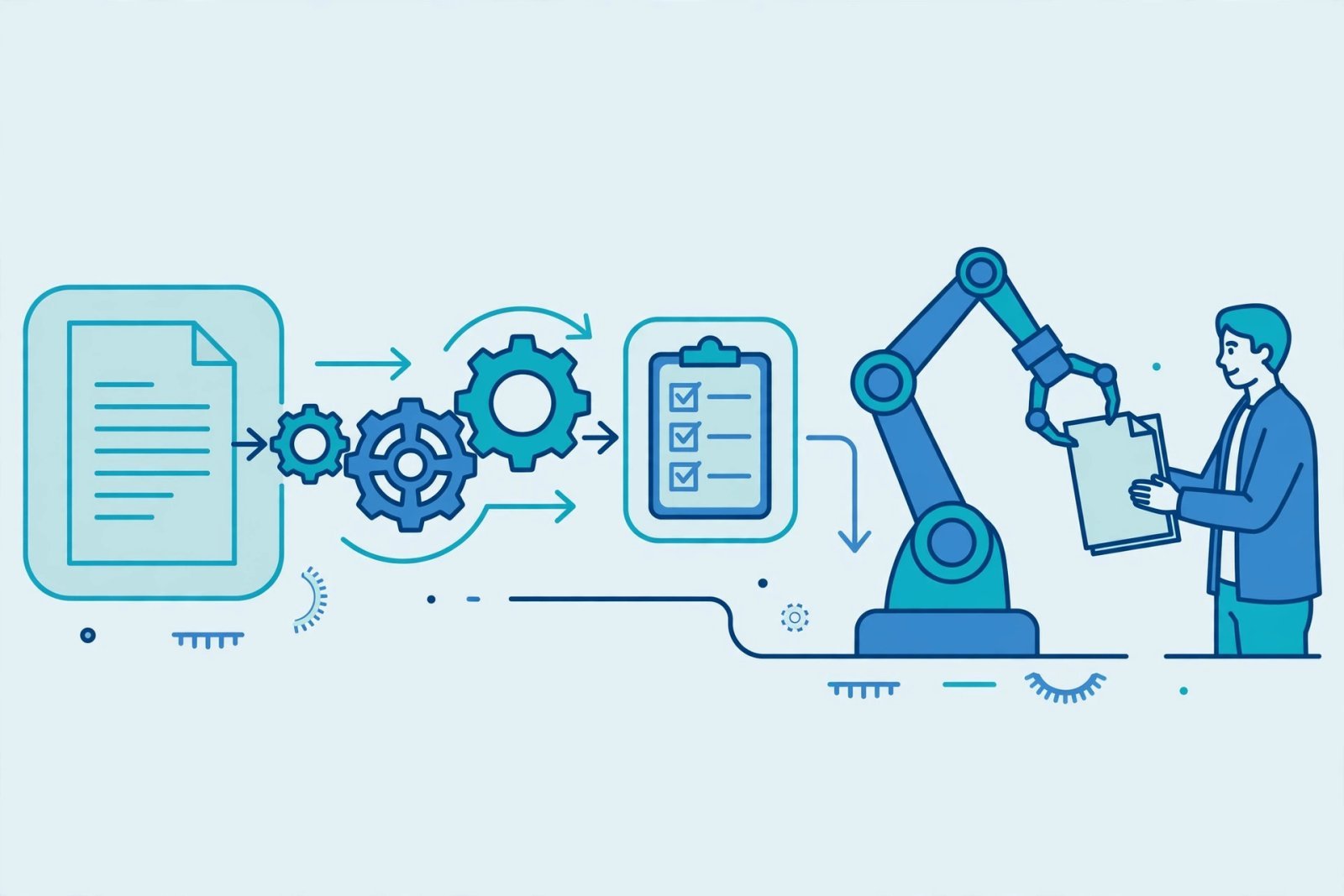
Automate Your Weekly Report From Spreadsheets and Email
Design a weekly reporting workflow that pulls numbers from your sheets and inbox into one draft report without manual copying.

Customize this prompt
Fill in the fields below — the prompt text updates automatically. [BRACKETED] words are placeholders you replace.
The prompt
Act as an automation consultant for [TEAM_NAME], which currently builds a weekly report from [SPREADSHEET_SOURCE] and [EMAIL_SOURCE]. First, map the current manual process step by step and mark every copy-paste, retyping, or reformatting step as a candidate for automation. Second, design a workflow using [TOOL_STACK] that collects the data, checks it for missing or duplicated rows, and assembles a draft report in [REPORT_FORMAT]. Third, add a human approval step before anything is sent, plus an error alert that fires when a source is empty or stale. Fourth, write a short runbook: what runs automatically, what a person checks, and what to do when each alert fires. Do not invent tool features that [TOOL_STACK] does not have; flag anything that needs a manual workaround.
How to use it
- Describe the current report process in order, with timings.
- Name [SPREADSHEET_SOURCE] and [EMAIL_SOURCE] exactly.
- List your real [TOOL_STACK], not tools you wish you had.
- Test the workflow on last week's data before going live.
Customization tips
Swap [TOOL_STACK] for your real tools and set [REPORT_FORMAT] to slides, document, or email to match your audience.
Example use case
Small teams spending Friday afternoons assembling the same report by hand.
Frequently asked questions
Will this remove the human check entirely?
No: the design keeps a human approval step, because a report sent with wrong numbers costs more than the minutes the check takes.
What if one source changes format?
The error alert catches empty or stale data, and the runbook tells you which step to fix first.
Share
Tags: workflow automation weekly reports spreadsheet automation email automation process design
Reviewed by the PromptVault editorial team on November 2, 2026.
Source notes: Daily pipeline 20261102 batch 11