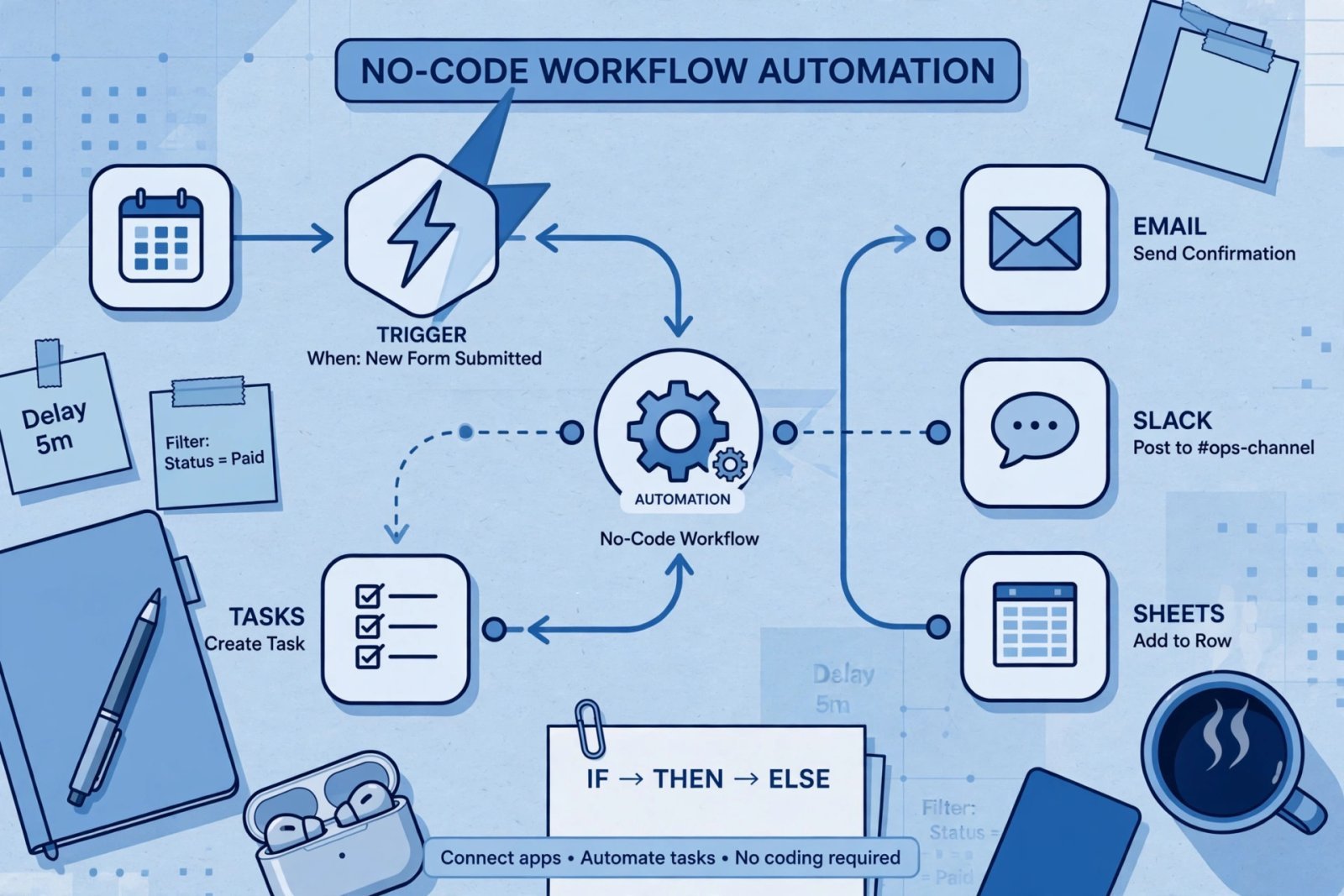
Stop Repeating the Same Spreadsheet Task Every Week
Take the spreadsheet task you repeat every week and turn it into a clear automation recipe: the trigger, the steps, and the check that it worked.

Customize this prompt
Fill in the fields below — the prompt text updates automatically. [BRACKETED] words are placeholders you replace.
The prompt
Act as an automation specialist who removes repetitive spreadsheet work. Here is the chore I repeat: [TASK_DESCRIPTION]. I do it in [SPREADSHEET_TOOL], it takes about [MINUTES_PER_RUN] minutes, and I do it [FREQUENCY]. The data comes from [DATA_SOURCE] and the finished result should look like [DESIRED_OUTPUT]. Break the chore into its exact steps, in order, and mark each step as either automatable or human-only. For the automatable steps, give me the simplest way to automate them in [SPREADSHEET_TOOL] or with [AUTOMATION_TOOL]: the trigger, the action, and the exact formula or setting where one is needed. For the human-only steps, explain why a person still has to do them. Then give me a 5-point test I can run after setting it up, to prove the automation produces the same result as doing it by hand. Finish with one warning about the most likely way this automation breaks, and how to spot it early.
How to use it
- Describe the chore, the tool, how long it takes and how often you do it.
- Read the step breakdown and mark which steps you agree are automatable.
- Build the automation for one step at a time, testing as you go.
- Run the 5-point test against a hand-done copy of the same task.
- Watch for the failure warning in the first two weeks of use.
Customization tips
Swap in your spreadsheet tool and automation tool, and change the frequency and time budget to match your real chore.
Example use case
Anyone who repeats the same spreadsheet task every week and wants it reduced to a single click without hiring a developer.
Frequently asked questions
Do I need to know how to code for this?
No. The prompt asks for the simplest no-code route first, such as built-in formulas, filters, or a no-code automation tool, and only suggests scripts if nothing simpler works.
What if my spreadsheet data changes format sometimes?
That is exactly the kind of human-only step the prompt flags. Add a quick manual check of the incoming data before the automation runs, and the failure warning will tell you what to watch for.
Share
Tags: spreadsheet automation workflow automation productivity google sheets excel repetitive tasks
Reviewed by the PromptVault editorial team on November 27, 2026.
Source notes: Daily pipeline 20261127 batch 11