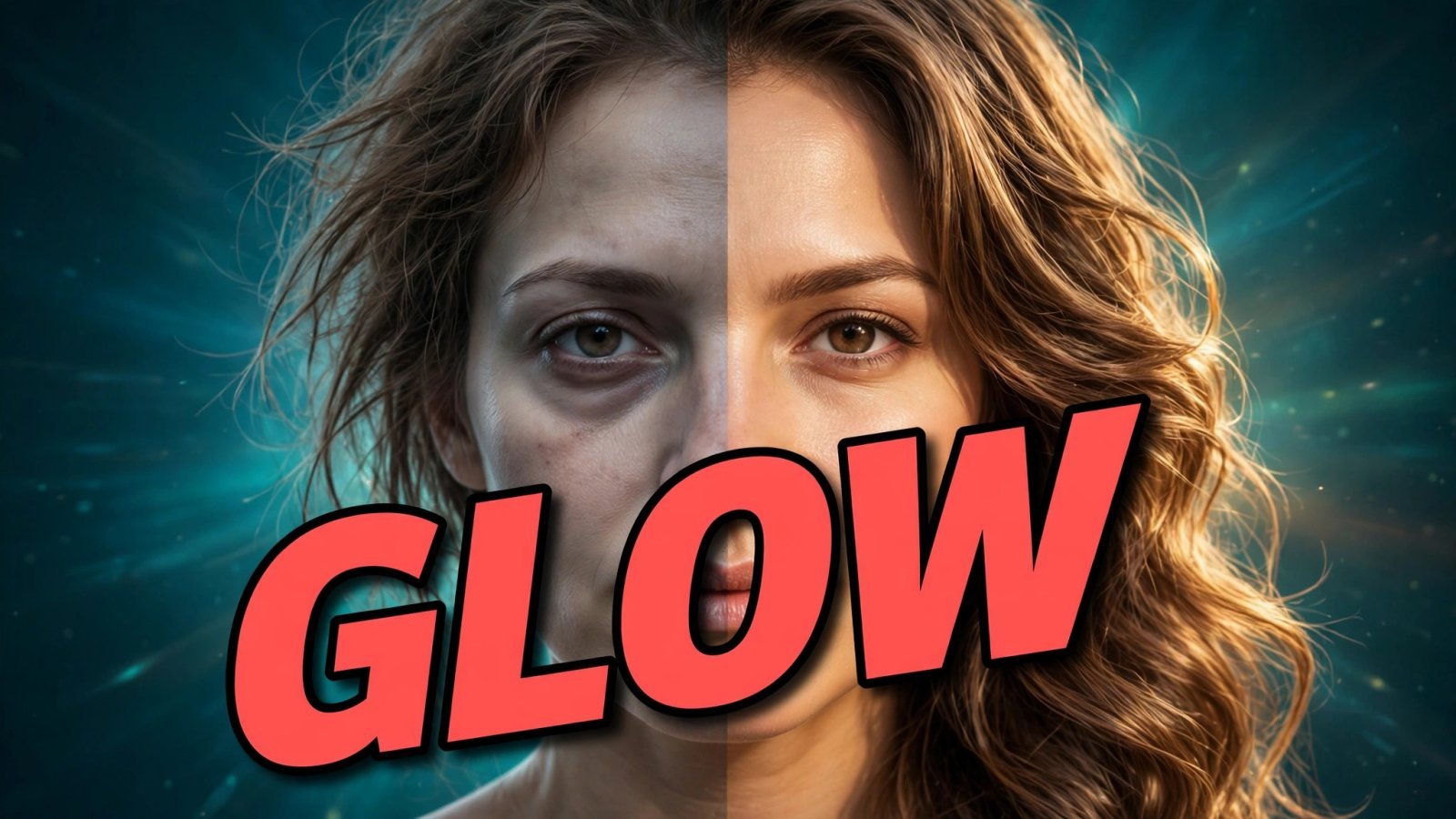
Bold Split-Face YouTube Thumbnail for a True Crime Story
A high-contrast split-face thumbnail layout that pairs a shadowed portrait with a single bold clue object for true crime videos.

Customize this prompt
Fill in the fields below — the prompt text updates automatically. [BRACKETED] words are placeholders you replace.
The prompt
Design a bold YouTube thumbnail for a true crime video titled [VIDEO_TITLE]. Split the frame down the middle: on the left, a dramatic shadowed portrait of [SUBJECT_DESCRIPTION] lit from one side with deep shadows; on the right, a single oversized clue object, [CLUE_OBJECT], photographed against a dark textured background. Add huge condensed title text reading [THUMBNAIL_TEXT] in [ACCENT_COLOUR] with a thick dark outline, plus a small red accent shape in one corner. Keep the composition readable at small sizes, with strong contrast, a moody colour grade and no more than five words of text.
How to use it
- Pick one portrait and one clue object, then sketch the split layout before adding any text.
- Place the portrait on the left and the clue object on the right with a clean vertical divide.
- Add the title text in a heavy condensed font with a dark outline for small-screen readability.
- Apply a moody colour grade and one red accent shape, then check the thumbnail at phone size.
Customization tips
Swap the portrait, clue object, accent colour and title text to match any case or episode.
Example use case
YouTube creators making true crime, mystery or documentary videos who need a clickable thumbnail.
Frequently asked questions
How many words should a true crime thumbnail carry?
Keep it to five words or fewer so the title stays readable on a phone screen.
Why use a split-face layout?
The split gives you two storytelling elements at once, a person and a clue, without crowding the frame.
Share
Tags: youtube thumbnail true crime split face thumbnail design bold text contrast
Reviewed by the PromptVault editorial team on October 27, 2026.
Source notes: Daily pipeline 20261027 batch 6