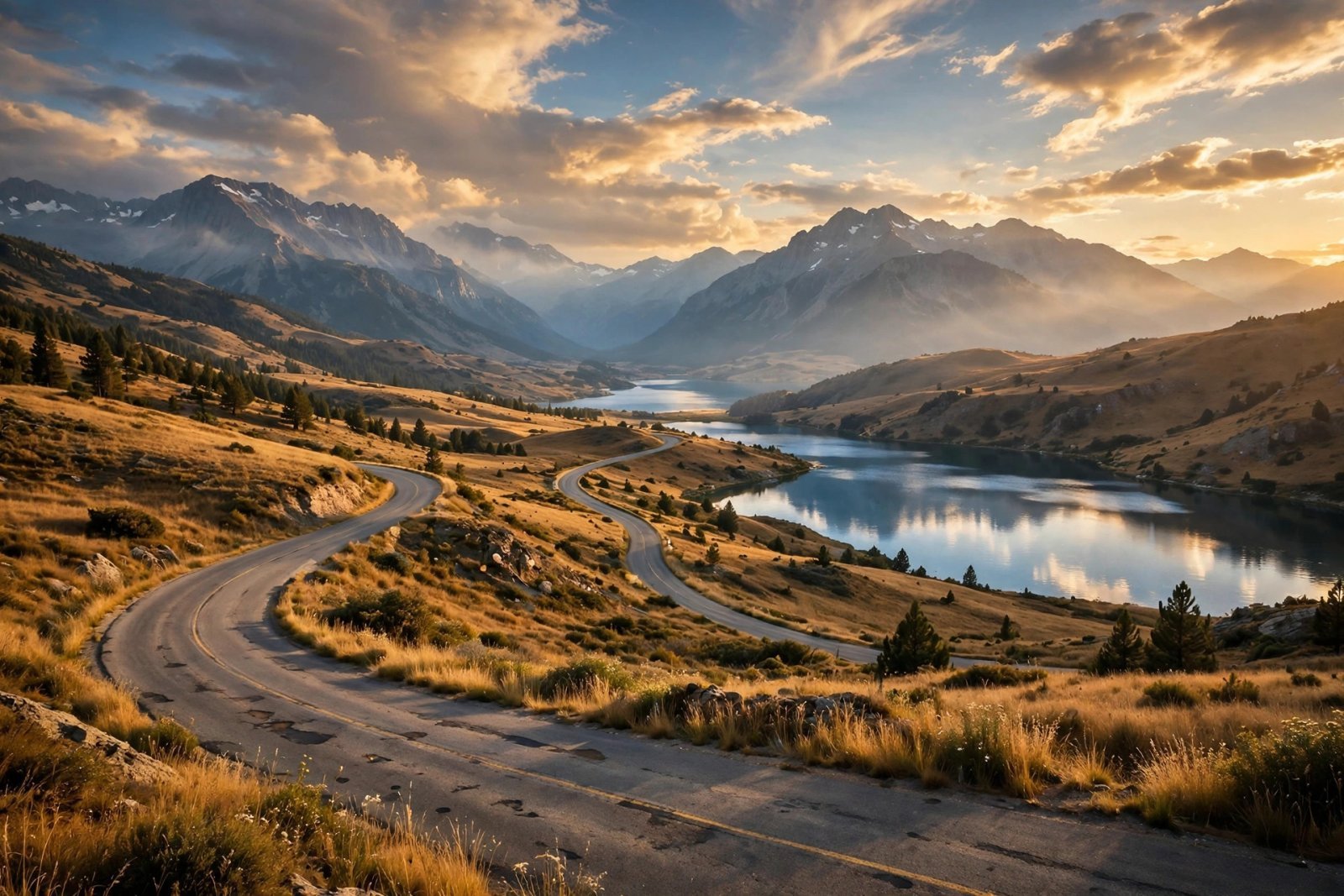
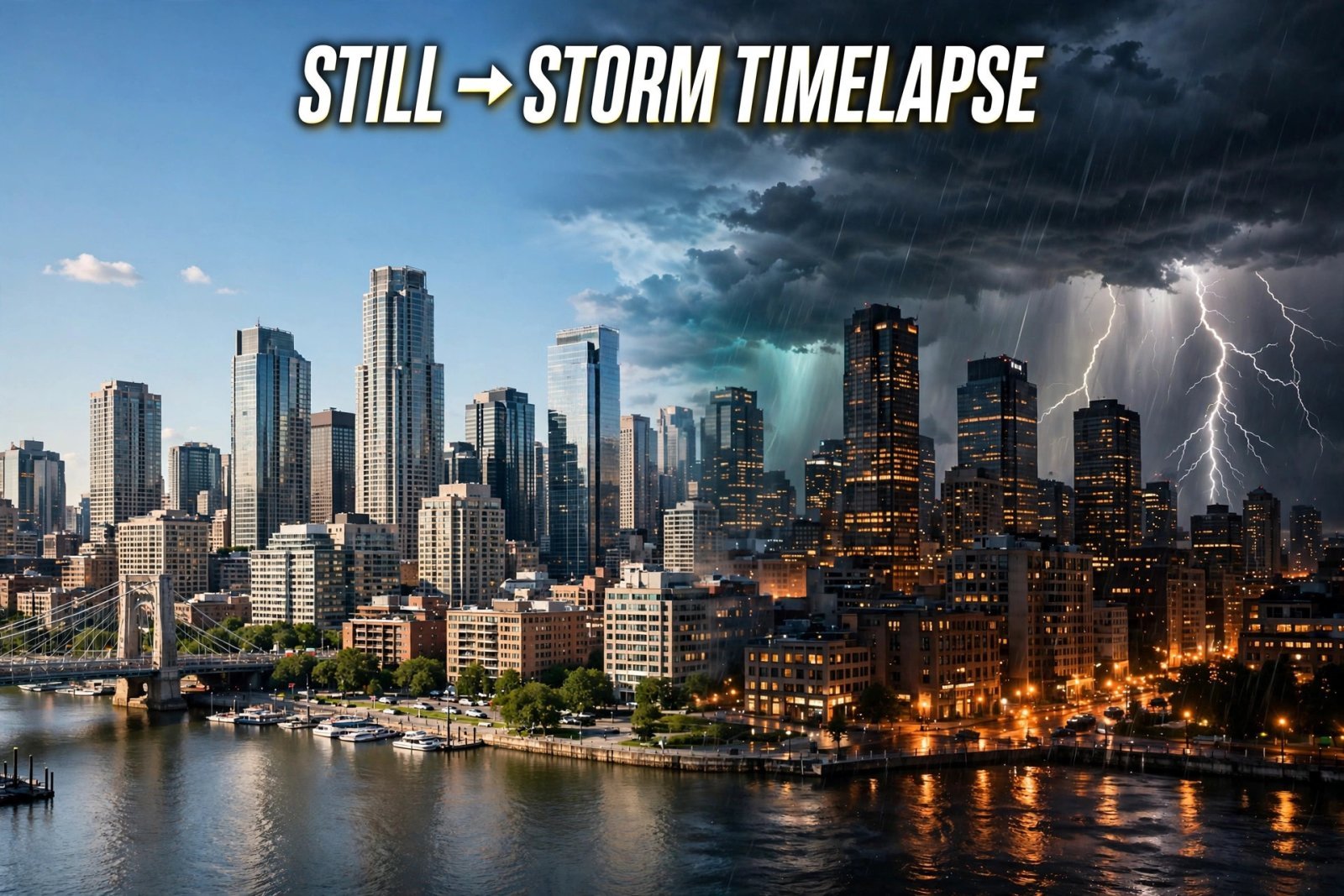
Breathe Life Into Landscapes: Animate a Still Photo Into a Moving Scene
Make mountains, rivers and city skylines move: a photo-to-video prompt that adds drifting clouds, flowing water and light that feels alive.
Customize this prompt
Fill in the fields below — the prompt text updates automatically. [BRACKETED] words are placeholders you replace.
The prompt
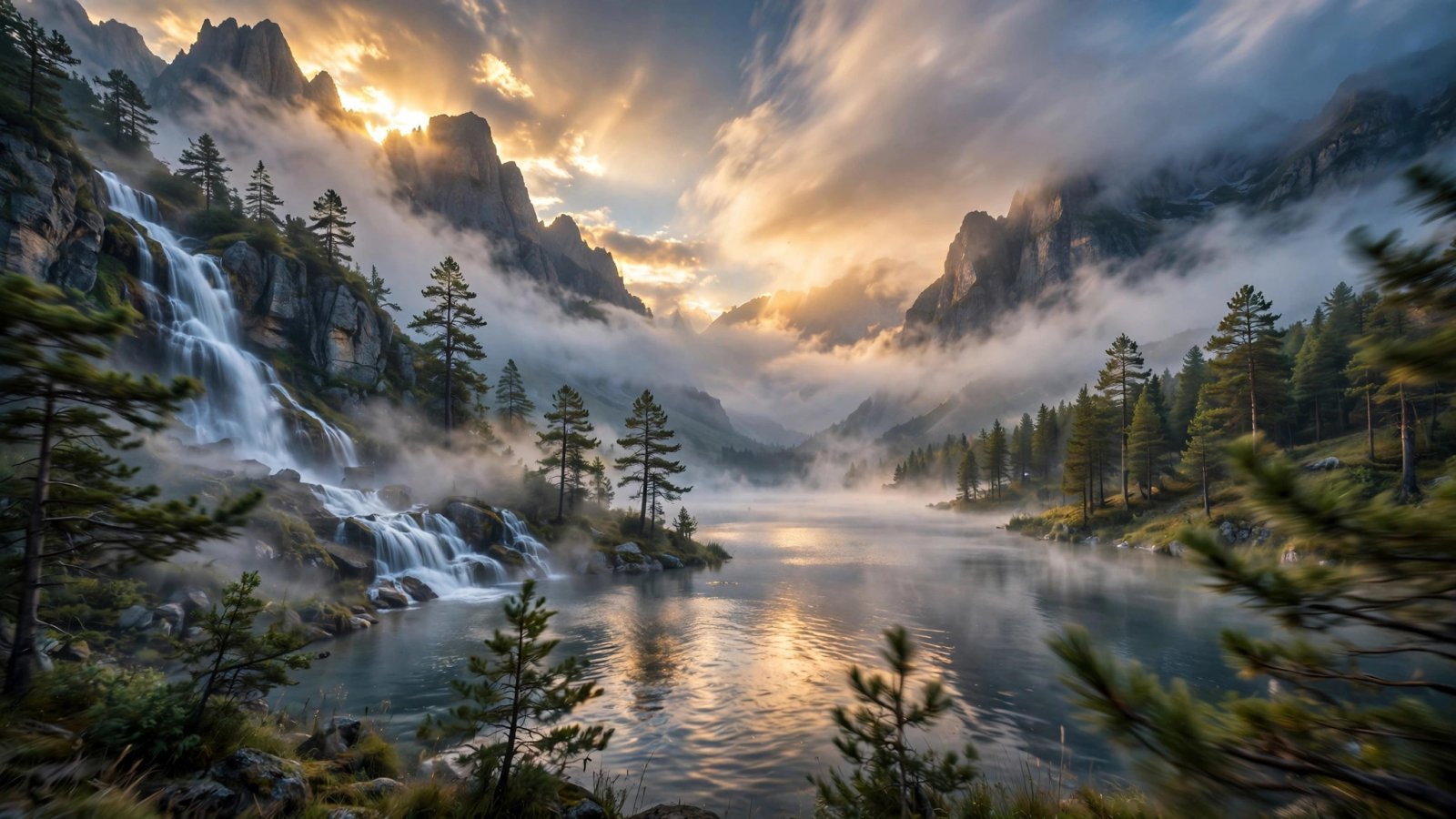
Animate this landscape photograph into a serene [DURATION]-second video. The scene shows [LANDSCAPE_DESCRIPTION] in [LOCATION] at [TIME_OF_DAY]. Add natural motion throughout: clouds drifting [CLOUD_DIRECTION], water flowing in [WATER_FEATURE], [VEGETATION] swaying gently, and light shifting as [LIGHT_CHANGE]. Move the camera with a slow [CAMERA_MOVE] across the scene. Keep the composition, horizon and landmarks exactly as in the photo; only the living elements move. Use [COLOR_GRADE] tones, [ATMOSPHERE] atmosphere and a calm, meditative pace that suits [INTENDED_USE], with no people or animals appearing unless the photo already contains them.
How to use it
- Choose a landscape photo with sky, water or foliage that can visibly move.
- List the moving elements: clouds, water, trees, mist or light.
- Pick a slow camera move, such as a gentle pan or a slow push-in.
- Write the prompt with the photo's composition locked and only natural elements in motion.
- Generate and check that landmarks and the horizon stay stable.
- Loop the cleanest segment for a calming wallpaper, reel background or travel teaser.
Customization tips
Swap the location, time of day and moving elements for coastlines, forests, deserts or city skylines.
Example use case
Travel creators and photographers turning landscape stills into living video for reels, channels and ambient loops.
Frequently asked questions
How do I keep the mountains from morphing while the clouds move?
Tell the model explicitly to keep the composition, horizon and landmarks exactly as in the photo, and limit motion to clouds, water and vegetation.
Can I use this for travel content?
Yes, it is ideal for it. Animated landscapes make strong reel openers, YouTube b-roll and ambient loops for travel channels.
Share
Tags: image to video landscape nature photo animation travel video cinematic AI video
Reviewed by the PromptVault editorial team on November 6, 2026.
Source notes: Daily pipeline 20261106 batch 5