Skyline Photo to Storm Timelapse: A 4-Stage Img2Vid Recipe
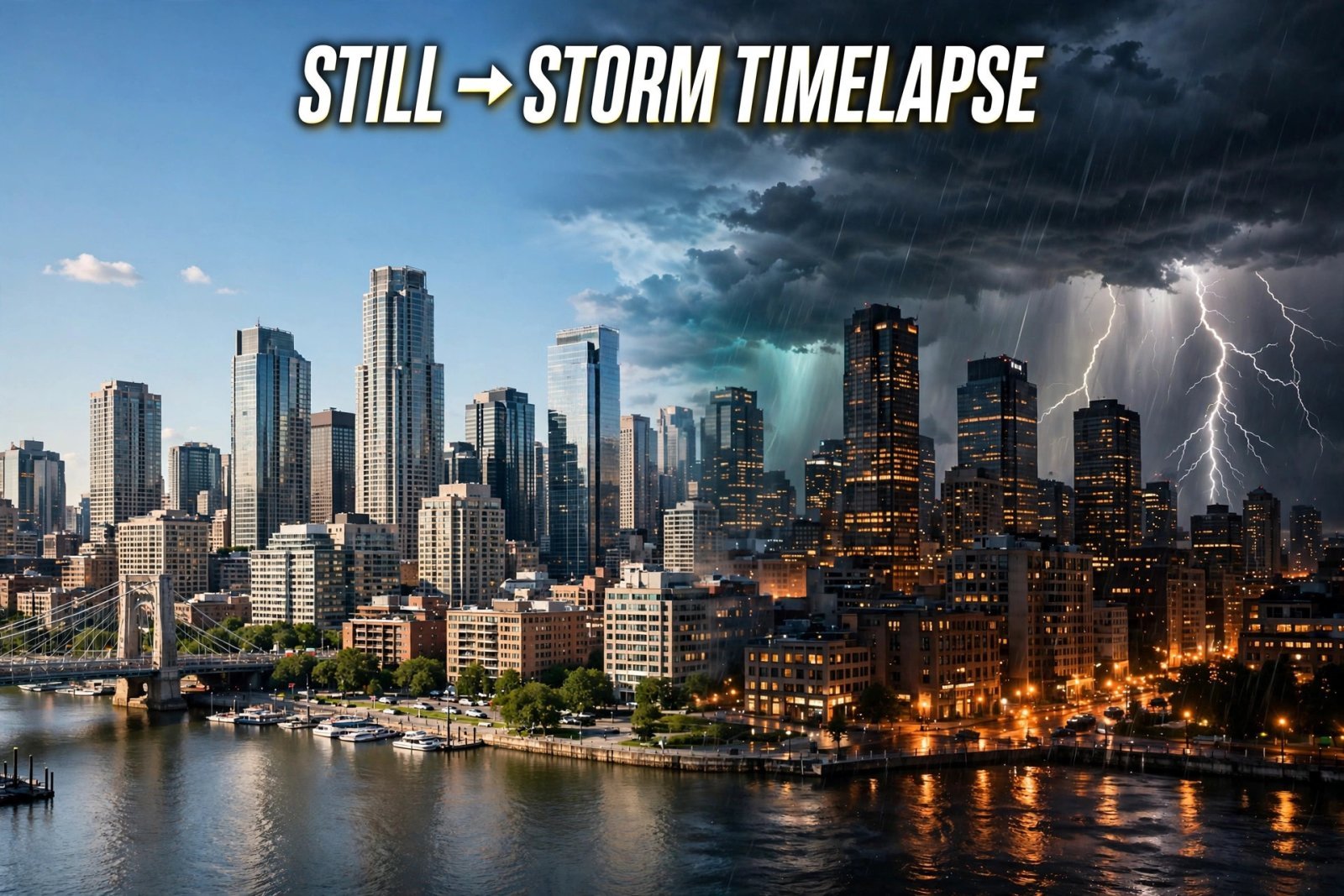
Turn one skyline photo into a dramatic storm-timelapse clip in four controlled image-to-video passes.
Customize this prompt
Fill in the fields below — the prompt text updates automatically. [BRACKETED] words are placeholders you replace.
The prompt
Turn the still photograph [SOURCE_PHOTO] into a [DURATION_SECONDS]-second cinematic timelapse using 4 controlled image-to-video passes. Pass 1: subtle [CAMERA_MOVE] with [MOTION_INTENSITY] at 'gentle', holding the composition of the original frame. Pass 2: introduce [CLOUD_STYLE] rolling in from the horizon, clouds accelerating while buildings stay fixed. Pass 3: lightning flashes and wind-blurred rain streaks, keeping the skyline recognizable. Pass 4: final [MOOD_GRADING] color grade — deep teal shadows, amber city lights. Chain the passes end to start so each clip's last frame seeds the next, and describe [SOURCE_PHOTO] in every prompt so the model re-anchors to the original frame.
How to use it
- Choose [SOURCE_PHOTO] with strong foreground anchors like a skyline.
- Pass 1: gentle [CAMERA_MOVE] only, preserving the original composition.
- Pass 2: add [CLOUD_STYLE] rolling in with rising [MOTION_INTENSITY].
- Pass 3: layer lightning and rain while keeping buildings fixed.
- Pass 4: apply [MOOD_GRADING] and chain passes for a seamless clip.
Customization tips
Any still photo works as the seed: a product shot, a landscape, a portrait. Tune [MOTION_INTENSITY] low for subtle parallax and high for dramatic weather effects.
Example use case
Ideal for creators who want motion from a single photo without filming — intros, b-roll, and stock-style clips.
Frequently asked questions
Can I use any still photo as the starting frame?
Yes — describe the photo in the motion prompt and keep the first 2 seconds minimal so the model anchors to the frame before animating.
Why does the image distort when I add big motion?
Lower [MOTION_INTENSITY] and split the change across passes instead of forcing it all in one generation.
Share
Tags: img2vid image to video timelapse kling runway cinematic photo animation
Reviewed by the PromptVault editorial team on October 10, 2026.
Source notes: Daily pipeline 20261010 batch 5