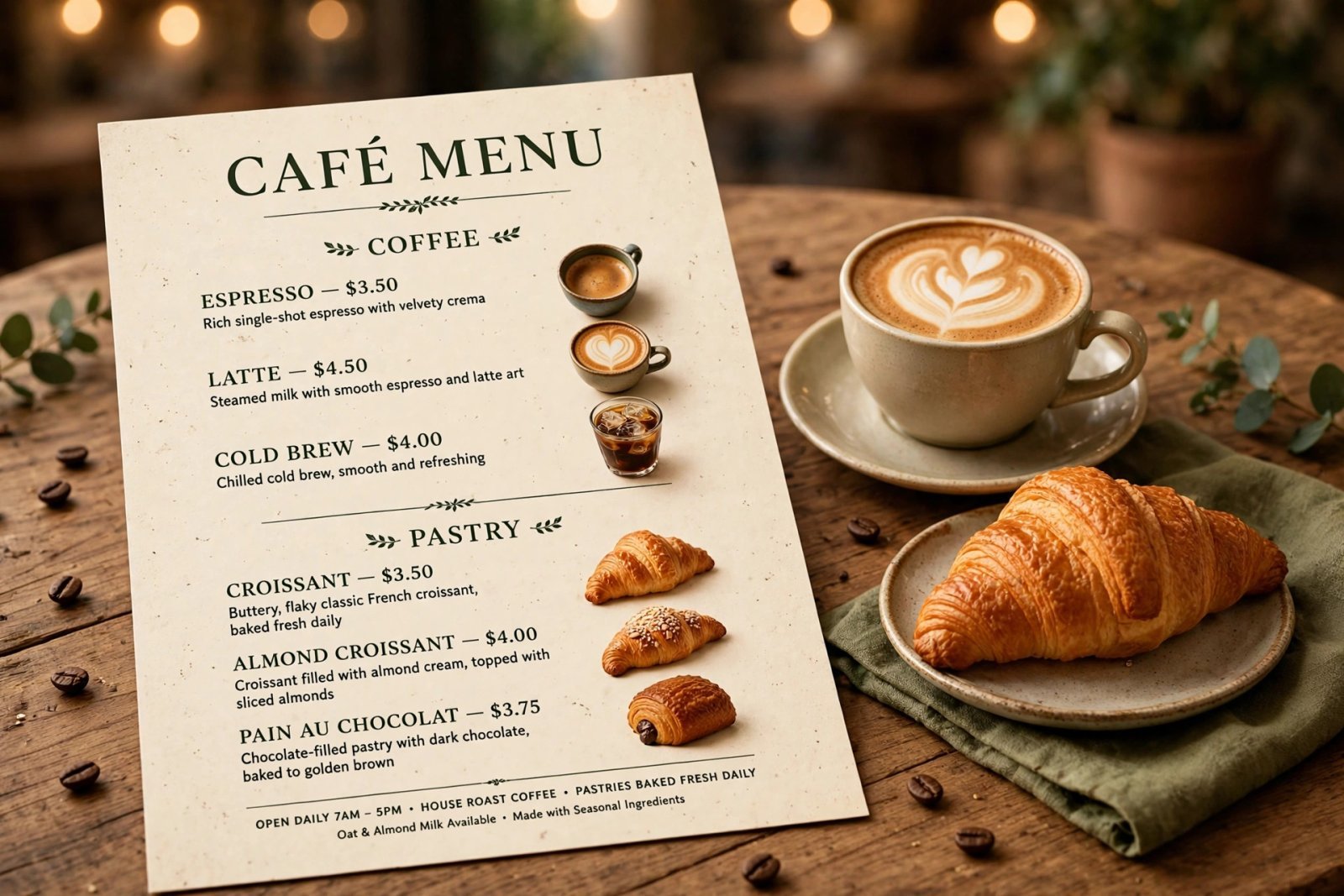
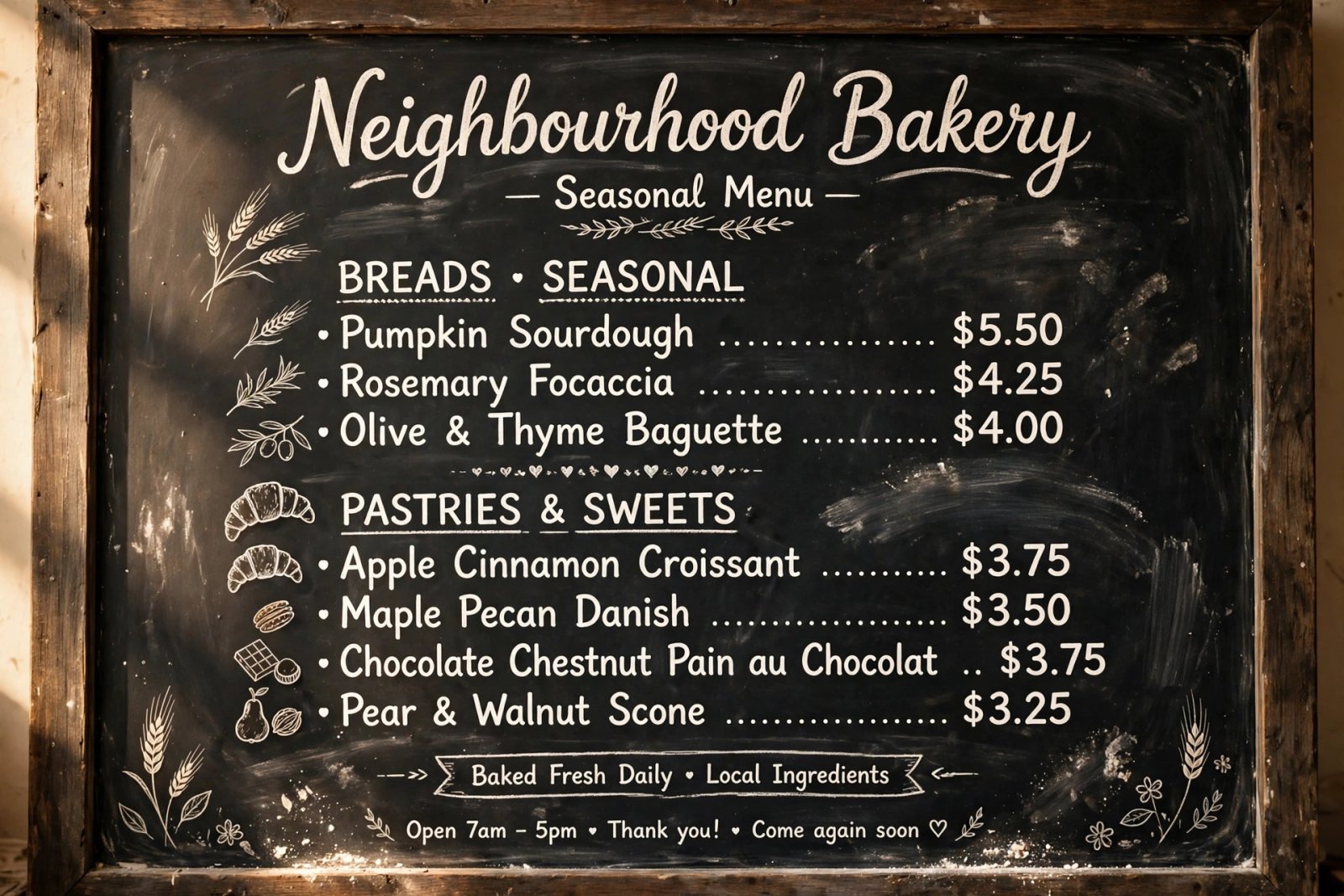
Coffee Shop Menu Board with Chalkboard Charm
A detailed prompt for a hand-lettered chalkboard-style coffee shop menu board, with sectioned items, dotted price leaders and decorative motifs.

Customize this prompt
Fill in the fields below — the prompt text updates automatically. [BRACKETED] words are placeholders you replace.
The prompt
Design a coffee shop menu board for [CAFE_NAME] in [BOARD_STYLE] style (dark chalkboard texture with hand-lettered chalk typography, subtle chalk dust and smudges). Layout: a large arched header reading [CAFE_NAME] in decorative script, flanked by small [DECORATIVE_MOTIF] illustrations (coffee cups, leaves, beans). Below, [MENU_SECTIONS] sections — [SECTION_NAMES] — each with [ITEMS_PER_SECTION] items: item name in bold chalk lettering, a dotted leader line, and price in [ACCENT_COLOR] chalk. Add a footer strip with [TAGLINE] and the cafe's [OPENING_HOURS]. Use [ACCENT_COLOR] sparingly for prices and dividers only, keep generous margins, and render everything in a warm, readable, artisanal hand-lettered style, portrait orientation, high detail.
How to use it
- List the cafe name, menu sections, items and prices to appear on the board.
- Choose the board style and accent color for prices and dividers.
- Generate the board with the structured layout prompt, keeping item names short.
- Check every price and spelling against your real menu; regenerate or retouch any errors.
- Export at print resolution for in-store display.
Customization tips
Change [CAFE_NAME], [MENU_ITEMS] and [ACCENT_COLOR] for any cafe, or switch [BOARD_STYLE] from chalkboard to kraft-paper for a different vibe.
Example use case
Cafe owners and designers who need an attractive, print-ready menu board design without hiring an illustrator.
Frequently asked questions
How do I avoid garbled text on the board?
Keep menu item names to two or three short words each, and cap the board at eight items. Crowded boards are where AI text rendering starts to slip.
Can I edit the menu text afterward?
The prompt specifies exact section headers and item names — treat the AI output as the design draft, then set the final text in your design tool for pixel-perfect lettering.
Share
Tags: graphic design menu design chalkboard typography cafe restaurant signage
Reviewed by the PromptVault editorial team on October 21, 2026.
Source notes: Daily pipeline 20261021 batch 5