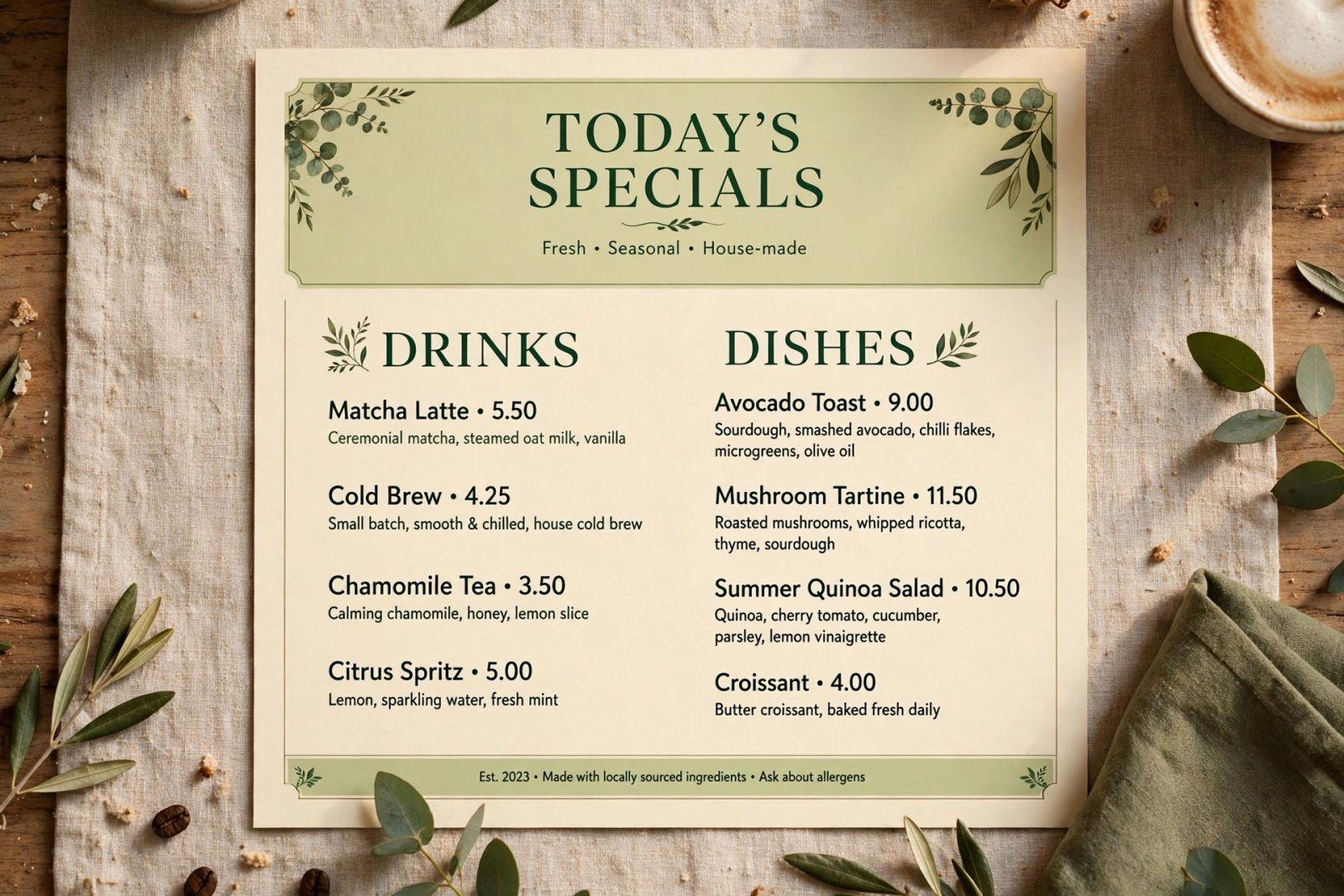
Design a modern café menu board customers can read at a glance
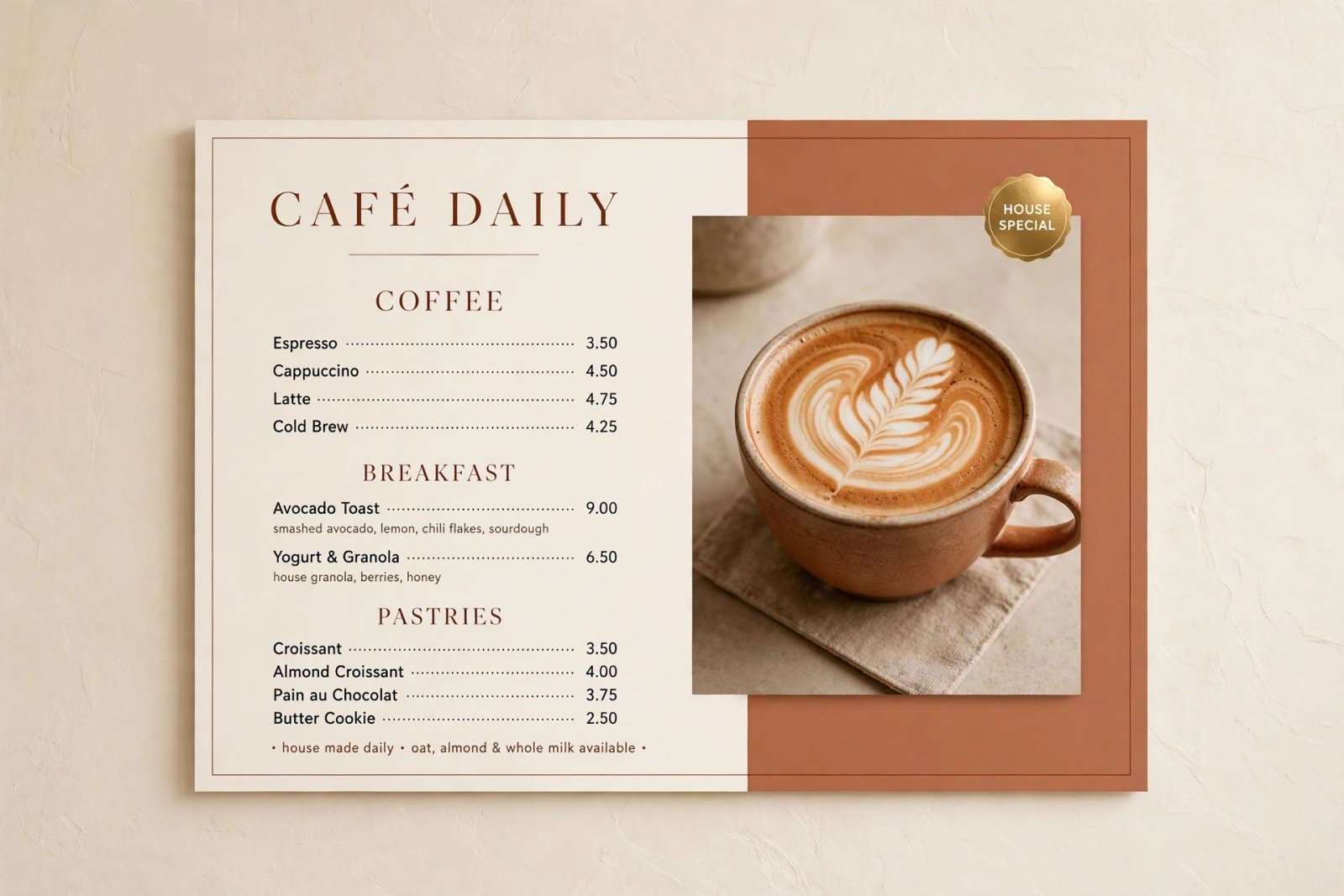
A clean, warm menu board design for a café: clear sections, readable prices and one hero dish that draws the eye.
Customize this prompt
Fill in the fields below — the prompt text updates automatically. [BRACKETED] words are placeholders you replace.
The prompt
Design a modern café menu board that customers can read at a glance. The café is [CAFE_NAME], with a [BRAND_STYLE] identity in [COLOUR_PALETTE]. The board is divided into [MENU_SECTIONS], each with [ITEMS_PER_SECTION] items, dish names in [HEADING_FONT_STYLE] and prices in [PRICE_STYLE]. One hero item, [HERO_DISH], gets a larger photo and a [HERO_BADGE]. The layout is [LAYOUT_STYLE], the background is [BACKGROUND_STYLE], and the footer carries [FOOTER_TEXT]. Keep the text hierarchy strict: headings big, prices aligned, no clutter.
How to use it
- List the menu sections and the items in each one.
- Pick one hero dish to feature larger than the rest.
- Choose a warm palette and two fonts: one for headings, one for prices.
- Lay out the board with clear spacing between sections.
- Check the board is readable from two metres away.
Customization tips
Swap the café name, sections, palette and hero dish for your own menu.
Example use case
Café owners and designers making a readable in-store menu board.
Frequently asked questions
How many items should a menu board hold?
Keep it to four to six items per section. More than that and customers stop reading; move the rest to a printed menu.
Can I use this for a food truck or a bakery?
Yes. Change the café name, sections and hero dish; the same clear hierarchy works for any food business.
Share
Tags: menu design café menu board graphic design restaurant typography
Reviewed by the PromptVault editorial team on November 15, 2026.
Source notes: Daily pipeline 20261115 batch 5