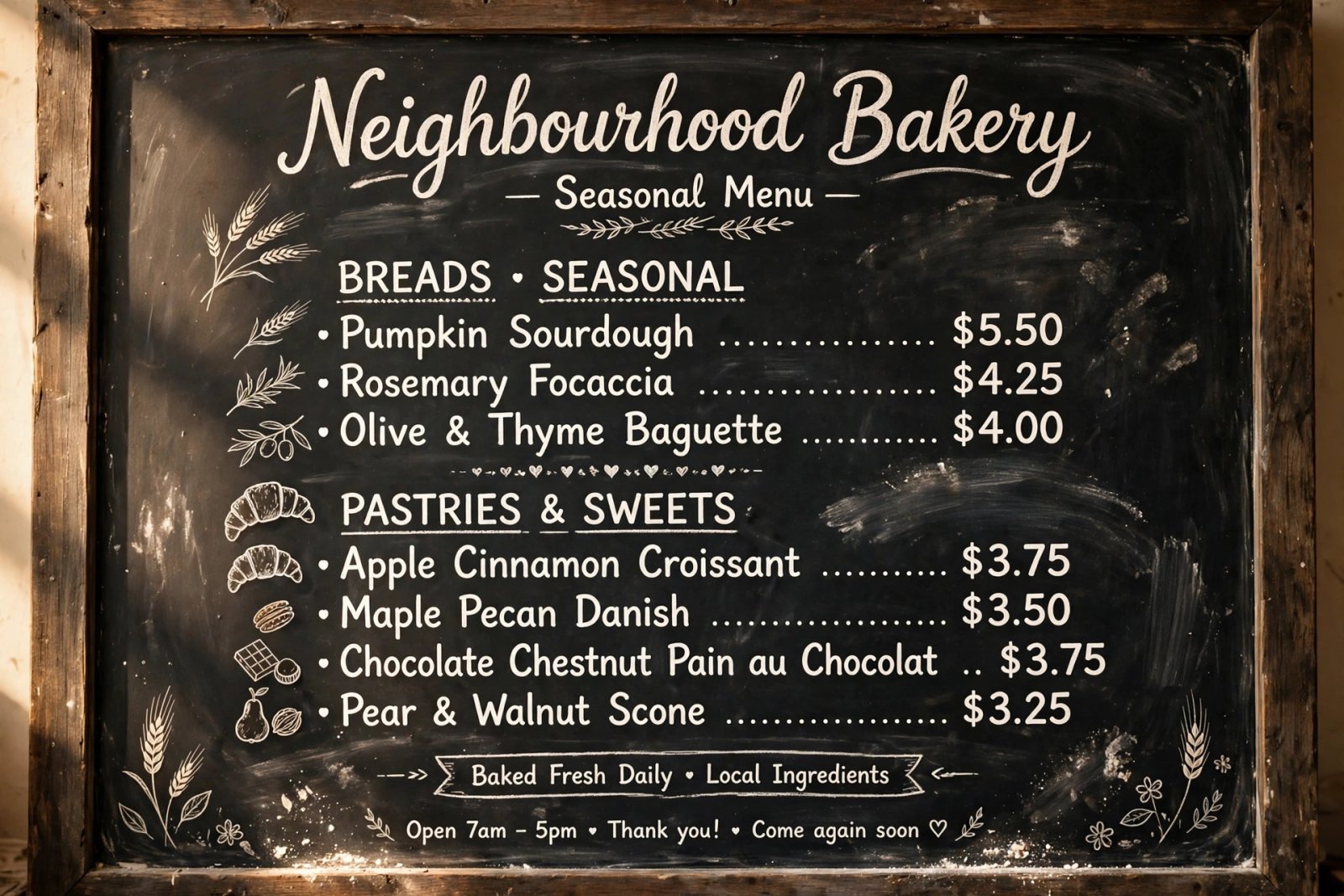
Design a Modern Cafe Menu That Sells the Specials
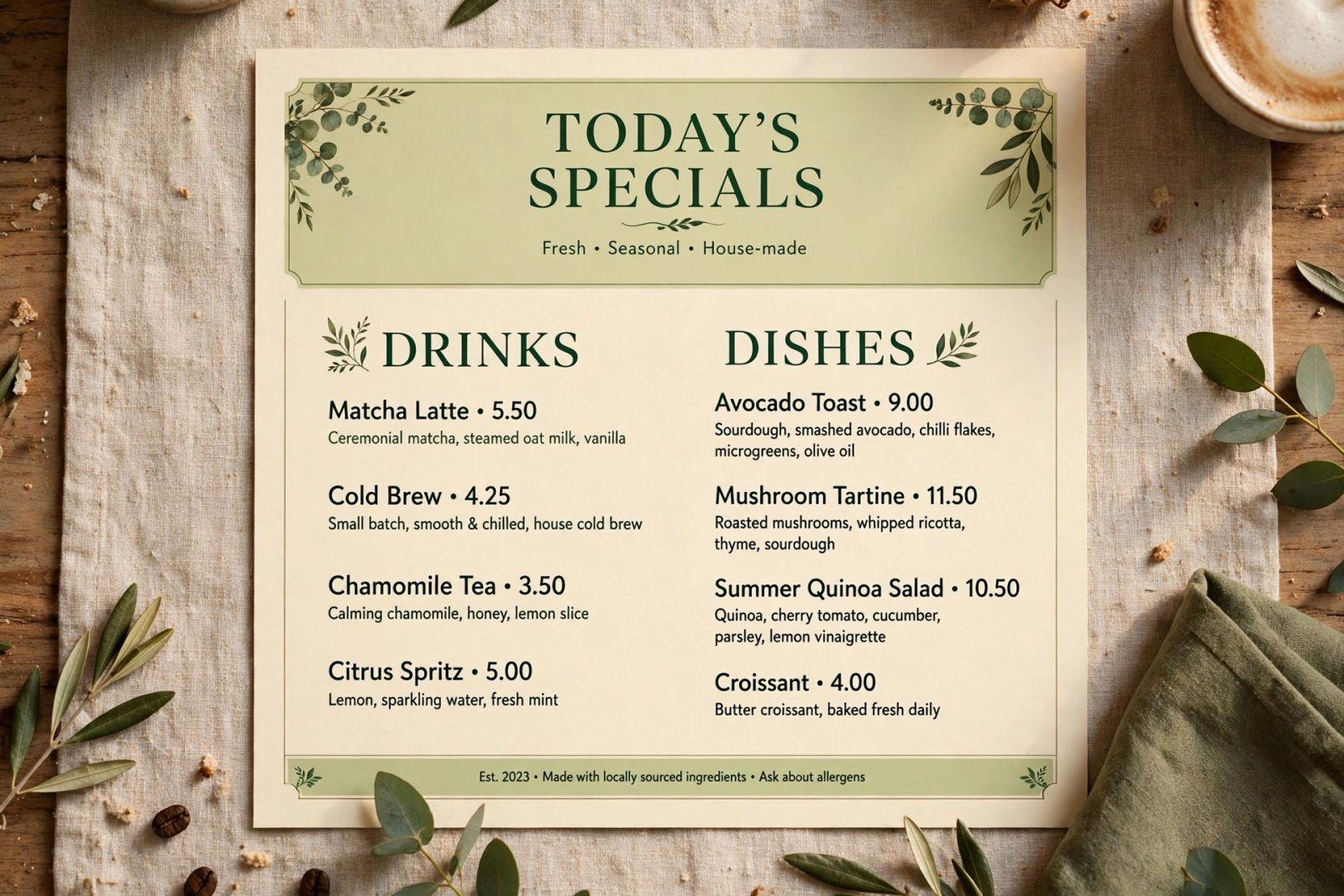
A clean, scannable cafe menu layout that guides the eye to signature dishes and keeps prices easy to read.
Customize this prompt
Fill in the fields below — the prompt text updates automatically. [BRACKETED] words are placeholders you replace.
The prompt
Design a modern cafe menu for [CAFE_NAME], a [CAFE_STYLE] cafe. Use a [MENU_COLOUR] palette, one display typeface for dish names and one clean typeface for descriptions and prices. Feature [SIGNATURE_DISH_1] and [SIGNATURE_DISH_2] in a highlighted specials panel at the top, then organise the remaining dishes into [SECTION_1], [SECTION_2] and [SECTION_3], each with three to five items. Keep descriptions to one appetising line, align all prices in a single column, and add a small [DECORATIVE_MOTIF] motif in the corners. The layout must read clearly at a glance from arm's length, with generous white space and no cluttered borders.
How to use it
- List every dish, then pick two signatures for the highlighted panel.
- Group the rest into three clear sections.
- Set dish names large, descriptions short and prices in one aligned column.
- Add the motif sparingly in corners only.
- Print a test copy and read it from arm's length before finalising.
Customization tips
Adapt the sections for a bakery, brunch spot or street-food stall.
Example use case
Cafe owners and designers refreshing a printed or wall menu.
Frequently asked questions
Where should the specials go on a cafe menu?
At the top in a highlighted panel: readers scan top-down, so signatures placed there get ordered most.
How long should dish descriptions be?
One line, naming the hero ingredients and one flavour cue; longer text slows ordering and crowds the page.
Share
Tags: menu design cafe menu graphic design layout print design restaurant branding
Reviewed by the PromptVault editorial team on November 4, 2026.
Source notes: Daily pipeline 20261104 batch 5