Comic Panel to Animated Action Burst: Manga Page Comes Alive
An image-to-video recipe that turns a static comic panel into a kinetic animated burst — speed lines, impact frames, and guided camera moves.
Customize this prompt
Fill in the fields below — the prompt text updates automatically. [BRACKETED] words are placeholders you replace.
The prompt
You are a prompt writer for [VIDEO_TOOL], an image-to-video generator. Write one complete generation brief that animates a single comic-book panel into a 6-second action burst.

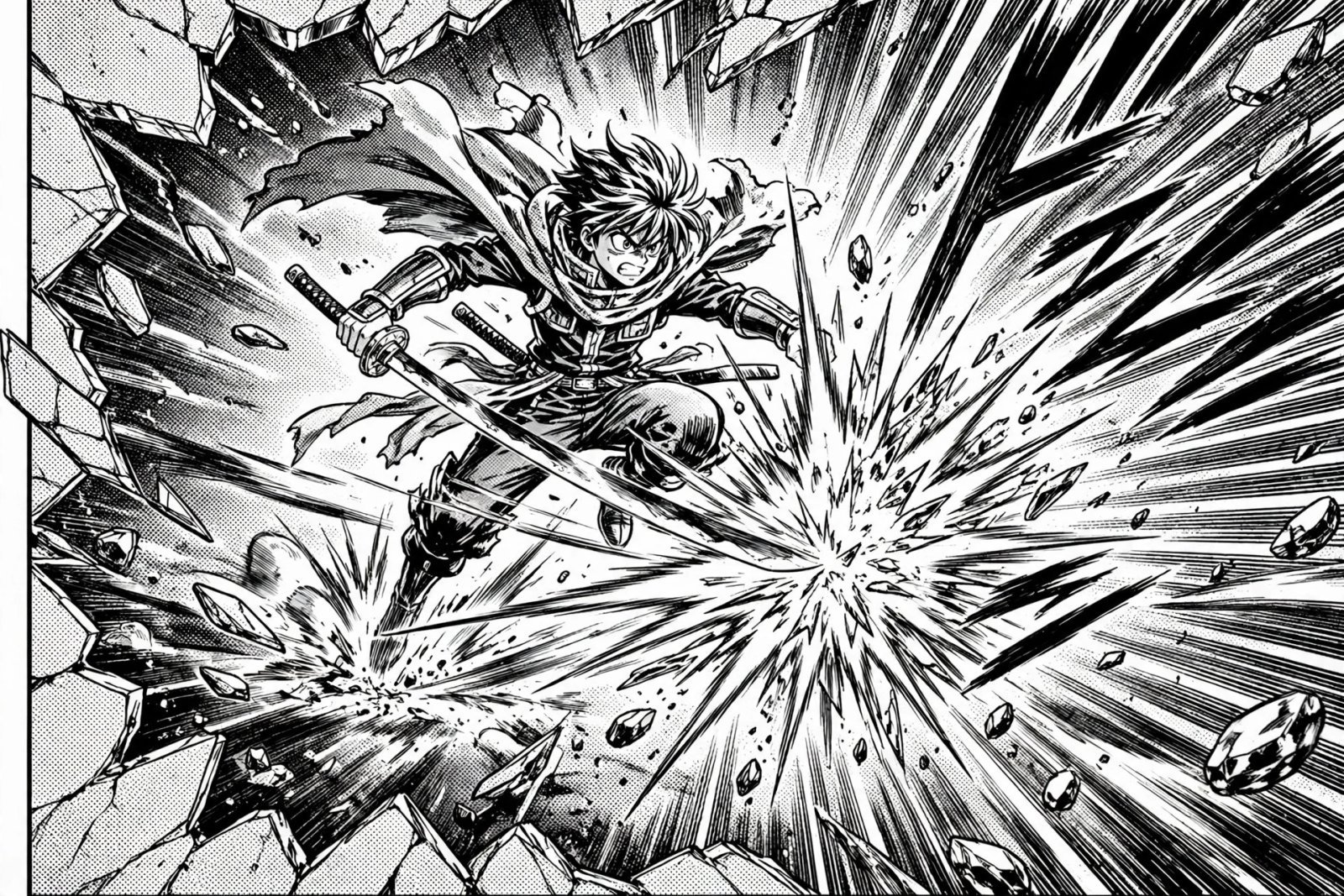
SOURCE IMAGE: upload [PANEL_IMAGE] — a comic or manga panel showing [CHARACTER] mid-action (e.g. leaping, clashing swords, throwing a punch). The brief must preserve the panel's exact [ART_STYLE] (inked linework, screentone, flat colors) and keep [CHARACTER]'s design frozen: no redesign of the face, costume, or silhouette.

ANIMATION: at second 0 hold the panel still for a beat; from 0.5-3s the background elements animate outward from the impact point [IMPACT_ZONE] — debris, petals, or energy shards drift toward the camera while the character's pose stays locked. From 3-5s add stylized motion: [EFFECT_TYPE] (speed lines, afterimages, chromatic flare) around the character's moving limb only.

CAMERA: a slow push-in toward [IMPACT_ZONE] with a subtle [CAMERA_MOVE] (whip-pan at the beat drop or a 15-degree orbit). Keep panel borders visible for the first 1.5s, then let the action break the frame edge at the climax.

ON-SCREEN TEXT: keep the original [SOUND_EFFECT_WORD] (e.g. BAM, WHAM, KRAK) intact — render it as animated halftone typography that scales up at the impact beat. No new dialogue, no invented text.

NEGATIVES: no photoreal conversion, no morphing the character's face, no adding extra limbs or characters, no live-action textures.
How to use it
- Choose [PANEL_IMAGE] with a single strong action pose and an [ART_STYLE] with clear ink lines; crop to the panel border.
- Upload the panel to [VIDEO_TOOL], set [IMPACT_ZONE] and [EFFECT_TYPE], and generate the 6-second burst.
- Check frames 1-3: the character's face and costume must match the source panel exactly; reject any redesign.
- If motion is weak, raise the push-in speed and strengthen the [CAMERA_MOVE]; if the art drifts, lower motion intensity and lock the seed.
- Export with the panel-border hold intact at the start — that still beat is what sells the 'page comes alive' moment.
Customization tips
Swap [ART_STYLE] for manhwa, western comic, or ligne claire; change [EFFECT_TYPE] for slice-of-life panels (falling petals, drifting steam) instead of action.
Example use case
Comic and manga creators making promo clips, chapter trailers, or social teasers from their own finished panels.
Frequently asked questions
The tool keeps redrawing my character's face — how do I stop it?
Drop the motion strength slider and add 'face and costume identical to the source image' to the negatives. Generate in two passes: a 1.5s hold first, then a 4.5s burst from the frozen frame.
Can this work on full comic pages instead of single panels?
Crop to one panel. Full pages confuse the camera path and the impact timing — the brief's push-in is designed around a single [IMPACT_ZONE], so isolate the panel first.
Share
Tags: image to video comic animation manga prompt ai video prompt motion graphics panel animation kinetic typography
Reviewed by the PromptVault editorial team on October 13, 2026.
Source notes: Daily pipeline 20261013 batch 5