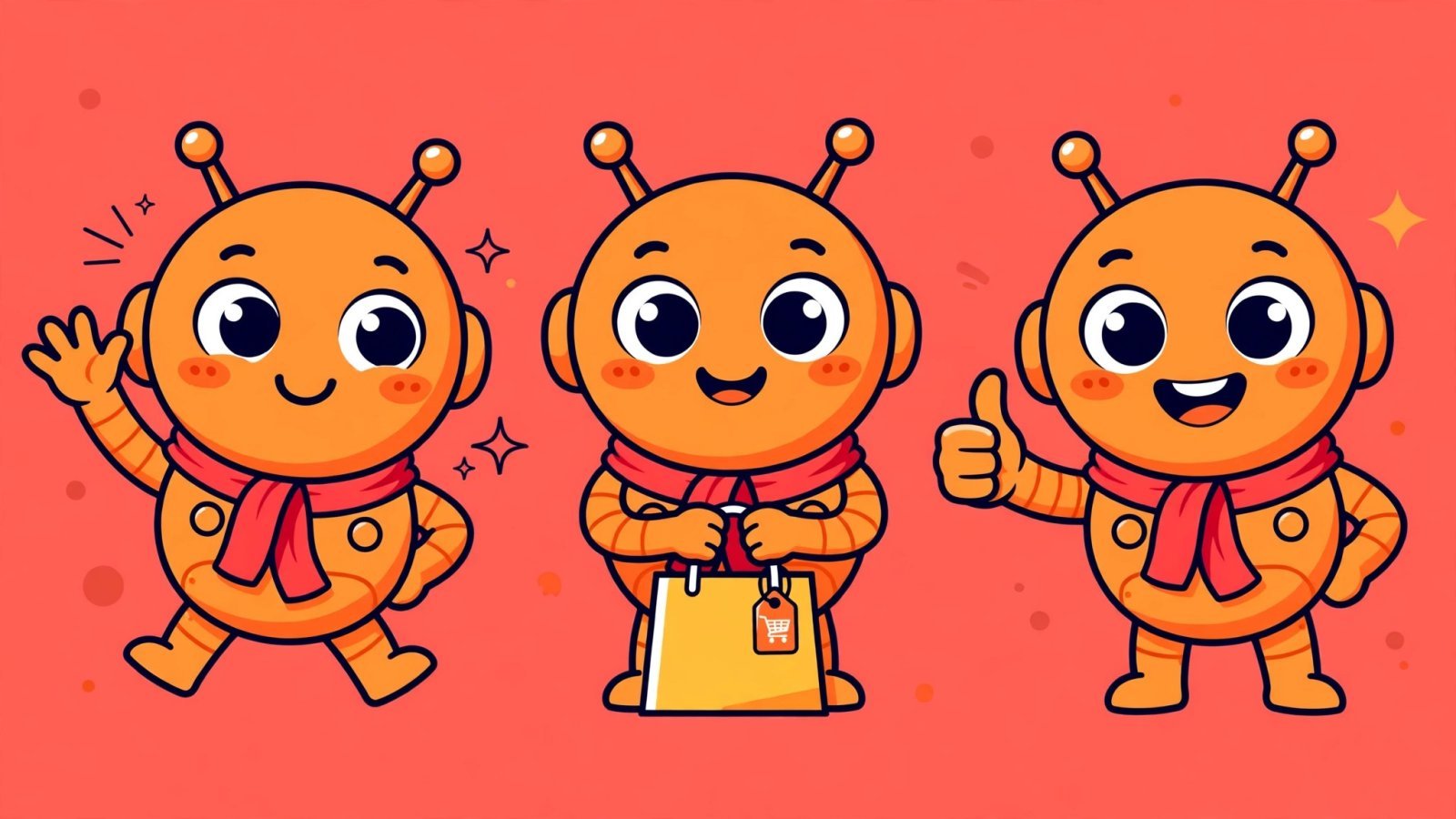
Consistent Mascot Host Across a Six-Part Brand Video Series
Keep an AI brand mascot visually identical across six sequential scenes by locking one character reference and re-attaching it for every clip.
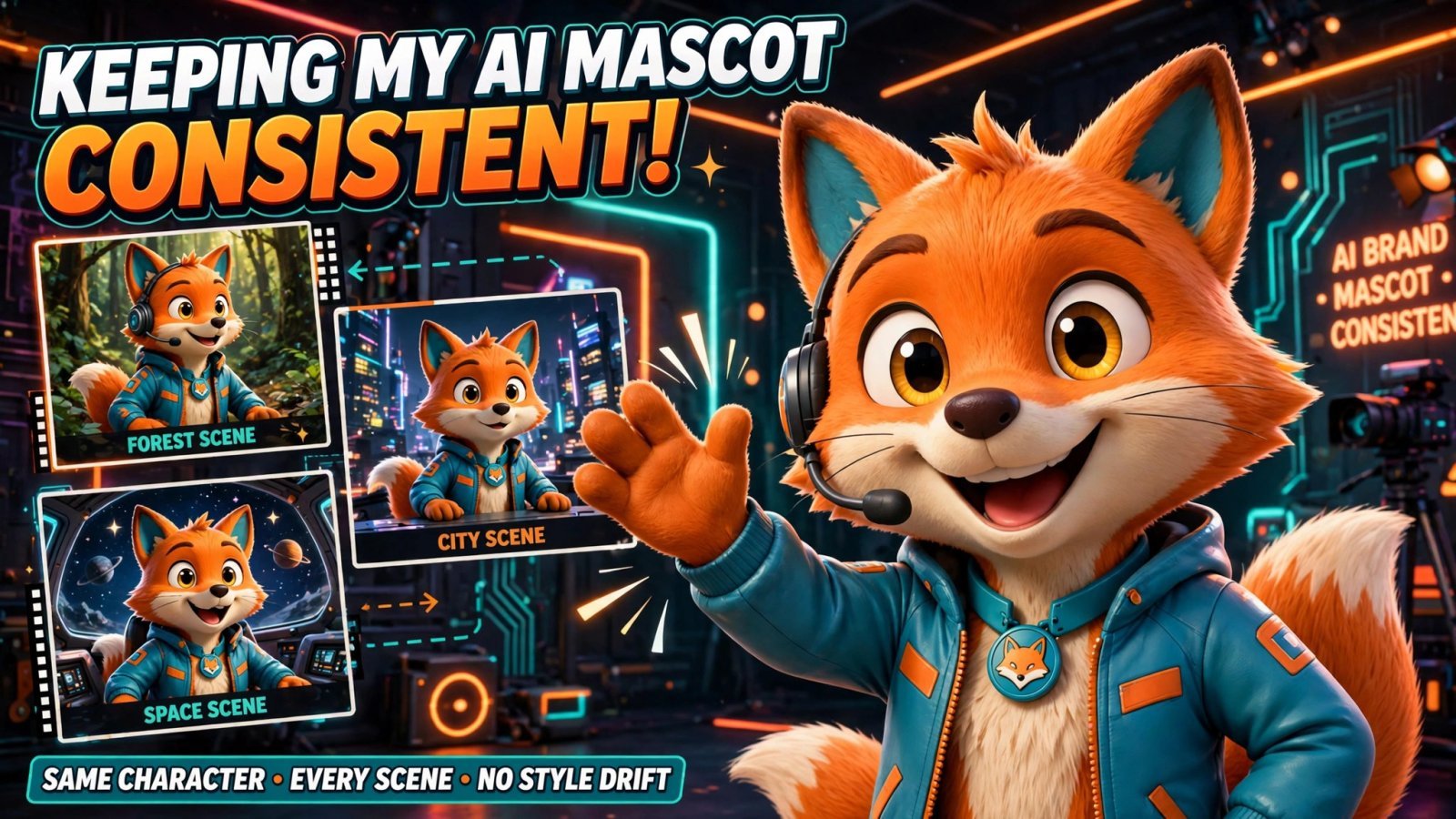
Customize this prompt
Fill in the fields below — the prompt text updates automatically. [BRACKETED] words are placeholders you replace.
The prompt
Create a 6-scene video series starring [MASCOT_NAME], a [MASCOT_SPECIES] brand mascot defined by these signature traits: [KEY_VISUAL_TRAITS] in the brand colors [PRIMARY_COLOR] and [SECONDARY_COLOR]. Scene one introduces the mascot in a [SETTING_STYLE] setting as it performs [OPENING_ACTION]. The following scenes place the same mascot in [SCENE_TWO_CONTEXT], [SCENE_THREE_CONTEXT], [SCENE_FOUR_CONTEXT], [SCENE_FIVE_CONTEXT], and [SCENE_SIX_CONTEXT]. In every scene the mascot must remain visually identical - same body proportions, face shape, outfit details, and exact color palette - matched against one locked character reference frame. Enable the model's character-consistency or identity-lock feature, pass [REFERENCE_FRAME] as the anchor for each generation, and reject any clip where proportions, colors, or outfit drift. Art direction: [ART_STYLE], friendly and upbeat tone. Camera: [CAMERA_STYLE]. Audio: [AUDIO_NOTES]. Deliver six [CLIP_LENGTH] clips in narrative sequence.
How to use it
- Generate a front-facing hero frame of the mascot and save it as the locked character reference.
- Enable the model's character or identity consistency mode and attach the reference frame.
- Produce scene one, then compare the mascot against the reference before approving it.
- Generate scenes two through six one at a time, rejecting any clip where proportions, colors, or outfit drift.
- Stitch the approved clips together and add captions or voiceover for the final series.
Customization tips
Replace the mascot species, settings, and brand colors with your own - the lock-and-compare consistency workflow stays the same.
Example use case
Brand teams producing multi-episode video content with a recurring AI mascot host.
Frequently asked questions
Why does my mascot look different in each clip?
The reference drifted between generations. Regenerate with the exact same locked reference frame attached and the model's consistency mode enabled - never let the model invent a new design between scenes.
Can this work for a mascot with text on its clothing?
Mostly yes if the garment detail stays simple. Check the lettering in every clip and treat any garbled text as a failed take.
Share
Tags: character consistency AI video brand mascot video series identity lock marketing
Reviewed by the PromptVault editorial team on October 24, 2026.
Source notes: Daily pipeline 20261024 batch 5