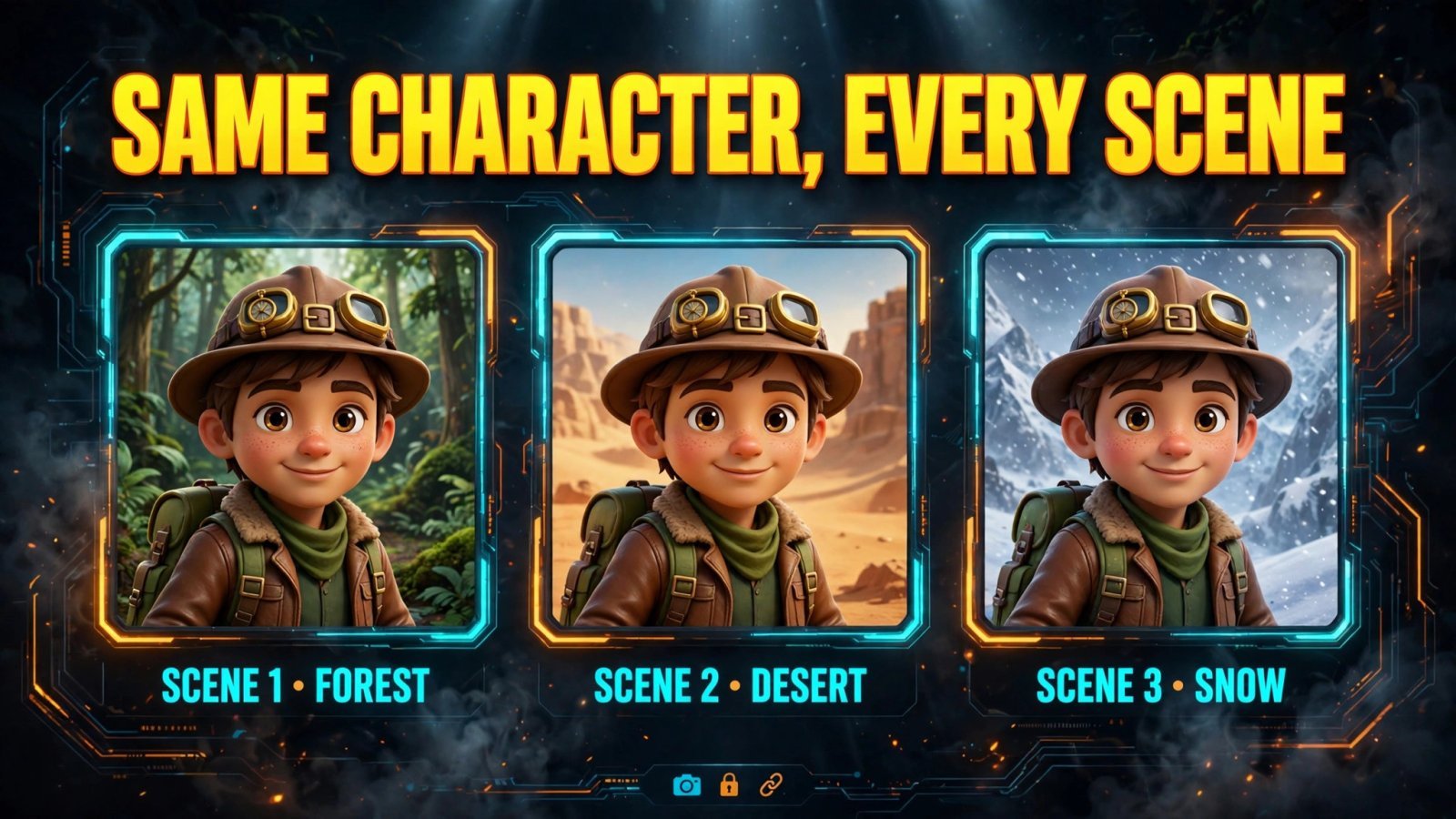
Keep One Character Identical Across Multi-Scene Videos
A fill-in prompt that locks your character's face, outfit and style so they look exactly the same in every scene of an AI-generated video series.
Customize this prompt
Fill in the fields below — the prompt text updates automatically. [BRACKETED] words are placeholders you replace.
The prompt
Produce a [NUMBER_OF_SCENES]-scene video sequence featuring one single character: [CHARACTER_DESCRIPTION]. The character's face, hair, [OUTFIT_DETAILS] and overall art style must stay perfectly identical in every scene — same proportions, same colors, same features, no drift. Place them in these settings in order: [SCENE_LIST]. Use consistent framing ([FRAMING_STYLE]) and a matching [LIGHTING_MOOD] across all clips so the scenes cut together as one production. Keep movement [MOTION_STYLE], and end every scene with a clean beat for easy stitching.
How to use it
- Describe your character's face, hair and outfit in detail in [CHARACTER_DESCRIPTION]
- List your scenes in order under [SCENE_LIST], keeping each scene short
- Set matching lighting and framing so every clip feels like one shoot
- Generate one clip per scene, then compare frames for face consistency
- Re-generate any drifting scene using the same character seed
Customization tips
Swap [CHARACTER_DESCRIPTION] for a mascot, founder avatar or influencer; adjust [SCENE_LIST] for vlogs, ads or story episodes.
Example use case
Marketing teams, creators and brands producing multi-part video stories or recurring characters.
Frequently asked questions
How do I keep the character's face from changing between scenes?
Use a detailed, fixed [CHARACTER_DESCRIPTION] on every generation and a character-reference seed or image if your video tool supports one. Regenerate any scene where the face drifts instead of accepting it.
Can I use this prompt for different aspect ratios?
Yes. The prompt works at any framing set in [FRAMING_STYLE]; keep the same value across all scenes so the series looks uniform.
Share
Tags: character consistency multi-scene video AI video brand character video series stable face
Reviewed by the PromptVault editorial team on October 22, 2026.
Source notes: Daily pipeline 20261022 batch 5