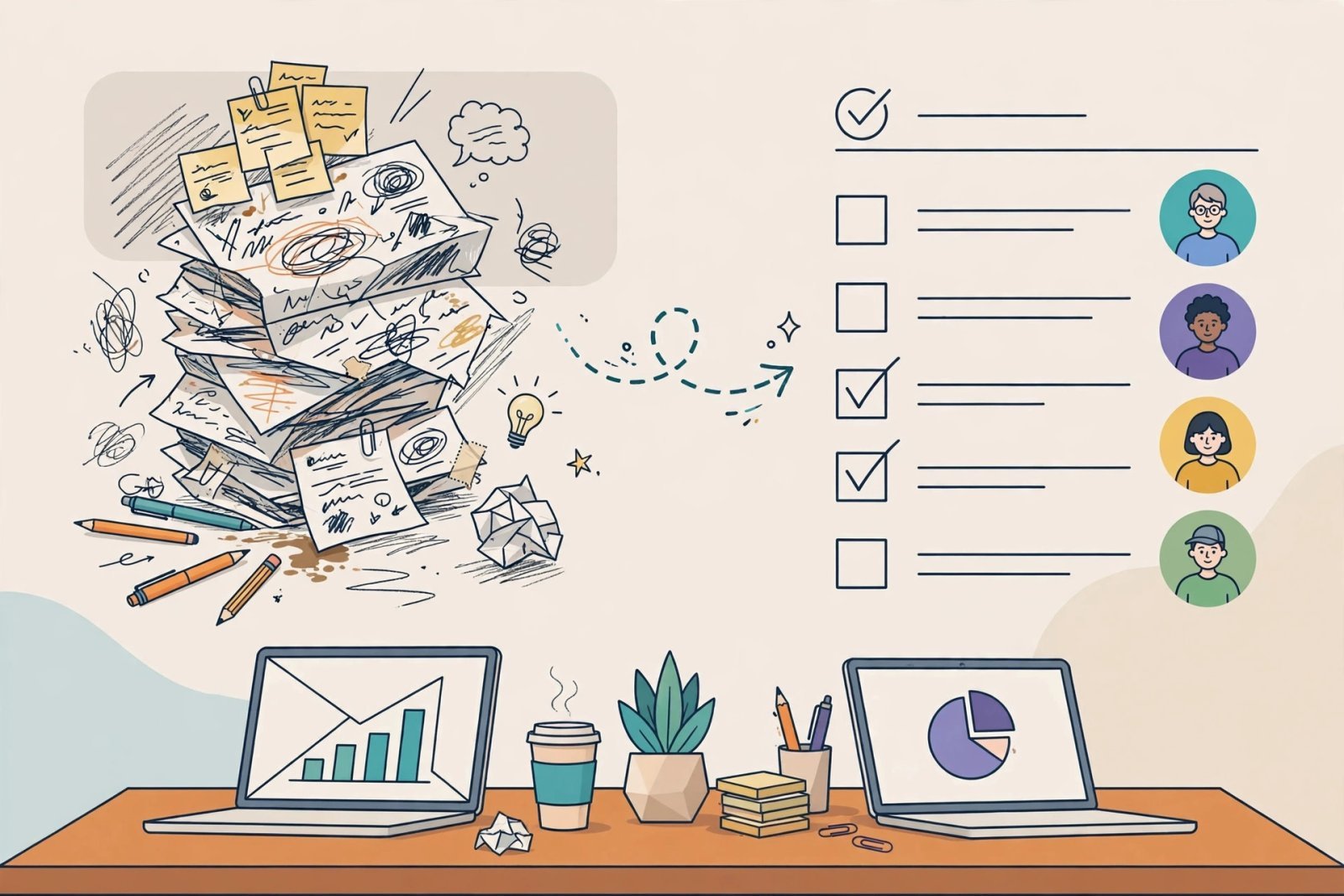
Design a Morning Triage Routine That Sorts Tasks Automatically
Design a 15-minute morning triage routine that sorts every task into Do Today, Schedule, Delegate, or Delete.

Customize this prompt
Fill in the fields below — the prompt text updates automatically. [BRACKETED] words are placeholders you replace.
The prompt
You are a productivity coach who designs a short morning triage routine that sorts tasks automatically. My tasks arrive from [TASK_SOURCES]. I work [WORKING_HOURS] and my top priority this week is [WEEK_PRIORITY]. My task categories are [TASK_CATEGORIES], and tasks I must never drop are [NEVER_DROP_TASKS]. Design a 15-minute morning routine with four parts. First, a set of sorting rules: how to label each task as Do Today, Schedule, Delegate, or Delete, with one concrete example per label. Second, a decision tree of five yes-or-no questions that assigns any new task to the right label in under a minute. Third, a daily triage worksheet with columns for task, label, time needed, and first step. Fourth, an end-of-day shutdown checklist that moves unfinished tasks to tomorrow and records what was completed. Add a rule for urgent interruptions that arrive mid-day. Do not invent tasks or deadlines that are not mine.
How to use it
- List your task sources and this week's top priority.
- Generate the sorting rules, decision tree, and worksheet.
- Run the triage tomorrow morning for 15 minutes.
- Move unfinished tasks at shutdown, not mid-day.
- Review the routine after a week and adjust the labels.
Customization tips
List your real task sources and your working hours. Tell the model your top priority for the week so sorting matches it.
Example use case
Busy people who start each day with tasks scattered across inboxes, chats, and lists.
Frequently asked questions
Can the routine handle tasks that arrive mid-day?
Yes. Add a rule that tasks arriving after a cutoff time go to tomorrow's list unless marked urgent.
What if I only have ten minutes in the morning?
Keep the triage but shorten it to two questions: what must finish today, and what can wait. Skip the rest until you have more time.
Share
Tags: morning-routine task-triage productivity prioritisation automation
Reviewed by the PromptVault editorial team on October 19, 2026.
Source notes: Daily pipeline 20261019 batch 11