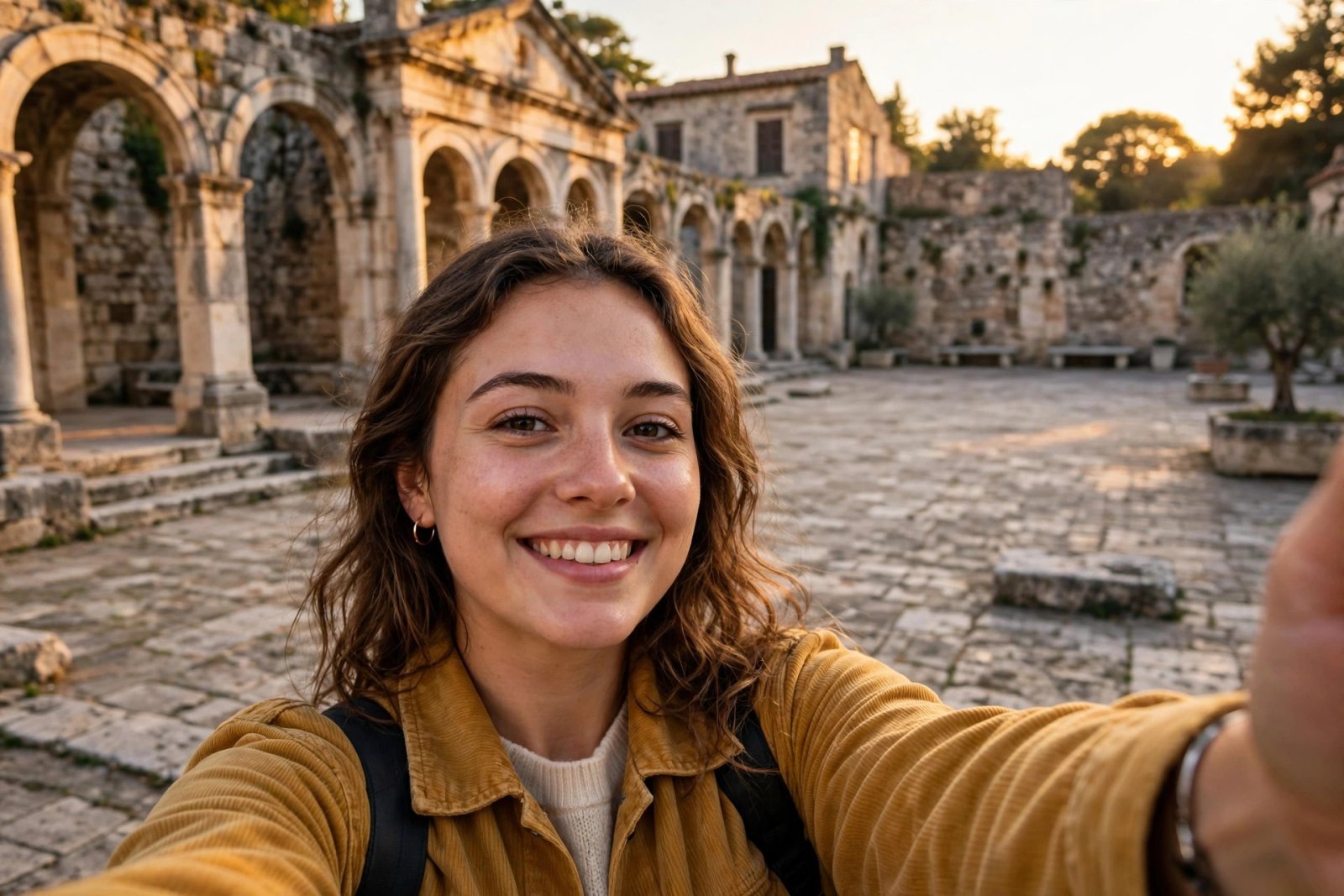
Erase Strangers from Your Landmark Selfie
A photo cleanup prompt: remove photobombers and clutter from a landmark selfie with a natural background rebuild.
Customize this prompt
Fill in the fields below — the prompt text updates automatically. [BRACKETED] words are placeholders you replace.
The prompt
Clean up this travel photo: a selfie at [LANDMARK] ruined by strangers and clutter in the background. Removal list: [REMOVE_ITEMS] (tourists behind, trash bins, scaffolding, photobombers). Rebuild the background plausibly: extend the landmark's architecture naturally, fill with realistic crowd-free [BACKGROUND_STYLE] (morning-empty plaza, blurred bokeh crowd, or clean sky), match lighting, shadows, and the original photo's [PHOTO_STYLE] (phone snapshot, golden hour). Keep the main subject 100% unchanged — same face, pose, clothing, and selfie angle. No new people, no added text, seamless edges.
How to use it
- Upload the selfie and list everything to remove.
- Pick the background style: empty plaza or soft crowd blur.
- Match lighting and photo style in the description.
- Generate and check edges around the subject for artifacts.
- Export the cleaned version at full resolution.
Customization tips
List [REMOVE_ITEMS] precisely and choose [BACKGROUND_STYLE] to match the time of day in the original shot.
Example use case
Travel photos, wedding guest shots, and social-media-ready selfies.
Frequently asked questions
Will the landmark look fake?
The prompt requires extending the real architecture, so geometry stays believable.
Does it change my face?
No — the subject is locked: same face, pose and clothing.
Share
Tags: photo editing object removal selfie travel photos cleanup
Reviewed by the PromptVault editorial team on October 23, 2026.
Source notes: Daily pipeline 20261023 batch 2

