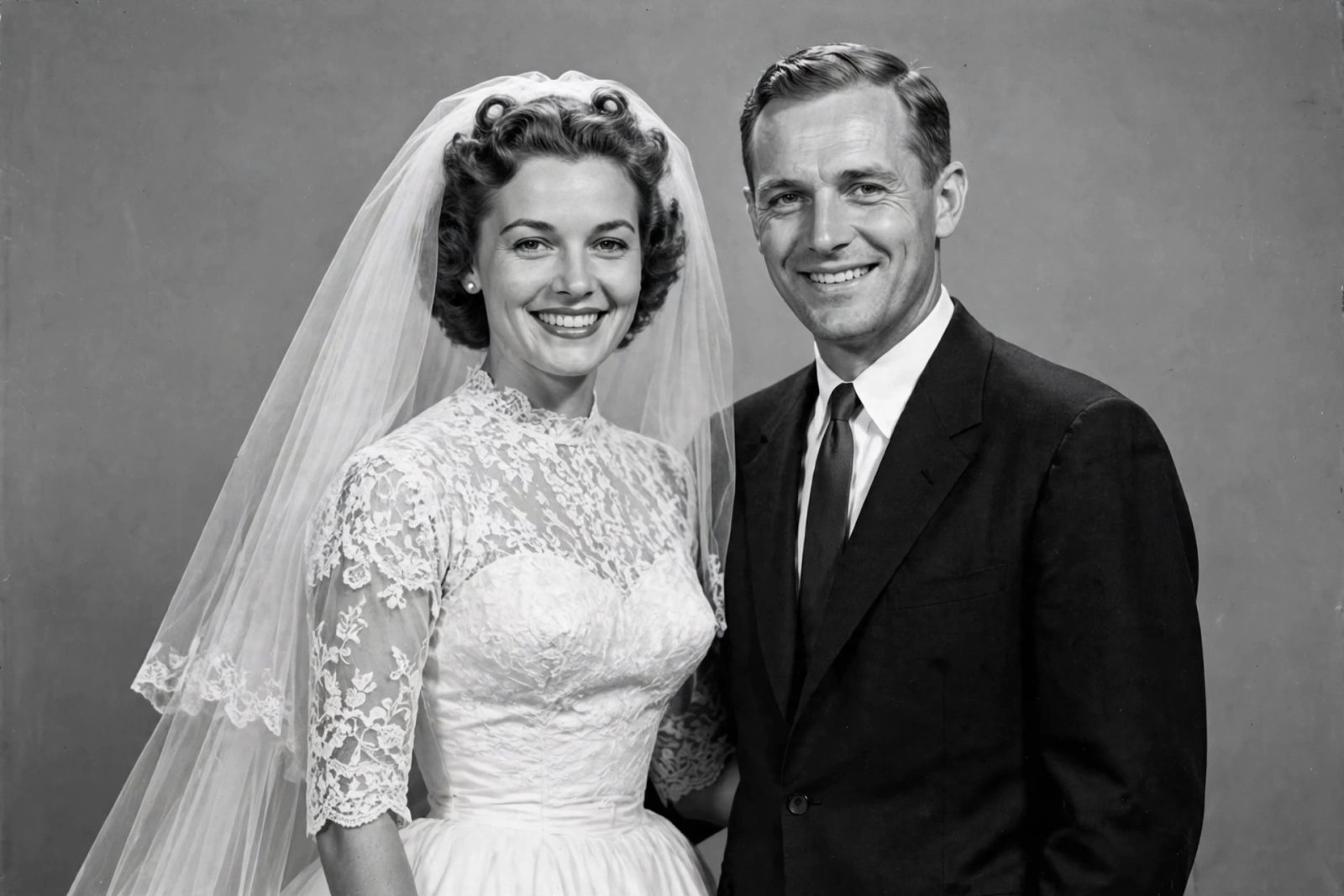
Torn Photo Edge Reconstruction Prompt
Rebuild a torn or folded photograph digitally: seamlessly reconstruct missing edges and creases while keeping every face and detail true to the original.

Customize this prompt
Fill in the fields below — the prompt text updates automatically. [BRACKETED] words are placeholders you replace.
The prompt
Digitally repair this torn and creased photograph while preserving every person's identity exactly. Analyze the [TEAR_PATTERN] - jagged torn edges, white fold lines, missing corner fragments - and reconstruct [EDGE_REBUILD] by extending the background texture, [TEXTURE_MATCH] matching the surrounding grain, wallpaper pattern or scenery so the seam is invisible. Repair [CREASE_DAMAGE] across faces and bodies by [SKIN_REBUILD] carefully rebuilding skin-tone continuity without inventing features. Restore [CONTRAST_RESTORE] lost contrast and [COLOR_BALANCE] faded colors to a natural, timeless finish. Fill [MISSING_AREA] only with what the scene's existing elements imply - no new people, props or text. Output a seamless, museum-quality restoration in the original aspect.
How to use it
- Scan the damaged photo and upload it with this prompt to an AI editing tool.
- Describe [TEAR_PATTERN] and [TEXTURE_MATCH] - the background pattern matters most for invisible seams.
- Direct [CREASE_DAMAGE] repair through [SKIN_REBUILD] where folds cross faces.
- Set [CONTRAST_RESTORE] and [COLOR_BALANCE] so the repaired photo feels whole, not patched.
- Inspect every seam at full zoom; faces must be untouched apart from crease repair.
Customization tips
Match [TEAR_PATTERN] to your damage - torn corner, fold line, water-stained edge. Set [TEXTURE_MATCH] to the exact background, like striped wallpaper or grass.
Example use case
Repairing physically damaged prints scanned into digital archives.
Frequently asked questions
What if a whole corner of the photo is missing?
Describe the surrounding background in [TEXTURE_MATCH] in detail - wallpaper, grass, sky - so the tool extends it convincingly.
Can this fix water damage too?
Yes - describe stains and warping in [TEAR_PATTERN]-style detail, and let [COLOR_BALANCE] even out the discoloration.
Share
Tags: photo restoration torn photo repair archive photo editing damage fix vintage
Reviewed by the PromptVault editorial team on October 22, 2026.
Source notes: Daily pipeline 20261022 batch 2