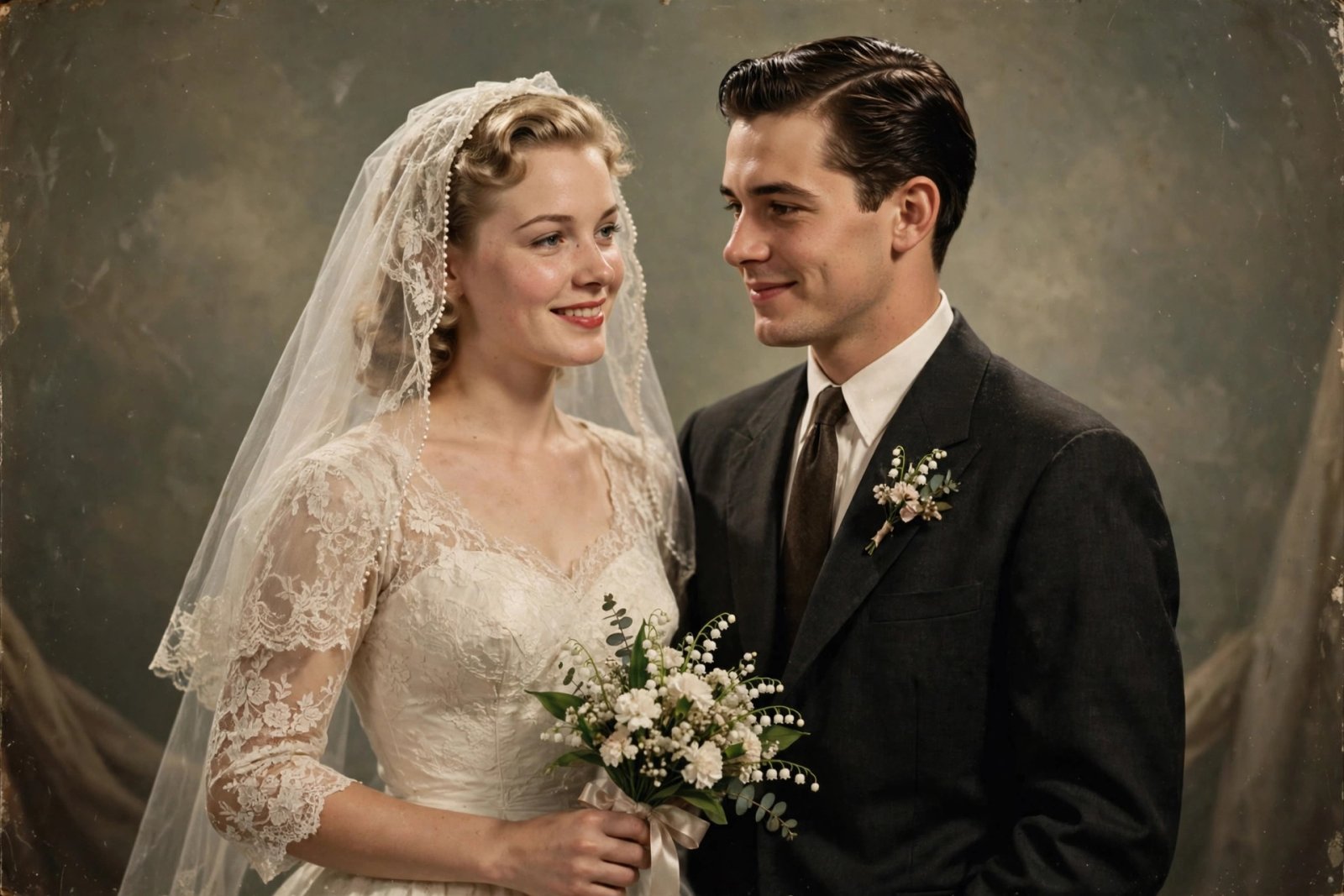
Repair Torn Vintage Wedding Portrait Prompt
Repair a torn vintage wedding portrait, rebuilding missing edges and creases while keeping the couple exactly as photographed.

Customize this prompt
Fill in the fields below — the prompt text updates automatically. [BRACKETED] words are placeholders you replace.
The prompt
Photo repair prompt: restore a torn vintage wedding portrait of [COUPLE_DESCRIPTION] — seamlessly rebuild torn edges and missing corners, remove creases, cracks, and water stains, restore the original black-and-white or sepia tones, and keep both faces, the wedding outfits, and the studio backdrop exactly as photographed. No modern retouching, no invented jewellery or background details, faithful archival result, no text.
How to use it
- Describe the couple and outfits so the repair keeps the right details.
- Name the damage to fix: tears, creases, stains, or missing corners.
- Insist on faithful tones with no modern retouching or invented details.
- Print the repaired portrait and compare it with the original before framing.
Customization tips
Change the couple description and tone to match your own portrait's damage and era.
Example use case
Old photo repair
Frequently asked questions
Can torn corners really be rebuilt?
The model fills them from surrounding pattern; verify the result against other photos of the couple.
Should I colourise a sepia portrait too?
Keep repair and colourisation as separate steps so the repair stays faithful.
Share
Tags: photo restoration wedding portrait vintage photo repair torn photo archival old photo
Reviewed by the PromptVault editorial team on October 27, 2026.
Source notes: Daily pipeline 20261027 batch 2