Repair a Torn Wedding Portrait and Recreate Missing Details
Repair a torn vintage wedding portrait, rebuilding the missing corner with matching dress, veil, and background.

Customize this prompt
Fill in the fields below — the prompt text updates automatically. [BRACKETED] words are placeholders you replace.
The prompt
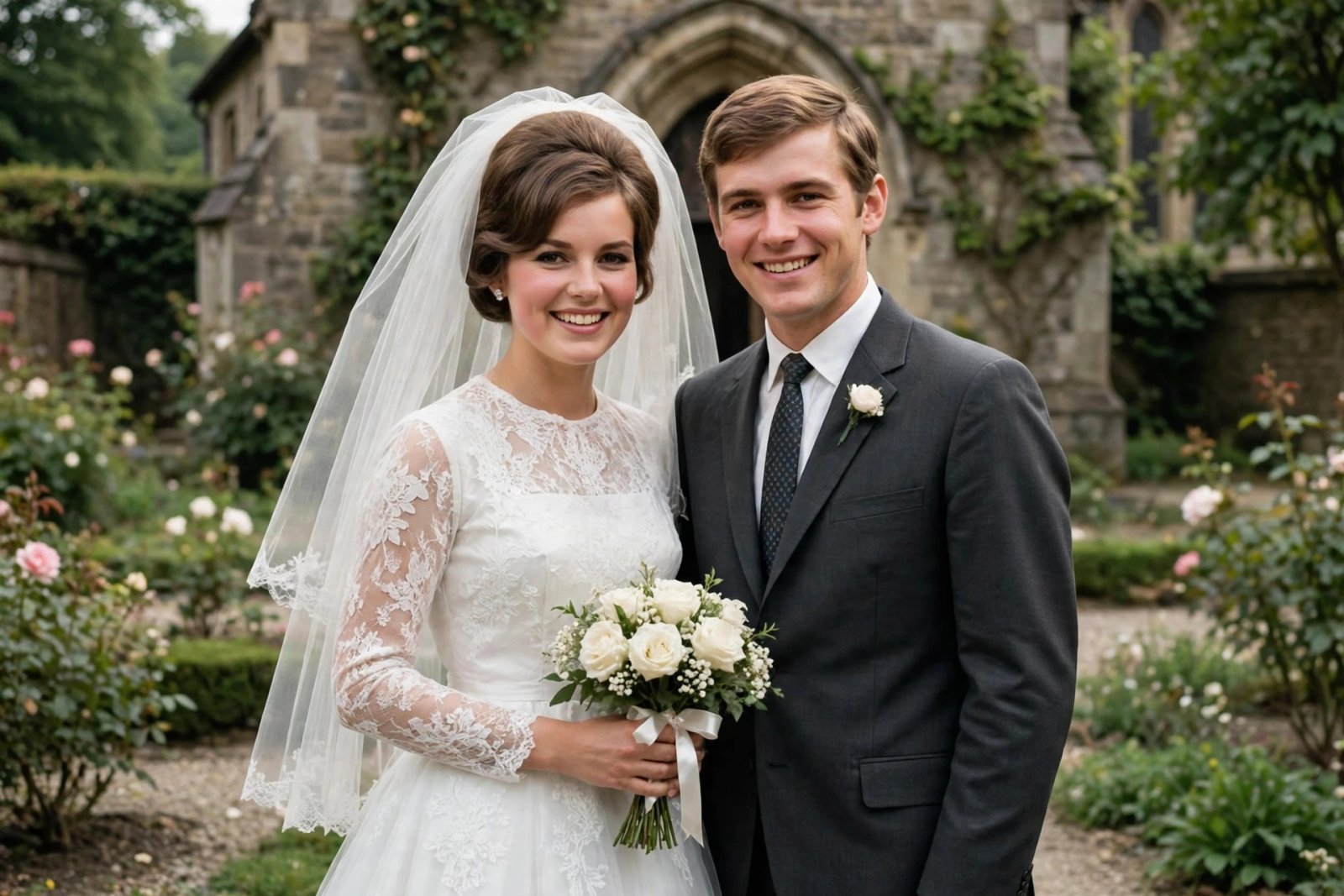
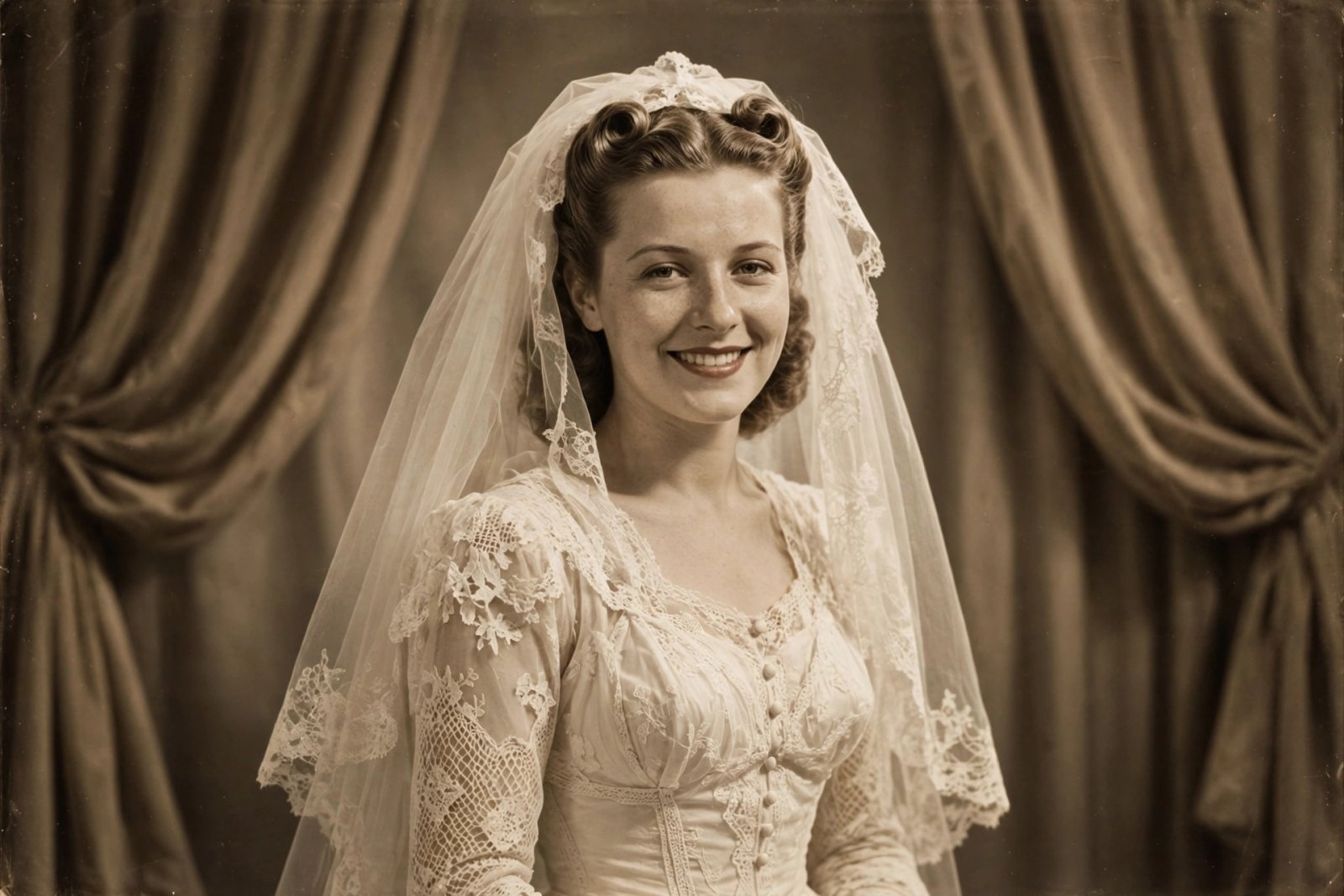
A meticulous photo repair of a torn vintage wedding portrait, a couple standing in a [SETTING] church doorway. A diagonal tear has removed the lower right corner, taking part of the bride's [DRESS_DETAIL] lace veil and the groom's hand. Recreate the missing veil folds and hand naturally, matching the original lighting and film grain, and blend the seam so no edge is visible. Restore the black-and-white tones to a warm [TONE] sepia or keep the original silver gelatin look, sharpen the faces gently, and keep the couple's expressions exactly as in the original. The repaired portrait should look untouched, as if the tear never happened.
How to use it
- Note the setting, church doorway, garden arch, or studio backdrop.
- Describe the missing detail, veil, hand, bouquet, or shoe.
- Choose the tone, warm sepia or original silver gelatin.
- Set the damage level, one clean tear or multiple creases.
- Generate, then zoom in on the repair seam to check it blends.
Customization tips
Swap [SETTING] for a garden arch, change [DRESS_DETAIL] to a satin train, and tune [TONE] to silver gelatin.
Example use case
Use it for wedding anniversaries, family archives, framed gifts, or heritage restoration work.
Frequently asked questions
Which model repairs torn photos best?
Nano Banana and Gemini handle inpainting-style repairs well; Nano Banana blends seams most cleanly.
What if the missing area includes a face?
Provide the best available reference of that face and ask the model to match its features exactly.
Share
Tags: photo restoration wedding torn photo vintage portrait repair old photo
Reviewed by the PromptVault editorial team on November 10, 2026.
Source notes: Daily pipeline 20261110 batch 2