Mend a Torn, Water-Stained Wedding Portrait
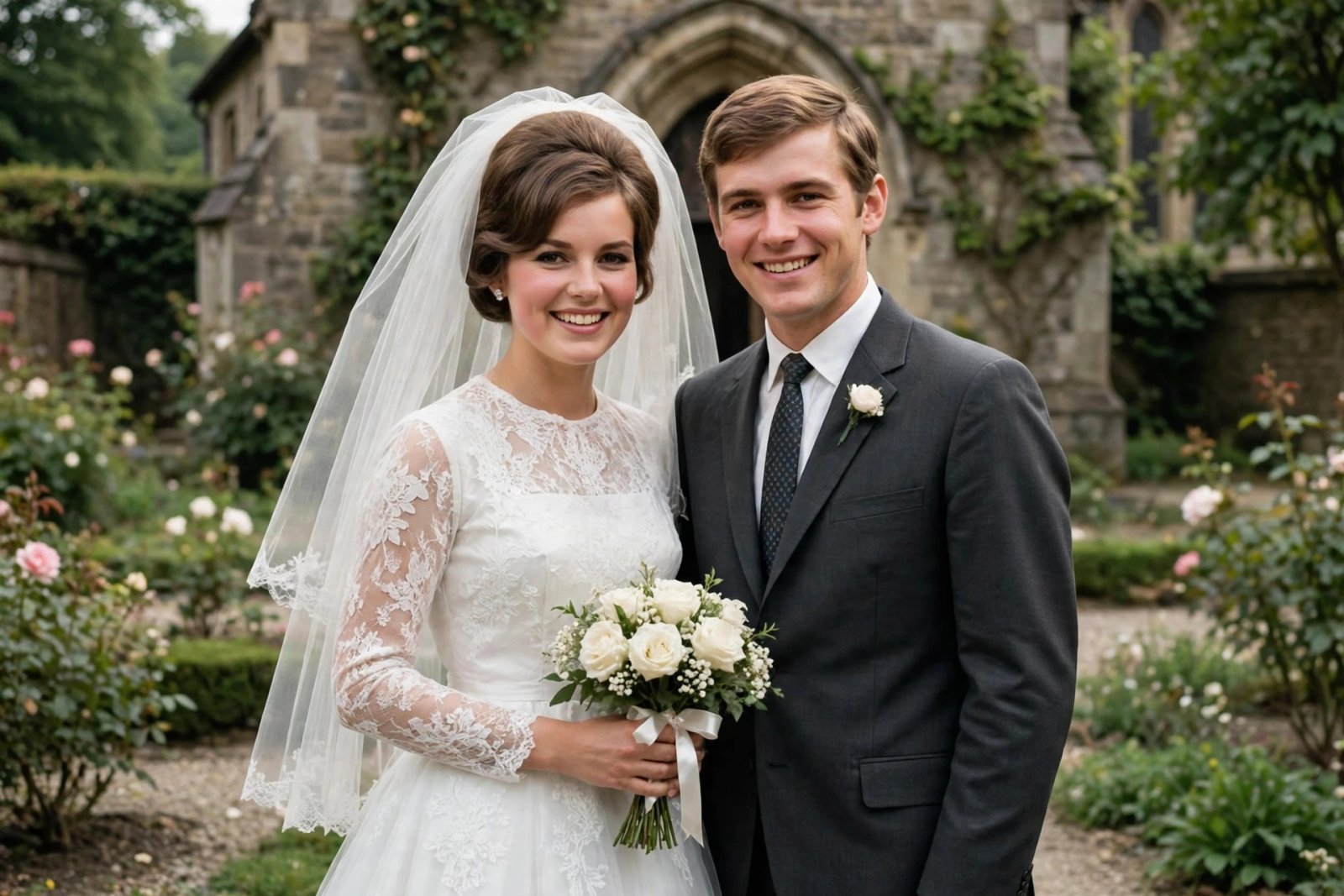
Repair a torn, water-damaged wedding photograph, rebuilding the missing edges while keeping the couple true to life.
Customize this prompt
Fill in the fields below — the prompt text updates automatically. [BRACKETED] words are placeholders you replace.
The prompt
Repair this torn and water-damaged wedding photograph. Rebuild the missing or torn areas — the [DAMAGED_AREA] — by plausibly extending the surrounding [BACKGROUND_SETTING] and clothing, remove water stains, warping and creases, and restore the whites of the dress and the suit to clean natural tones. Keep the couple's faces, expressions and poses exactly as in the original; do not beautify, slim or alter them. Output a high-resolution repaired photo that looks like a clean original print, realistic, no text, no watermark, no invented people.
How to use it
- Photograph or scan the damaged print flat, with even lighting.
- Describe the damaged area precisely so the repair extends the right background.
- Ask for stain and crease removal before any rebuilding of missing parts.
- Verify both faces against the original — they must not change.
- Print a test copy before framing to check colours on paper.
Customization tips
Name the damaged area and background setting so the rebuild matches your exact photo.
Example use case
Use to rescue damaged wedding and family prints, restore archive photos, or gift a repaired copy to relatives.
Frequently asked questions
Can torn corners really be rebuilt?
Yes for small tears — the model extends the surrounding background and fabric plausibly, though large missing sections of faces cannot be invented.
Should I keep the original scan?
Always keep the untouched scan. The repair is a new version; the original is the family record.
Share
Tags: photo restoration wedding photo water damage repair vintage old photo
Reviewed by the PromptVault editorial team on November 22, 2026.
Source notes: Daily pipeline 20261122 batch 2

