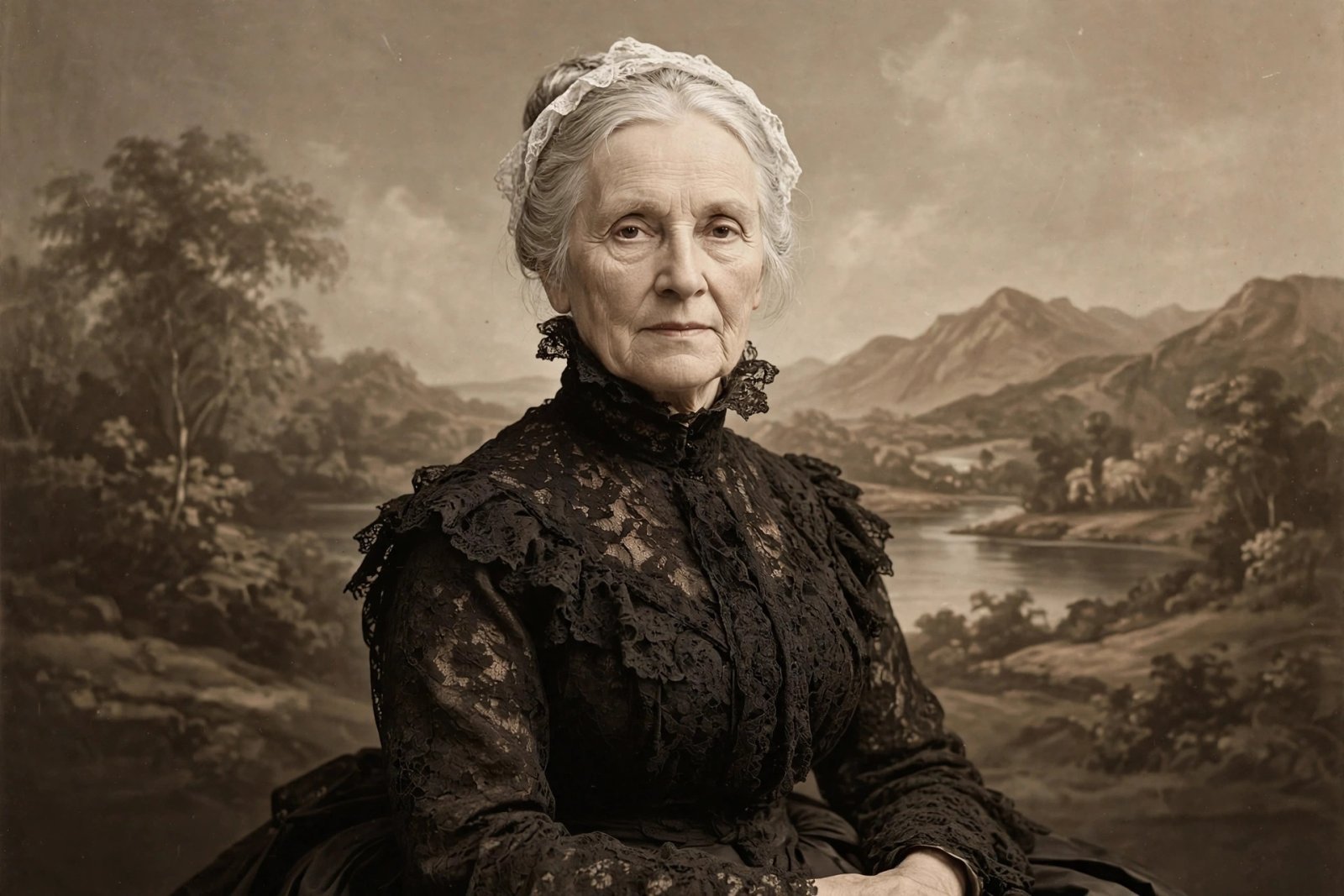
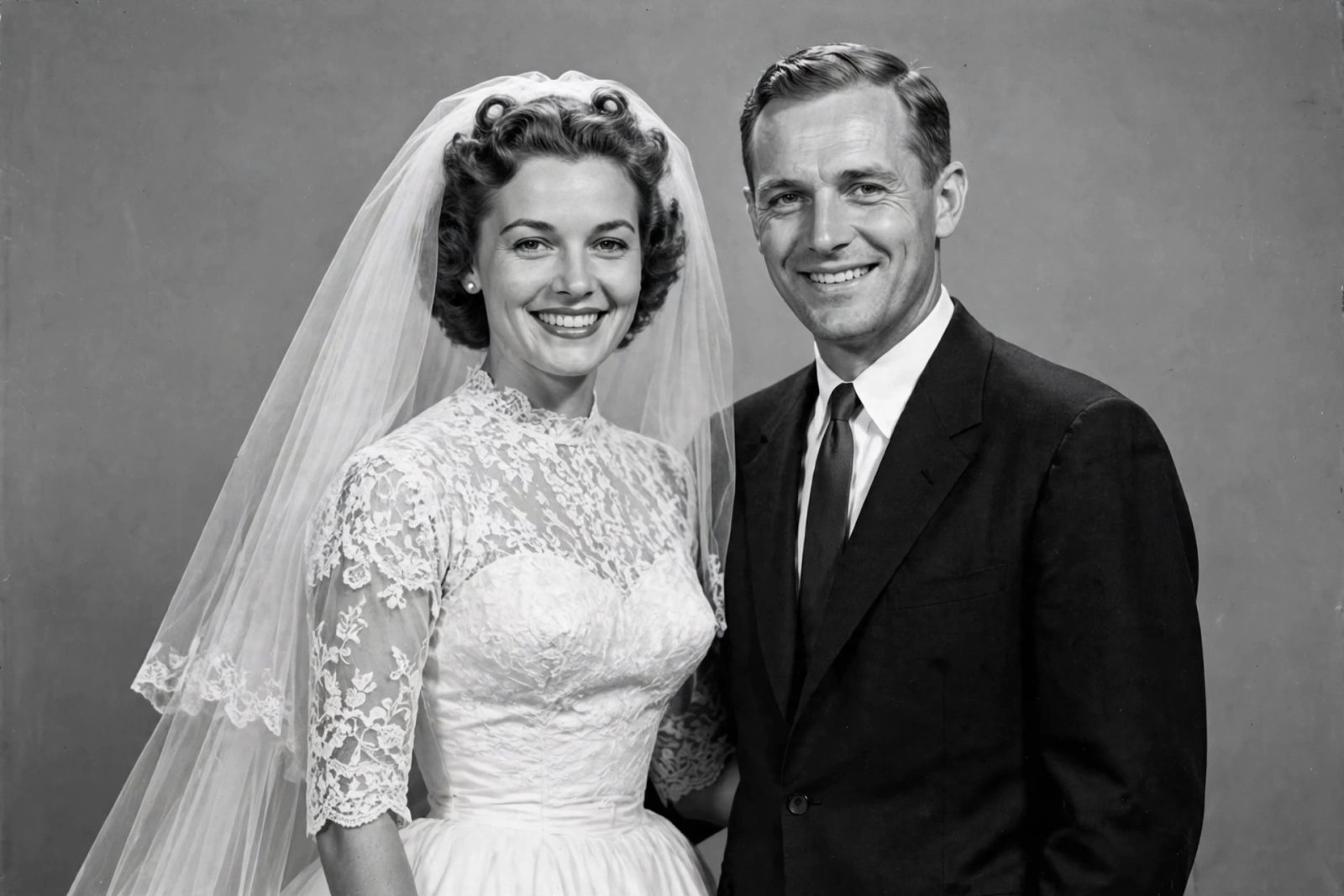
Repair Torn Vintage Portraits and Rebuild Missing Facial Details
Repair torn vintage portraits and rebuild missing facial details faithfully from the surviving parts of the photo.

Customize this prompt
Fill in the fields below — the prompt text updates automatically. [BRACKETED] words are placeholders you replace.
The prompt
Repair this torn vintage portrait and rebuild the damaged areas with care. The portrait shows [PORTRAIT_SUBJECT] in [POSE_OR_SETTING], and the damage is [DAMAGE_DESCRIPTION]. Reconstruct the missing or torn regions using the surviving parts of the photo as the guide: match the original lighting, film grain, clothing texture and background tone. Restore the person's facial features to be consistent with the undamaged side and with [REFERENCE_DETAIL], keeping their expression, age and likeness faithful. Remove creases, tears and stains, and even out fading. Keep the composition and framing unchanged, do not modernize the hairstyle or clothing, and do not add new people or objects. Output a clean restoration that reads as the same portrait, carefully mended.
How to use it
- Scan the portrait at high resolution.
- Describe the subject, pose and damage.
- Paste the prompt with your photo into the image tool.
- Check the rebuilt areas against surviving details.
- Save the restored portrait for print or archive.
Customization tips
Note exactly which area is torn or missing so the rebuild stays focused, and mention any surviving reference details like hairstyle or clothing.
Example use case
Vintage portrait repair and archiving
Frequently asked questions
Can torn or missing areas be rebuilt accurately?
The prompt rebuilds missing areas from the surviving photo context, so results stay plausible — always compare against the original and other family photos.
What if half of a face is missing?
Yes — describe the surviving half of the face or a matching photo of the same person to guide a more faithful rebuild.
Share
Tags: photo restoration vintage portrait repair torn photo rebuild old photos enhance
Reviewed by the PromptVault editorial team on October 18, 2026.
Source notes: Daily pipeline 20261018 batch 2