From Still Photo to Storm: Animating a Vintage Harbor Photograph
An image-to-video prompt that animates a vintage harbor photograph: bobbing ships, circling gulls, rippling water, and a slow cinematic push-in.
Customize this prompt
Fill in the fields below — the prompt text updates automatically. [BRACKETED] words are placeholders you replace.
The prompt
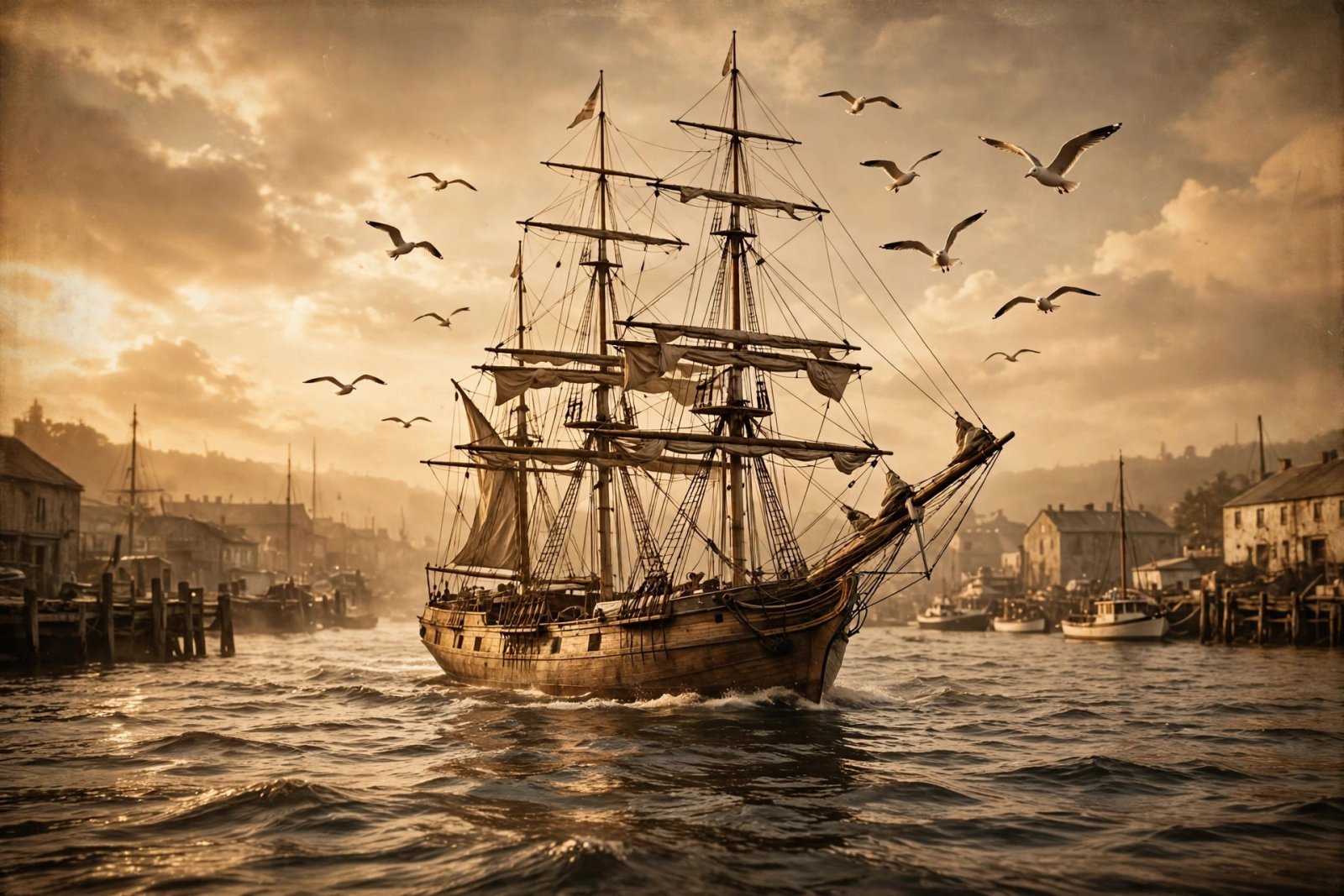
Animate the uploaded still photograph of a [ERA] harbor: bring it to life with layered, believable motion while keeping the composition and subjects exactly as photographed. Primary motion: [SHIP_NAME], a tall ship anchored in the foreground, gently bobs on the water with its sails fluttering in the breeze. Secondary motion: gulls circle the masts, flags ripple, and thin clouds drift across the [SKY_CONDITION] sky. Water: realistic ripples and shimmering reflections that move but never distort the hulls. Camera: a barely-there slow push-in, [ZOOM_AMOUNT] over 5 seconds, like a breath. Preserve the photograph's grain, sepia tones, and scratches as an authentic vintage layer; do not modernize or recolor it. Style: [ANIMATION_STYLE] image-to-video, photorealistic motion, 24fps, seamless loop, no morphing of faces or text in the frame, ambient harbor soundscape optional.
How to use it
- Choose a high-contrast vintage photograph with clear subject separation.
- Upload it as the source frame and name the primary and secondary motions.
- Set a 5-second duration with a subtle slow push-in.
- Generate and check that no faces or text morph during motion.
- Loop the clip seamlessly for ambient display.
Customization tips
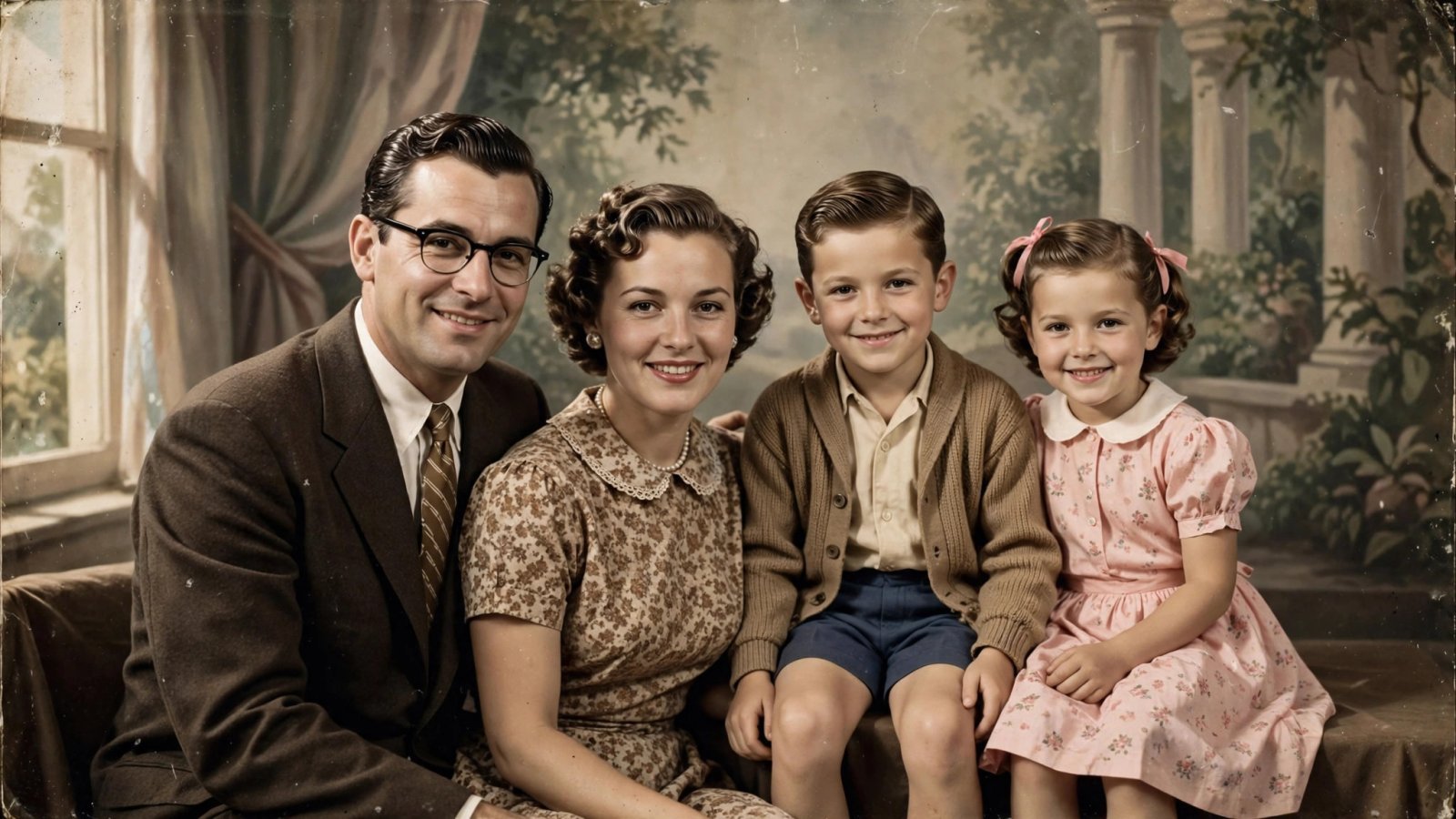
Point it at any still image: a family photo, a real-estate listing shot, a product photo. Keep the motion subtle for realism or dramatic for spectacle.
Example use case
Creators and marketers who want to turn archival or still images into living, looping video content.
Frequently asked questions
Should I animate many elements or just one in an old photo?
Yes, and subtlety wins: 2-4 seconds of motion with one dominant movement direction looks more believable than making everything move at once.
What kind of source photo animates best?
A high-contrast source with clear separation between subject and background. Low-res or heavily compressed photos produce smearing and flicker when animated.
Share
Tags: image to video photo animation vintage photo cinemagraph loop video video prompt
Reviewed by the PromptVault editorial team on October 23, 2026.
Source notes: Daily pipeline 20261023 batch 5