Parallax Wanderlust: Turning a Travel Photo into a Cinematic Drone Flythrough
An image-to-video prompt that turns a single travel photograph into an 8-second cinematic parallax flythrough with living atmospheric detail.
Customize this prompt
Fill in the fields below — the prompt text updates automatically. [BRACKETED] words are placeholders you replace.
The prompt
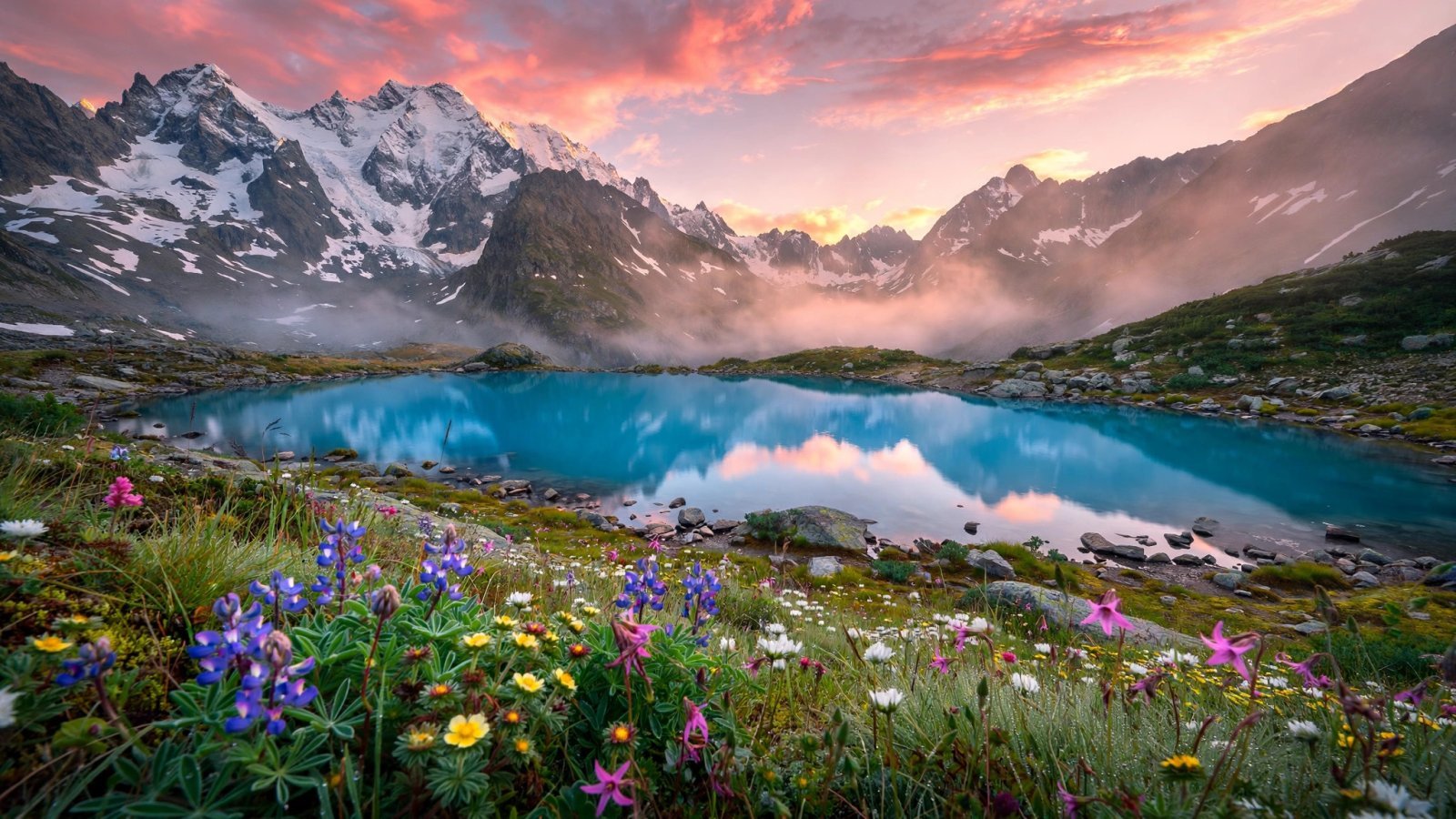
Convert the uploaded travel photograph of [DESTINATION] into a cinematic 8-second drone-style flythrough using layered parallax motion. The camera begins where the photographer stood, then glides forward and slightly upward, [CAMERA_PATH], passing the foreground [FOREGROUND_ELEMENT] so it sweeps past the lens. Midground: the [MIDGROUND_ELEMENT] holds its position while background mountains and the [SKY_FEATURE] shift with natural perspective. Add living detail the photo implies but cannot show: [MOTION_DETAIL], e.g. clouds drifting, water lapping, flags fluttering, birds crossing the frame. Preserve the photo's exact colors, time of day ([TIME_OF_DAY]), and mood; extend edges plausibly if the camera move reveals more scene. Style: hyperreal image-to-video, smooth gimbal motion, 24fps, subtle film grain, optional ambient sound of [AMBIENT_SOUND]. Do not warp people, signs, or text; keep all readable elements stable.
How to use it
- Pick a landscape photo with clear foreground, midground, and background layers.
- Upload it and define the camera path and one living detail.
- Set an 8-second duration with smooth gimbal-style motion.
- Generate and check that people and text stay stable.
- Export for reels, travel ads, or website hero backgrounds.
Customization tips
Use any landscape photograph: mountain cabins, city skylines, beach resorts. Increase or decrease the flythrough speed to taste.
Example use case
Travel brands and creators who want cinematic motion from a single still photograph.
Frequently asked questions
How does a parallax flythrough work from a single photo?
The parallax illusion works because the model invents plausible depth between foreground and background layers; pick photos with clear near/mid/far separation for the strongest effect.
What goes wrong most often in parallax animations?
Foreground elements like branches or railings can smear at the frame edges during aggressive moves. Keep the virtual camera path centered and moderate in speed.
Share
Tags: image to video parallax travel video drone effect cinemagraph video prompt
Reviewed by the PromptVault editorial team on October 23, 2026.
Source notes: Daily pipeline 20261023 batch 5