From Still to Motion: Turning One Photo into a Living Six-Second Clip
Animate a single still image into a short, believable video with natural motion, camera drift and a clear focal point.
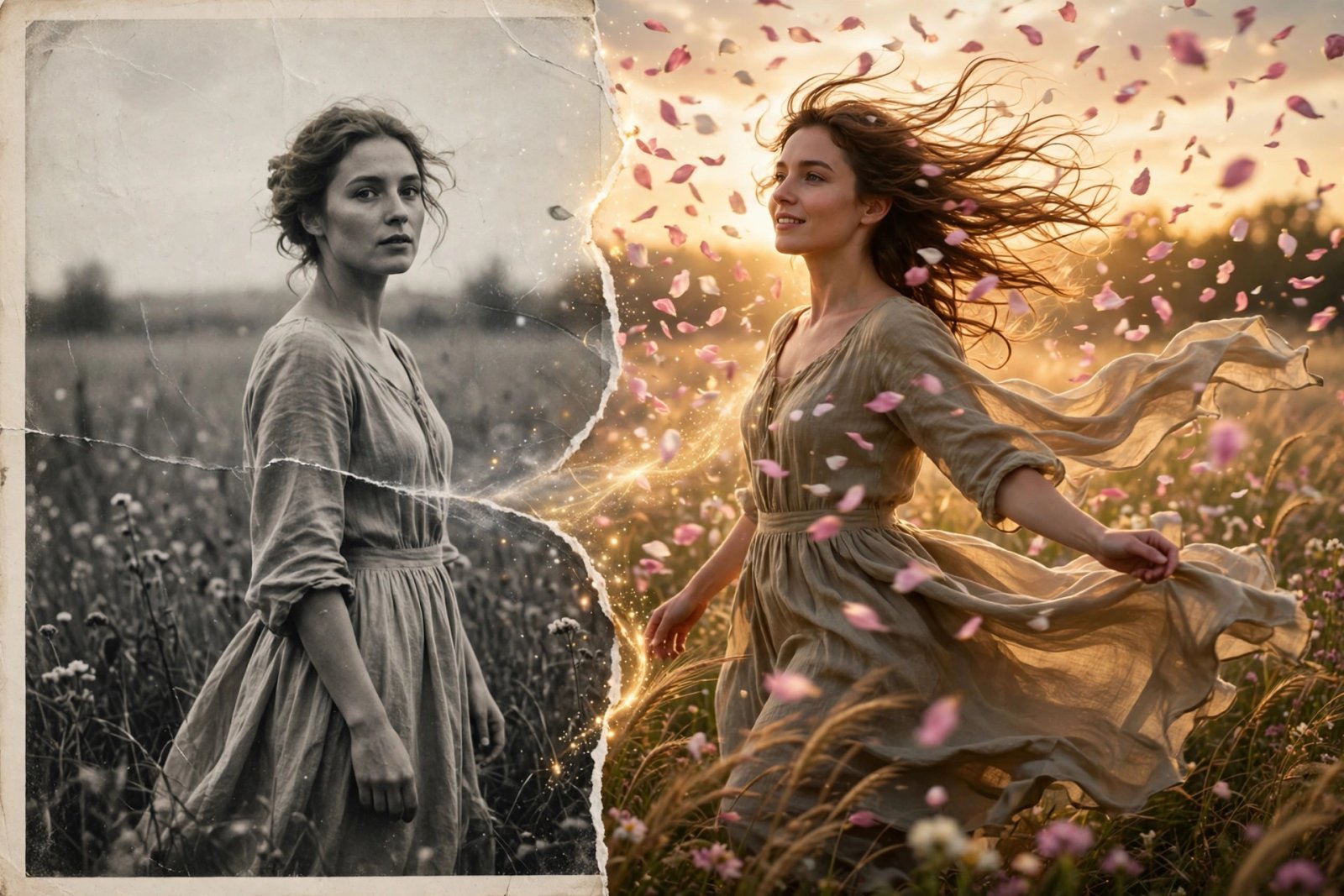
Customize this prompt
Fill in the fields below — the prompt text updates automatically. [BRACKETED] words are placeholders you replace.
The prompt
You are an image-to-video director working with one still photograph of [SUBJECT] in [SETTING]. Your job is to turn that frozen frame into a [DURATION]-second living clip. First, study the photo and list what can move: [MOVING_ELEMENTS] such as hair, fabric, water or smoke, and what must stay fixed: the subject's pose and the composition. Then write a motion plan in three layers — subject motion (a slow [SUBJECT_ACTION]), environment motion (wind in [ENVIRONMENT_DETAIL], drifting light), and camera motion (a gentle [CAMERA_MOVE] that never crops the subject). Describe the exact start and end frames so the clip loops cleanly if needed, and set the mood with [LIGHTING] and [COLOUR_GRADE]. Finish with a ready-to-paste image-to-video prompt that names the photo's contents, the motion layers and the camera move, plus a short list of motions to avoid so the image does not warp or melt.
How to use it
- Study the photo and list what can move versus what must stay fixed.
- Plan motion in three layers: subject, environment and camera.
- Define matching start and end frames for a clean loop.
- Set lighting and colour grade for the mood.
- Write the final prompt and note the motions to avoid.
Customization tips
Use any photo and change the moving elements and camera move to match it.
Example use case
Bring a still photo to life as a short social or portfolio clip.
Frequently asked questions
Why does my photo warp when I animate it?
Too much motion at once distorts the image. Animate one or two elements gently and keep the subject's pose and face completely still.
What makes a good image-to-video photo?
A clear subject, simple background and obvious motion cues — flowing fabric, water, smoke or hair — animate far better than a busy, flat scene.
Share
Tags: image to video photo animation ai video cinemagraph kling motion
Reviewed by the PromptVault editorial team on November 18, 2026.
Source notes: Daily pipeline 20261118 batch 5

