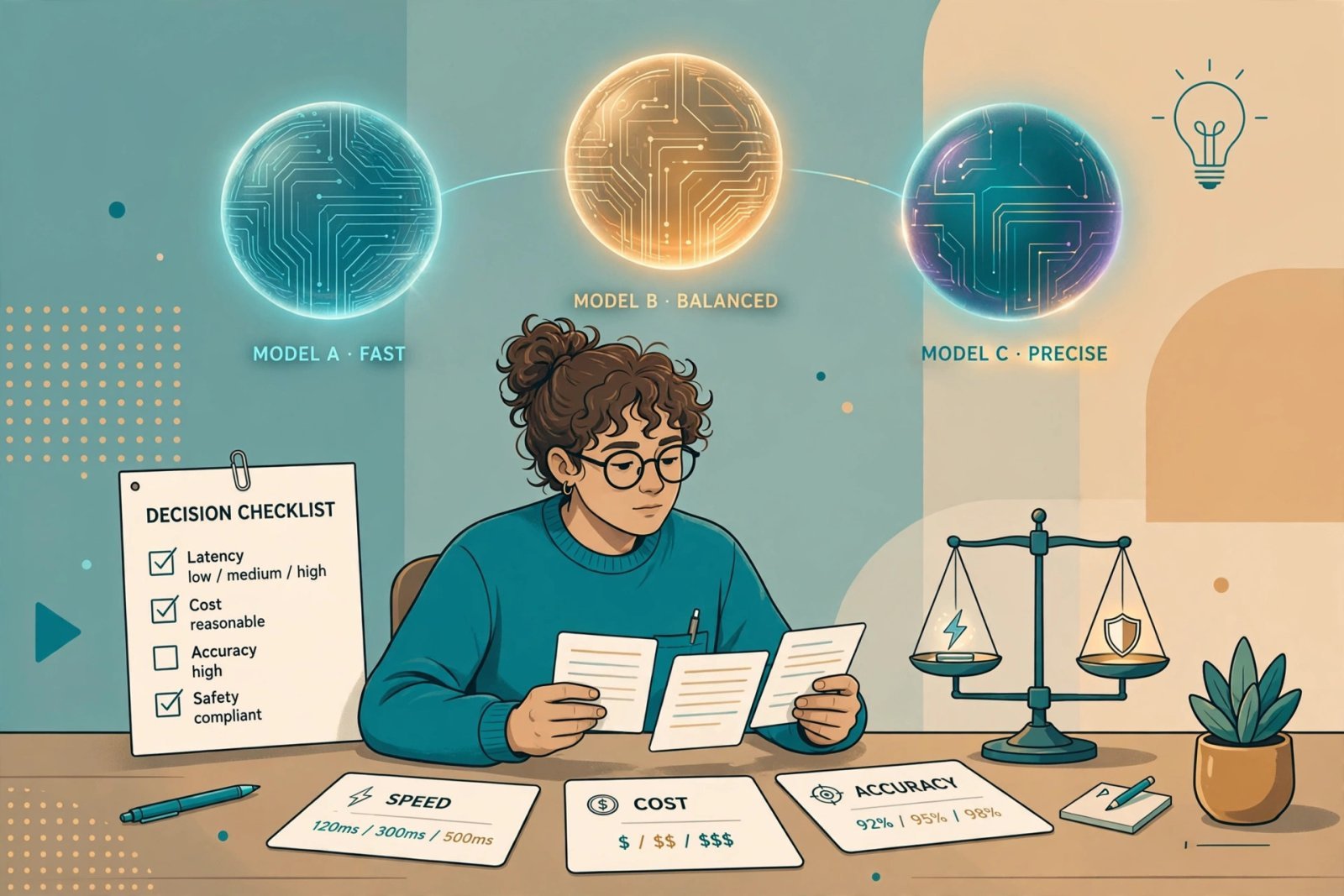
Hit maker: pick a music generation model
Find the right AI music model for your genre, track length, and licensing needs.
Customize this prompt
Fill in the fields below — the prompt text updates automatically. [BRACKETED] words are placeholders you replace.
The prompt
Act as a music production advisor. I create [GENRE] tracks of [LENGTH] for [USE_CASE], e.g. [EXAMPLE]. Needs: stems ([STEMS_NEED]), vocals ([VOCALS_NEED]), commercial license ([LICENSE_NEED]). Budget: [BUDGET]/month. Compare [MODEL_LIST] on: genre authenticity for [GENRE], arrangement quality, stem separation, vocal realism, editability, and licensing terms. Recommend the best model with a workflow: prompt formula for [GENRE], [NUMBER] reference tracks to guide style, and post-production steps in [DAW]. Include a licensing checklist: '[LICENSE_CHECK]'.
How to use it
- Define your genre, track length, and licensing needs
- Shortlist music models with commercial terms
- Compare genre authenticity and stem quality
- Generate test tracks in your genre
- Verify the license covers your use case before release
Customization tips
Swap [GENRE] and [USE_CASE] for background scores, jingles, or full song production.
Example use case
Use when adding AI music generation to content production with proper licensing.
Frequently asked questions
Can I release AI music commercially?
Only with the right license tier — read the terms; they vary wildly between models.
Do I still need a DAW?
Yes — generated tracks almost always need mixing, mastering, and arrangement polish.
Share
Tags: music generation AI music model selection licensing production
Reviewed by the PromptVault editorial team on October 12, 2026.
Source notes: Daily pipeline 20261012 batch 108