Living Painting: Animate Art with Gentle Parallax
An image-to-video prompt that animates a still painting with delicate parallax motion — drifting mist, rippling water — while keeping every brushstroke intact.
Customize this prompt
Fill in the fields below — the prompt text updates automatically. [BRACKETED] words are placeholders you replace.
The prompt
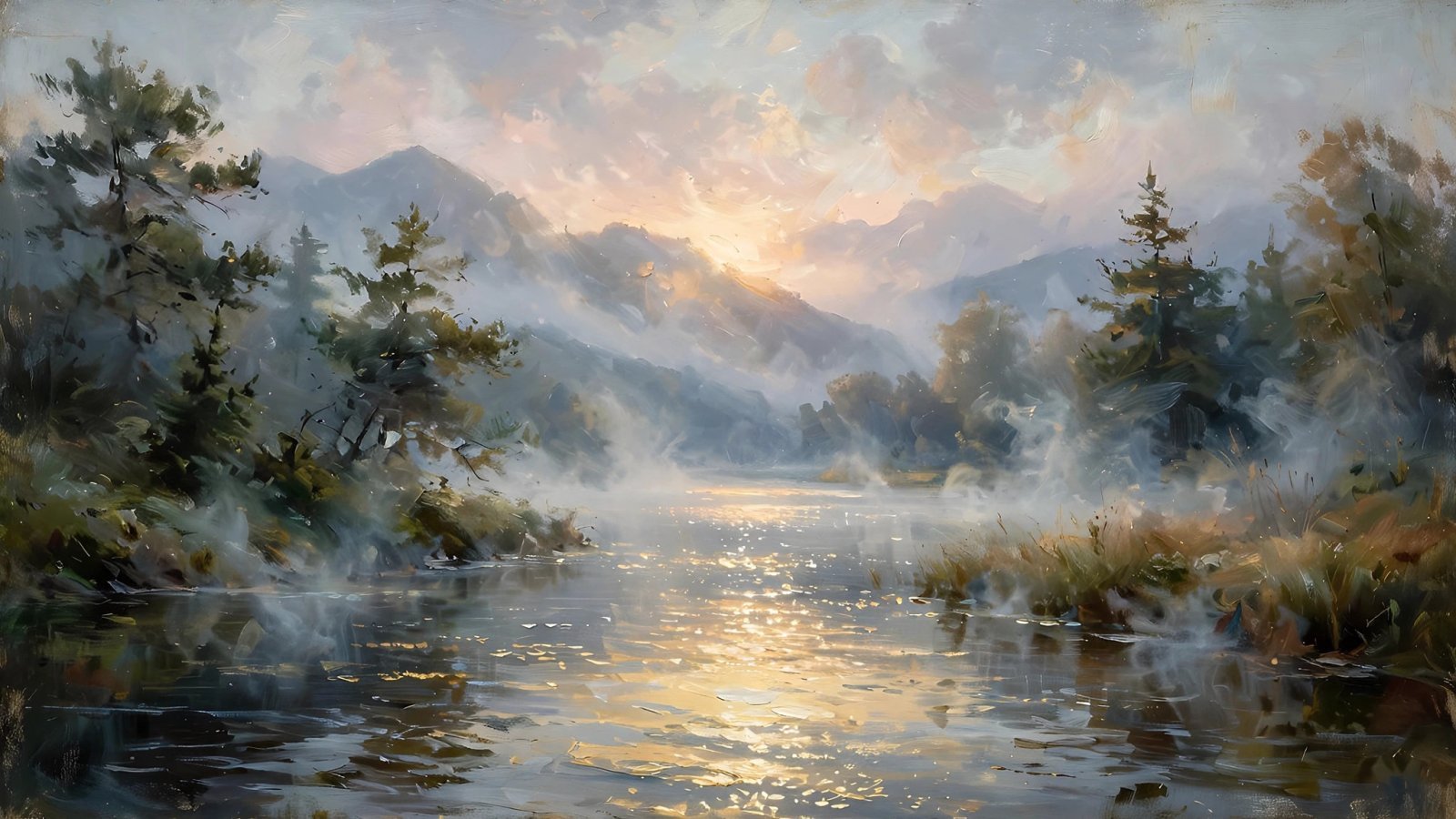
Bring a still painting to life as a gently animated 'living painting' video. Input: [PAINTING_DESCRIPTION] — for example, a misty lakeside landscape at dawn in [ART_STYLE]. In [VIDEO_MODEL]'s image-to-video mode, use this prompt: "This exact painting, animated with delicate living motion: [MOTION_ELEMENTS] (soft ripples crossing the lake, mist drifting slowly left, leaves trembling on the nearest tree, a bird gliding across the far sky), extremely subtle [CAMERA_MOVE] (barely-there push-in), painterly texture and brushstrokes fully preserved, [LIGHTING_MOOD] light shimmering on the water, [MOOD] atmosphere, museum-quality art film." Keep motion intensity LOW — the magic is that it still reads as a painting, just breathing. Set duration to [CLIP_LENGTH] seconds and enable a gentle ping-pong loop so it can play forever on a digital frame or gallery wall without a visible cut.
How to use it
- Choose or generate the painting to animate; richer detail gives better parallax.
- Upload it to image-to-video mode in your video tool.
- Paste the living-motion prompt with your motion elements and camera move specified.
- Set motion intensity low and duration to your target clip length.
- Enable ping-pong looping and preview for a full cycle to check the seam is invisible.
Customization tips
Use any painting or illustration as input, adjust [MOTION_ELEMENTS] for seasons or weather, and change [MOOD] from serene to dramatic.
Example use case
Artists, galleries and digital-frame owners who want paintings that subtly move while remaining unmistakably paintings.
Frequently asked questions
How much motion is too much?
Subtle and slow wins. Keep camera moves to a gentle drift or zoom, and limit animated elements to two or three — heavy motion breaks the illusion that it is still a painting.
Does this work for digital illustrations too, not just classical paintings?
Yes — the workflow is identical: upload the final illustration, then describe gentle ambient motion. Parallax works especially well on layered digital paintings and fantasy scenes.
Share
Tags: video generation image to video digital art painting parallax ambient video gallery
Reviewed by the PromptVault editorial team on October 21, 2026.
Source notes: Daily pipeline 20261021 batch 5