Meeting Notes Into Action Items Your Team Will Actually Do
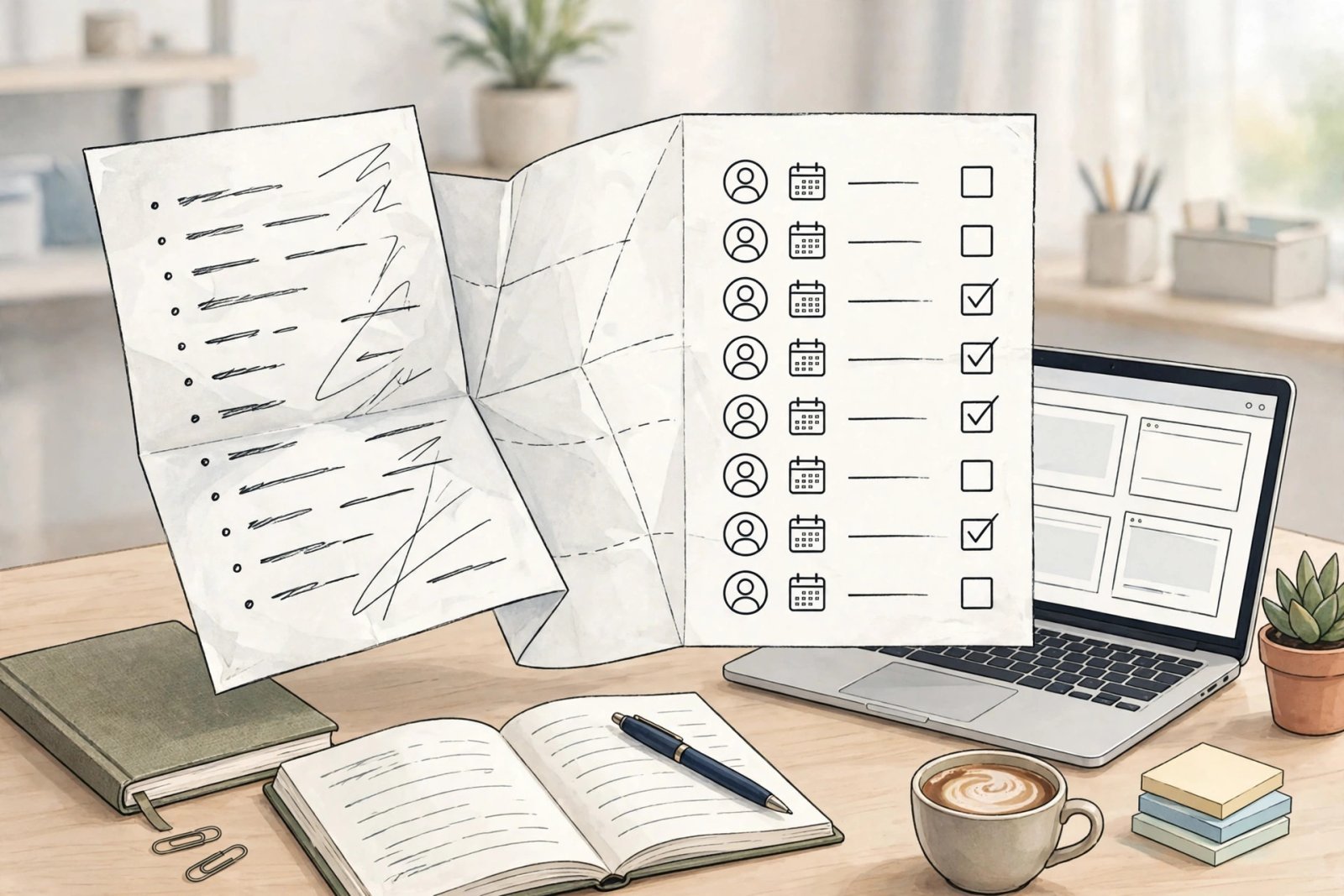
Convert rough meeting notes into a clean summary with decisions made, owners, and deadlines, ready to share with the team.

Customize this prompt
Fill in the fields below — the prompt text updates automatically. [BRACKETED] words are placeholders you replace.
The prompt
Act as an executive assistant who turns chaotic meeting notes into documents people actually read. The meeting was [MEETING_NAME] on [MEETING_DATE], attended by [ATTENDEES]. The purpose was [MEETING_PURPOSE].

Here are my raw notes: [RAW_MEETING_NOTES].

Produce a clean meeting summary with these parts:
1. A three-sentence summary of what the meeting was about and what changed because of it.
2. A decisions table with three columns: decision, who made it, and what it means for the team.
3. An action list where every item has an owner, a deadline, and a one-line description, written as a verb, such as 'Send the revised quote to [CLIENT_NAME] by Friday'.
4. A short list of open questions that still need an answer, with the person who will answer each one.
5. A 'parking lot' of good ideas raised that we are not acting on yet.
6. A one-paragraph version of the whole summary for anyone who only has thirty seconds.

Keep the full summary under 400 words. Use plain language, name real people and dates, and never invent an owner or a deadline that is not in my notes or clearly implied.
How to use it
- Paste your raw notes into the prompt right after the meeting.
- Run the prompt and check every owner and deadline against what was actually agreed.
- Send the summary to all attendees the same day.
- Add the action items to your task tracker with their deadlines.
- Open the next meeting by reviewing the previous action list.
Customization tips
Add a 'next meeting' line with the date and the one thing it must resolve.
Example use case
Use it after every meeting where decisions were made or tasks assigned.
Frequently asked questions
What if nobody was assigned an owner for a task?
The prompt will flag it as an open question rather than inventing an owner. Assign it in the meeting or in your follow-up, then update the summary.
How soon should I send the summary?
The same day, while the meeting is fresh. A summary sent a week later is rarely read and often wrong.
Share
Tags: writing meeting notes productivity action items team communication
Reviewed by the PromptVault editorial team on November 10, 2026.
Source notes: Daily pipeline 20261110 batch 9