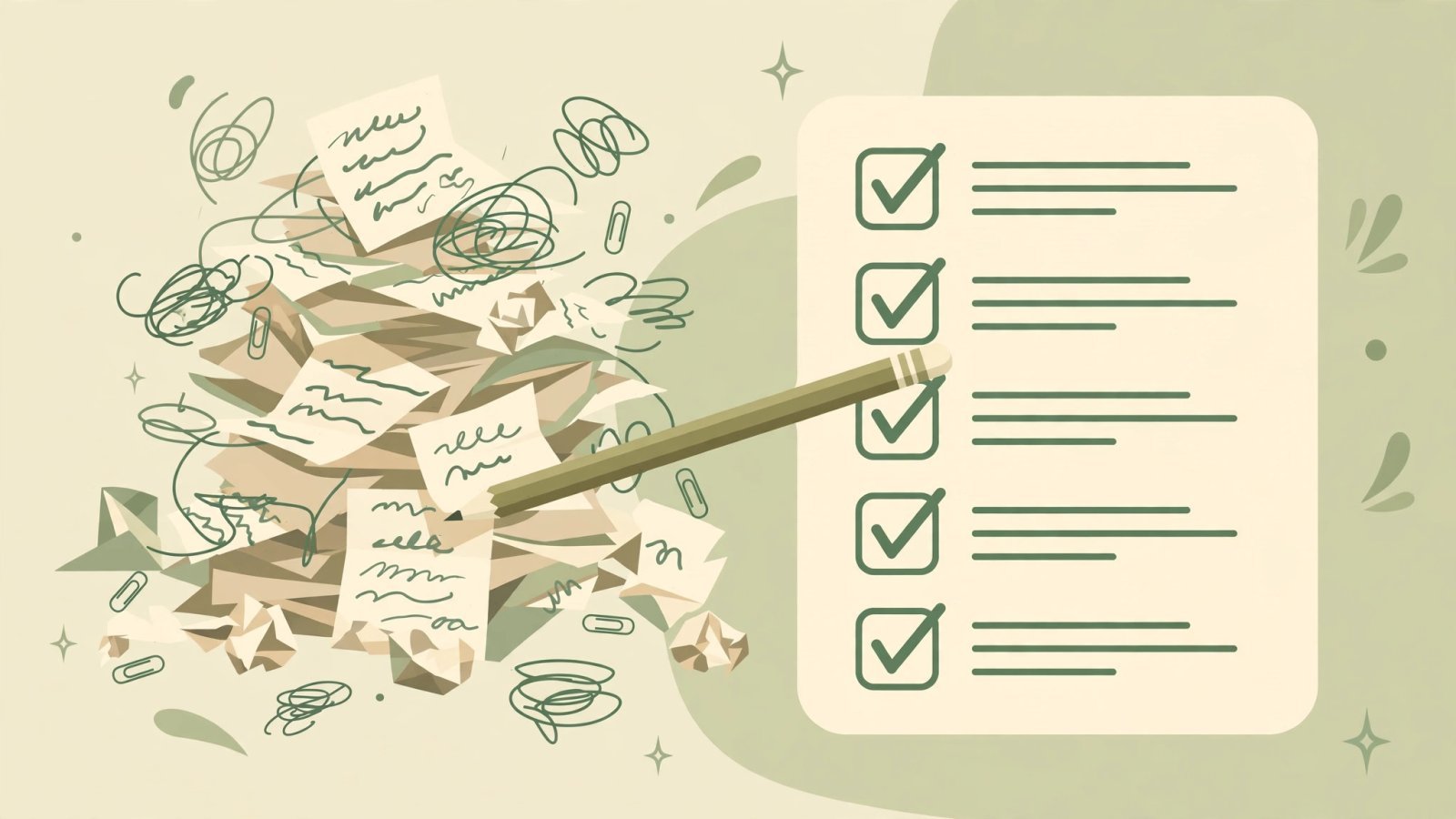
Turn Chaotic Meeting Notes into a Sharp Action List
Paste raw meeting notes and get a clean summary, decisions list and action items with owners and due dates.
Customize this prompt
Fill in the fields below — the prompt text updates automatically. [BRACKETED] words are placeholders you replace.
The prompt
Act as an executive assistant. Turn these raw meeting notes into a clean, usable record. Meeting: [MEETING_TITLE] on [MEETING_DATE], attendees [ATTENDEES]. Notes: [PASTE_NOTES]. First write a three-sentence summary of what was discussed and decided. Then list every decision as a bullet with who made it and why. Then extract every action item with an owner, a due date (use [DEFAULT_DUE_DATE] where none was stated) and a one-line description. Flag any item where the owner or the deadline is unclear, and finish with a short follow-up email draft to [RECIPIENT] that lists their actions only. Keep the whole output under 400 words and use plain, professional language.
How to use it
- Paste your raw notes and the meeting details into the prompt.
- Check the flagged items and confirm the missing owners or deadlines.
- Send the follow-up email draft to the attendees.
- Save the action list where your team tracks work.
Customization tips
Paste longer notes for a workshop or add a field for the project name to keep records organised.
Example use case
Use after any meeting, stand-up or workshop when you need a shareable record within minutes.
Frequently asked questions
How messy can the notes be?
Very messy. Bullet fragments, half sentences and typos are fine — the prompt is built to extract structure from rough notes.
Can it handle notes without named owners?
Yes. It flags every action missing an owner or deadline so you can fill the gaps instead of guessing.
Share
Tags: meeting notes action items productivity meeting summary writing workplace
Reviewed by the PromptVault editorial team on November 18, 2026.
Source notes: Daily pipeline 20261118 batch 9