Neon Tide: A Looping Animated Music Poster for a Synthwave Night
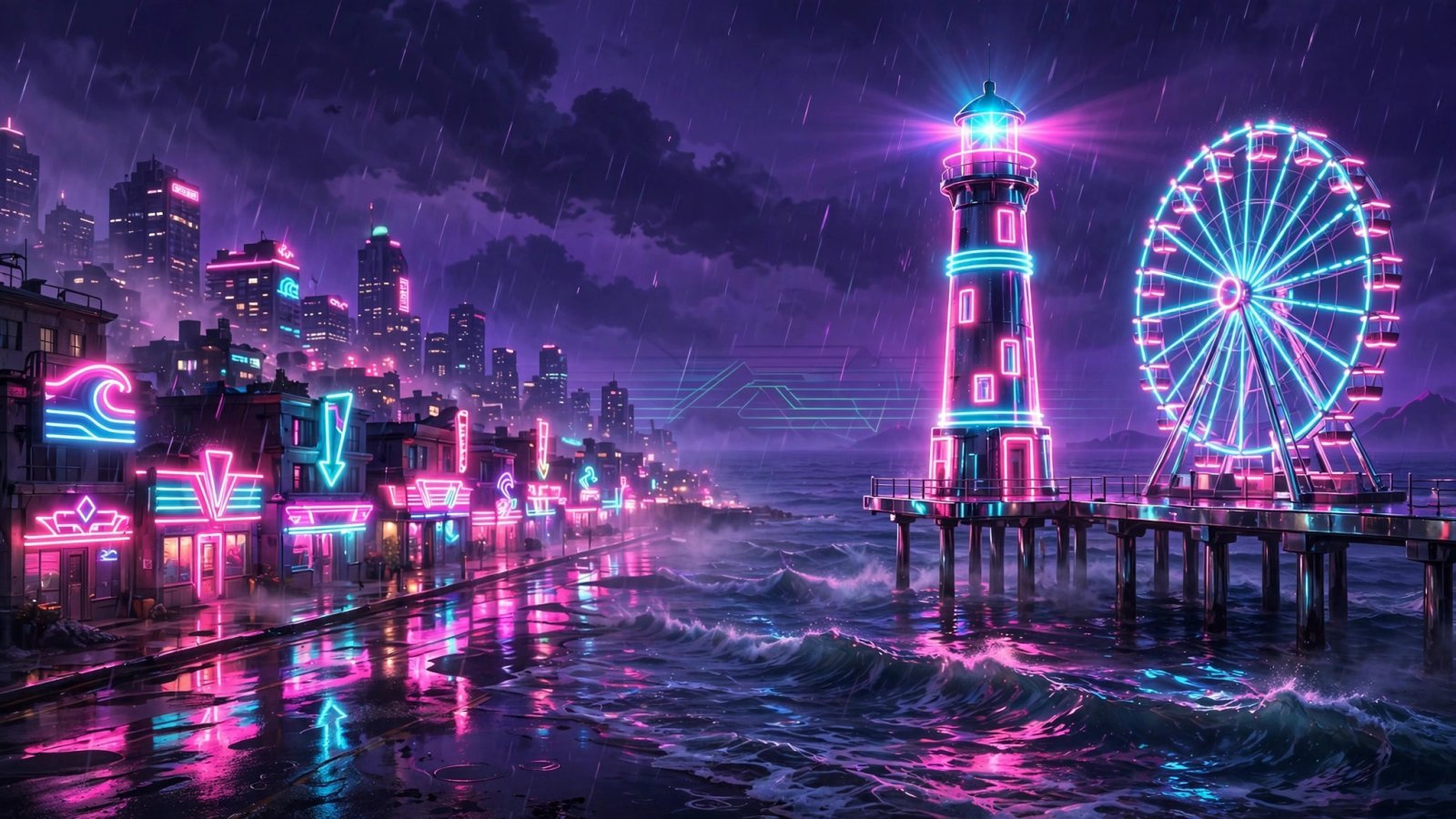
Design a seamless looping animation of a neon ocean city pulsing to synthwave — a poster that moves, with glow rules, loop logic and a reusable prompt.
Customize this prompt
Fill in the fields below — the prompt text updates automatically. [BRACKETED] words are placeholders you replace.
The prompt
You are a motion-graphics animator creating a looping animated poster for an AI video generator. Build a complete plan for a [DURATION]-second seamless loop titled "[POSTER_TITLE]", advertising a synthwave night called [EVENT_NAME] in a neon ocean city.

Lock the visual system first: a [PALETTE] neon palette (hot pink, cyan and deep violet), chrome reflections on wet streets, glowing signage, and a slow camera drift that returns exactly to its start frame so the loop is invisible. Define the city skyline — [LANDMARK_COUNT] landmarks including a neon lighthouse, a chrome pier and a glowing ferris wheel — each with a glow colour and a blink or pulse rhythm.

Plan the loop in three layers — background skyline drift, midground ocean waves and reflections, foreground rain and neon signs — and write a shot list of [SHOT_COUNT] shots with the exact motion per layer, the pulse timing, and the moment the [HERO_ELEMENT] flashes. Describe how reflections ripple, how the ferris wheel turns one full rotation per loop, and how the tide breathes in and out.

Write the final master prompt for an AI video generator that captures the neon glow, the loop timing and the synthwave mood in [STYLE_DESCRIPTOR] detail, plus a loop-checklist so the first and last frames match. End with a sound plan: a [MUSIC_STYLE] synthwave track, rain ambience, and the hum of neon.
How to use it
- Lock the neon palette, glow rules and loop timing first.
- Design the skyline landmarks with a glow colour and pulse rhythm each.
- Plan the three motion layers with exact timing per shot.
- Describe reflections, rain and the ferris wheel rotation clearly.
- Generate a master AI prompt plus a first-last-frame loop checklist.
Customization tips
Swap the event name, palette and hero landmark for your own poster loop.
Example use case
Make a moving poster that loops forever on a screen or social feed.
Frequently asked questions
How do I make an AI video loop seamlessly?
Keep the camera on a slow drift that returns to its start position, and make every moving element complete a whole number of cycles inside the loop length.
What makes neon glow look good in AI video?
Name exact glow colours, add wet reflective surfaces, and keep the background dark so the neon reads as light, not decoration.
Share
Tags: animation loop animation motion graphics synthwave neon ai video
Reviewed by the PromptVault editorial team on November 18, 2026.
Source notes: Daily pipeline 20261118 batch 4