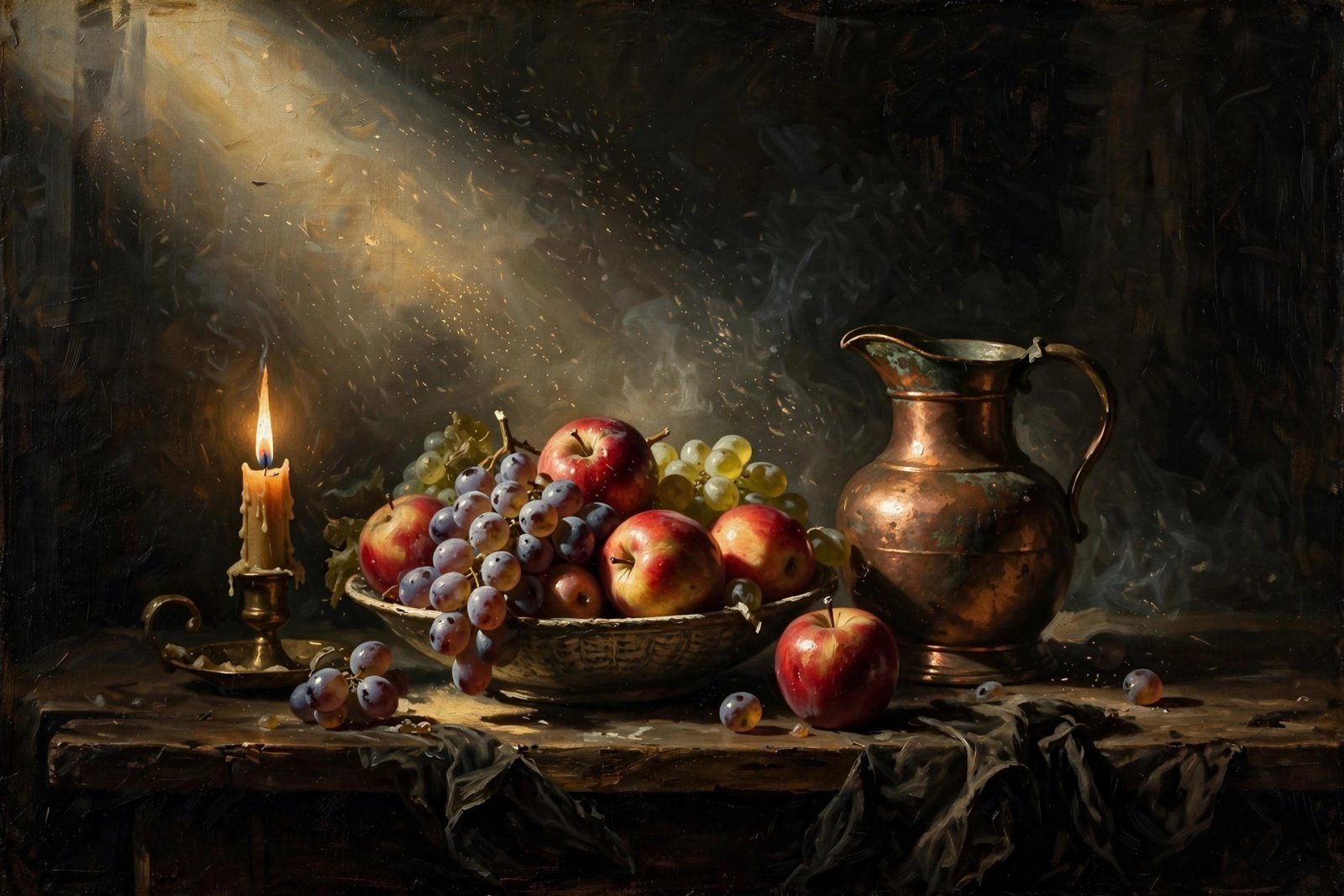
Painted Still Life Comes Alive: A Slow-Zoom Image-to-Video Loop
Turn a painted still life into a seamless looping video with a slow cinematic push-in, flickering candlelight, and drifting dust particles.
Customize this prompt
Fill in the fields below — the prompt text updates automatically. [BRACKETED] words are placeholders you replace.
The prompt
Upload [SOURCE_IMAGE], a high-resolution scan or photograph of a painted still life featuring [MAIN_SUBJECT] arranged on [BACKGROUND_SETTING]. Animate it with a slow push-in lasting [DURATION_SECONDS] seconds: the camera starts at [START_FRAMING] and drifts inward to [END_FRAMING] at [MOTION_SPEED] speed. Add gentle ambient motion — flickering [LIGHT_SOURCE] light, dust particles drifting through the air, and a subtle sway in [MOVING_ELEMENT]. Preserve the painting's brushstroke texture and its [COLOR_PALETTE] palette exactly; do not add people, text, logos, or any new objects. Render at [FRAME_RATE] fps and make the final frame identical to the first so the clip loops seamlessly.
How to use it
- Pick a high-resolution still life scan with a clear, readable light direction.
- Upload it and define the start and end framings for the slow push-in.
- Set the ambient motion: flickering light source, drifting dust, and one swaying element.
- Lock the constraints — no new objects, no text, palette and brushwork untouched.
- Render the clip and check that the loop point plays without a visible jump.
Customization tips
Replace the still life with any static scene — a product flat-lay, a landscape painting, or a museum poster — and adjust the camera speed.
Example use case
Creators, museums, and brands that want gallery-style motion clips from static artwork without reshooting anything.
Frequently asked questions
Why does my loop have a visible jump?
The last frame rarely matches the first on its own. Ask for the final frame to be identical to the starting frame, or crossfade the last half-second in an editor for a clean loop.
Can I use a photograph instead of a painting?
Yes. Photos of flower arrangements, product flat-lays, or tablescapes work well — the slow push-in and ambient motion make any still scene feel alive.
Share
Tags: image-to-video ai-animation still-life camera-move seamless-loop cinematography motion-prompt
Reviewed by the PromptVault editorial team on October 12, 2026.
Source notes: Daily pipeline 20261012 batch 5