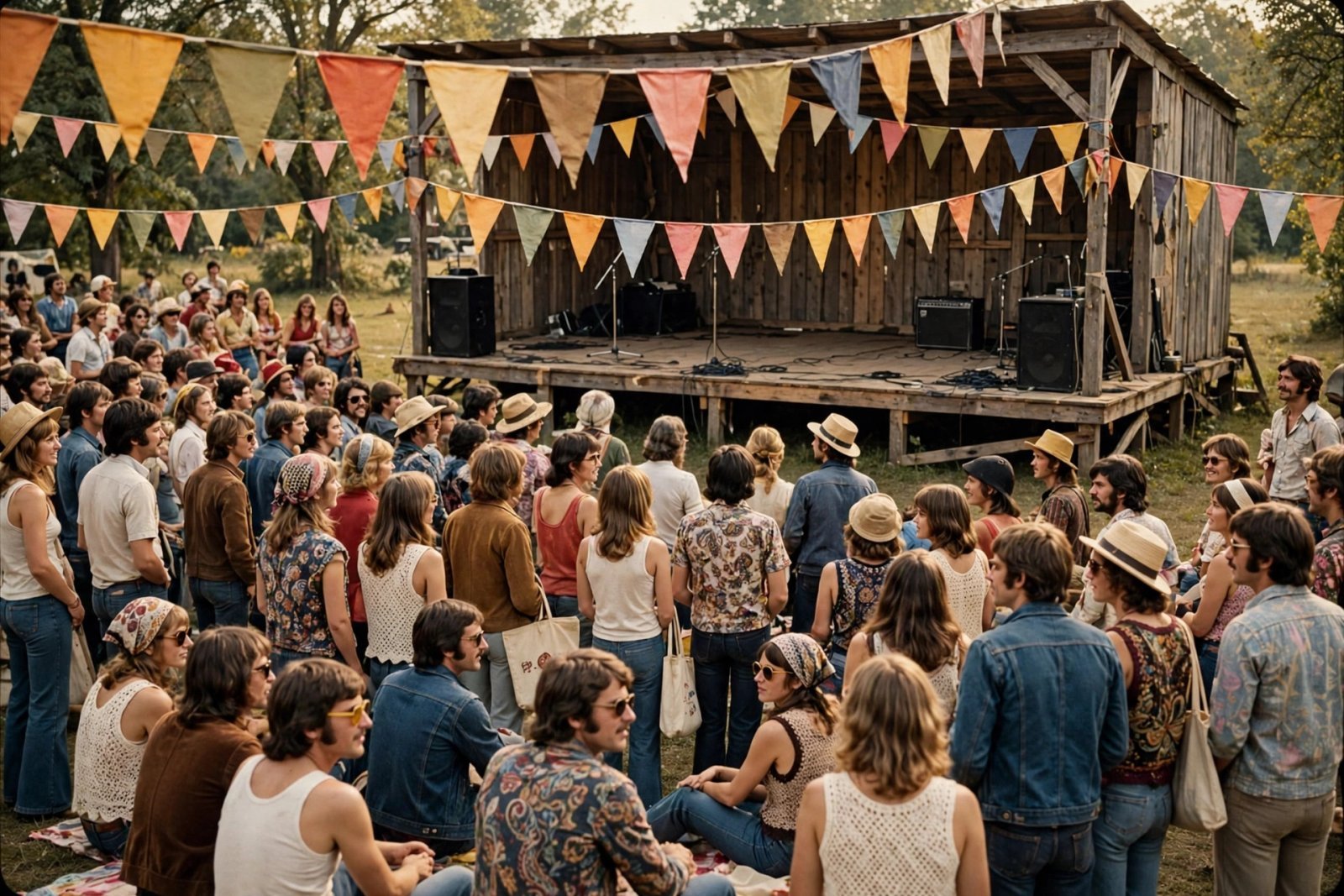
Repair a Scratched 1970s Street Photo with Warm Tones
A photo restoration prompt that repairs a scratched 1970s street photograph, clearing damage and warming its faded colours.

Customize this prompt
Fill in the fields below — the prompt text updates automatically. [BRACKETED] words are placeholders you replace.
The prompt
Restore a scratched 1970s street photograph of [SCENE_DESCRIPTION], taken on a sunny afternoon with period cars, shopfronts and pedestrians. Remove the network of fine scratches, dust and water spots across the surface, repair the worn corners, and rebalance the faded, yellowed colours into warm, natural 1970s tones: sunlit [STREET_COLOUR] pavement, muted shop signs and true-to-life skin tones. Keep the composition, the cars, the shopfronts and every person exactly as photographed — do not add, remove or modernise anything. Preserve the original film grain and the slightly soft, snapshot feel of the era, and deliver a clean, sharp [OUTPUT_SIZE] image that still feels like a real 1970s photograph. Output: restored street photo, warm tones, faithful to the original.
How to use it
- Scan the photo at high resolution, scratches and all.
- Describe the street scene, cars and shopfronts in detail.
- Ask for scratches and spots to be removed before colour work.
- Request warm, muted 1970s tones rather than modern saturation.
- Verify no cars, signs or people were added or changed.
Customization tips
Change the scene description, the pavement colour and the output size.
Example use case
Revive a faded 1970s street snapshot for an album, exhibition or family archive.
Frequently asked questions
My photo has a big scratch across a car — will it vanish?
Usually the model rebuilds the car from the visible parts; describe the car model and colour to guide the repair.
Can I print the restored photo at a large size?
Yes — ask for a high-resolution output, then upscale the result with a dedicated upscaler before printing.
Share
Tags: photo restoration 1970s street photo scratch repair vintage photo warm tones
Reviewed by the PromptVault editorial team on November 12, 2026.
Source notes: Daily pipeline 20261112 batch 2