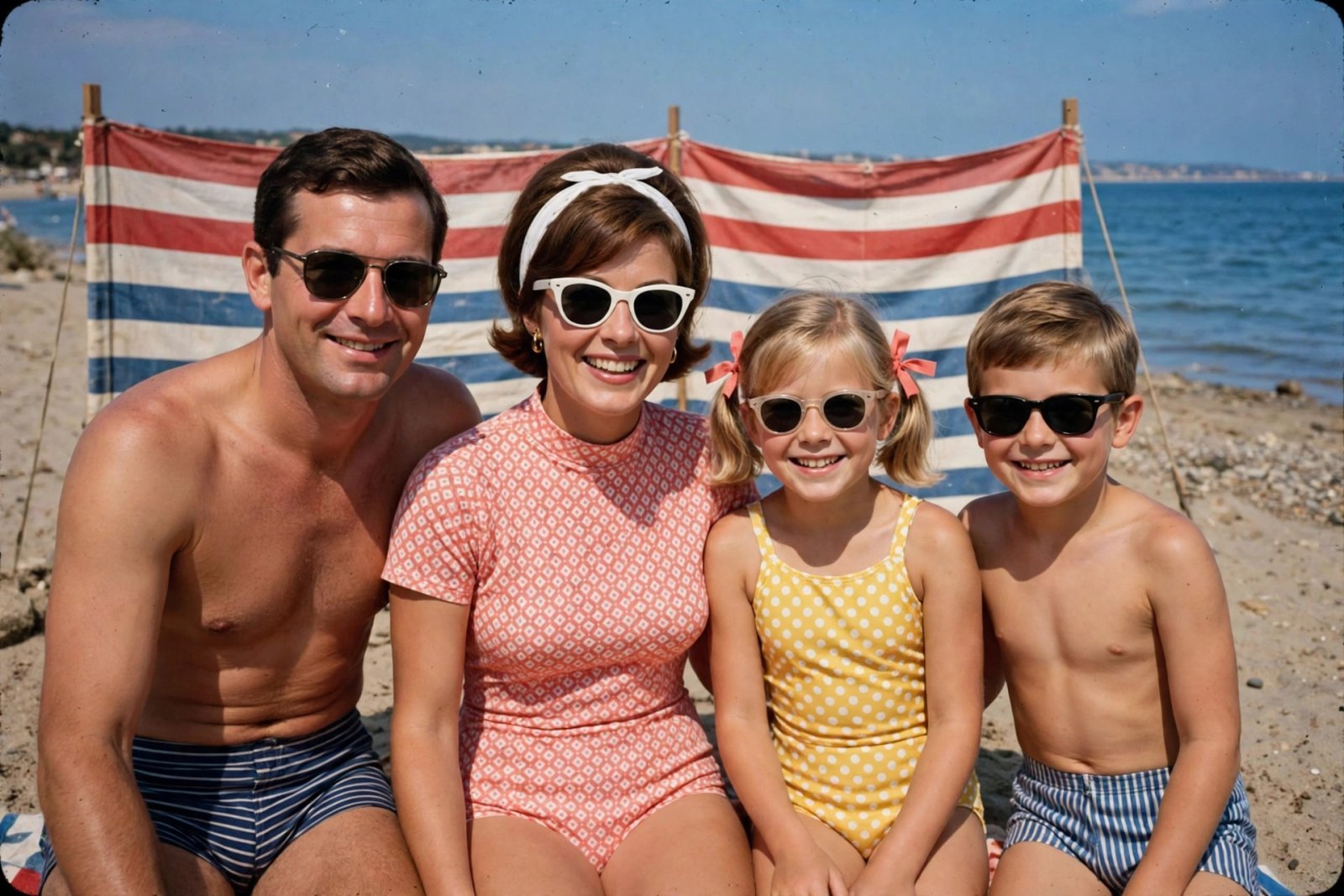
Restore a Faded Family Beach Photo to Crisp Colour and Detail
Bring a faded family beach photo back to life with natural colour, sharper faces, and a clean, honest restoration.

Customize this prompt
Fill in the fields below — the prompt text updates automatically. [BRACKETED] words are placeholders you replace.
The prompt
Restore this faded family beach photograph to crisp, natural colour. Carefully rebuild the washed-out sky to soft blue, return warm skin tones and the original [CLOTHING_COLOURS] of the clothes, and sharpen faces gently without changing anyone's features or expression. Remove dust, scratches, and yellowed stains, straighten the horizon, and keep the grain and feel of an old photograph rather than making it look like a modern digital shot. Preserve every person, the [BACKGROUND_DETAIL] in the background, and the photo's original framing and mood.
How to use it
- Upload the clearest scan you have, at 300 dpi or higher.
- Note [CLOTHING_COLOURS] and [BACKGROUND_DETAIL] so colours stay faithful.
- Run the restoration and compare faces closely with the original.
- If a face looks altered, reduce sharpening and try again.
- Save both the restored copy and the untouched original scan.
Customization tips
For a black-and-white original, ask for faithful colourisation using [CLOTHING_COLOURS] as a guide.
Example use case
Restoring old family photographs for albums, gifts, or framing.
Frequently asked questions
Will restoration change how people look?
A careful restore sharpens and recolours but should never reshape faces or expressions.
What if part of the photo is missing?
Small gaps can be rebuilt from surrounding detail, but large missing faces cannot be invented honestly.
Share
Tags: photo restoration old photos family photo colour correction repair memories
Reviewed by the PromptVault editorial team on November 2, 2026.
Source notes: Daily pipeline 20261102 batch 2