Restore a Sun-Faded Beach Photo to Vibrant Color
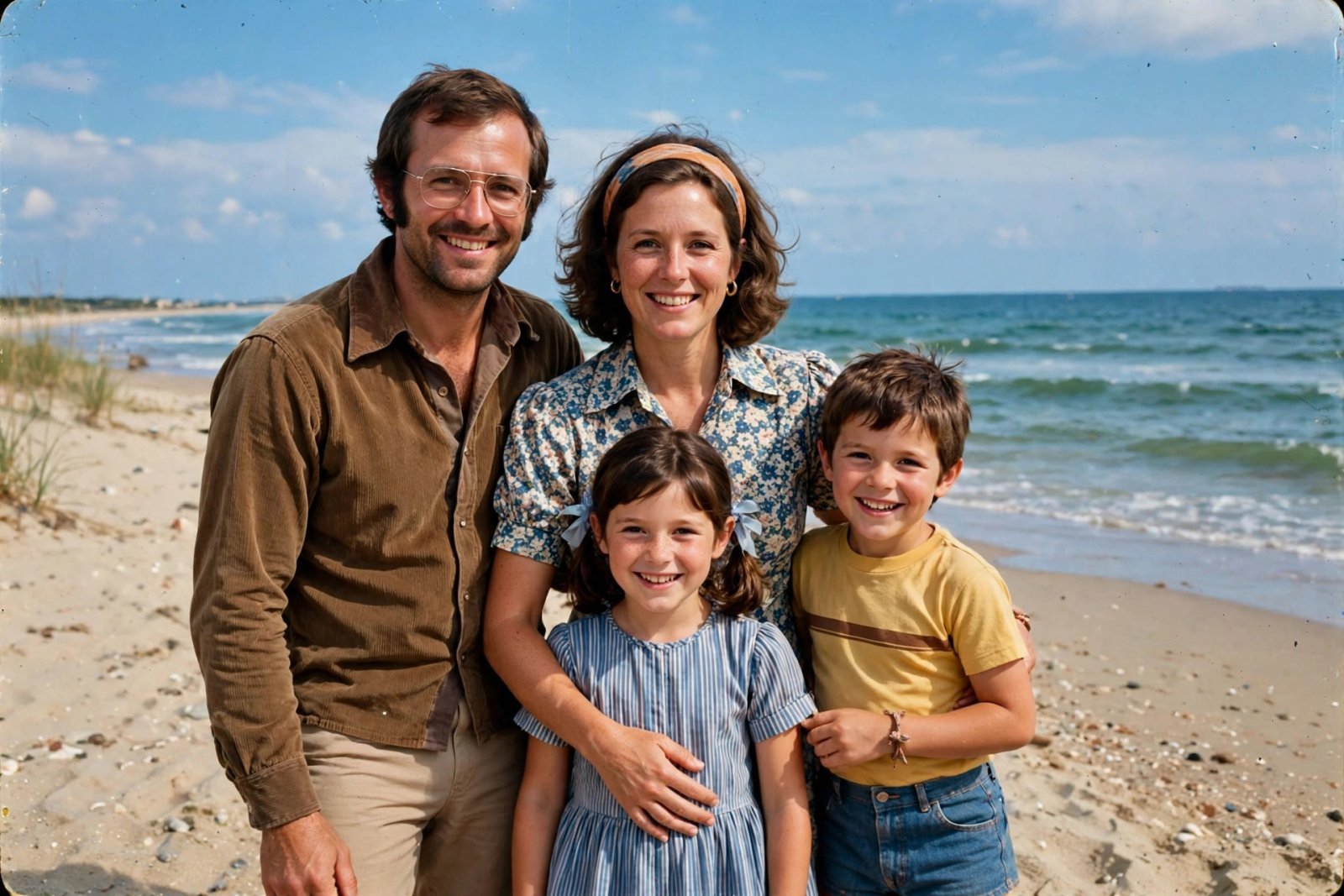
A photo restoration prompt: bring a bleached, sun-faded beach snapshot back to rich natural color.
Customize this prompt
Fill in the fields below — the prompt text updates automatically. [BRACKETED] words are placeholders you replace.
The prompt
Restore and color-correct this sun-faded photograph: a family beach snapshot bleached by decades of sunlight. Target: [PHOTO_SUBJECT] on a sandy beach with ocean behind. Restoration goals: rebuild faded skin tones naturally, restore the sky to a believable [SKY_TONE] blue, bring back green-blue ocean gradients, recover shadow detail in faces, and remove the yellow-brown cast — while keeping the photo's original [ERA_FEEL] (1970s film grain, 90s snapshot look). Preserve every face, pose, and clothing detail exactly; do not beautify or change expressions. Output: clean restored photo, natural color, subtle film grain retained, no added elements, no text.
How to use it
- Upload the faded photo as the image reference.
- Describe the subject and era feel so restoration stays authentic.
- Set sky tone and color intensity preferences.
- Generate and compare faces side-by-side with the original.
- Save the best restoration and keep the original untouched.
Customization tips
Set [ERA_FEEL] to match the decade ('1970s film grain') so the restored photo still feels like its era.
Example use case
Family archive restoration, digitizing old albums, and anniversary gifts.
Frequently asked questions
Will it change faces?
No — the prompt locks faces, poses and clothing to the original.
Can it handle heavy yellow cast?
Yes — removing the yellow-brown cast is an explicit restoration goal.
Share
Tags: photo restoration colorize old photos retouch family photos
Reviewed by the PromptVault editorial team on October 23, 2026.
Source notes: Daily pipeline 20261023 batch 2