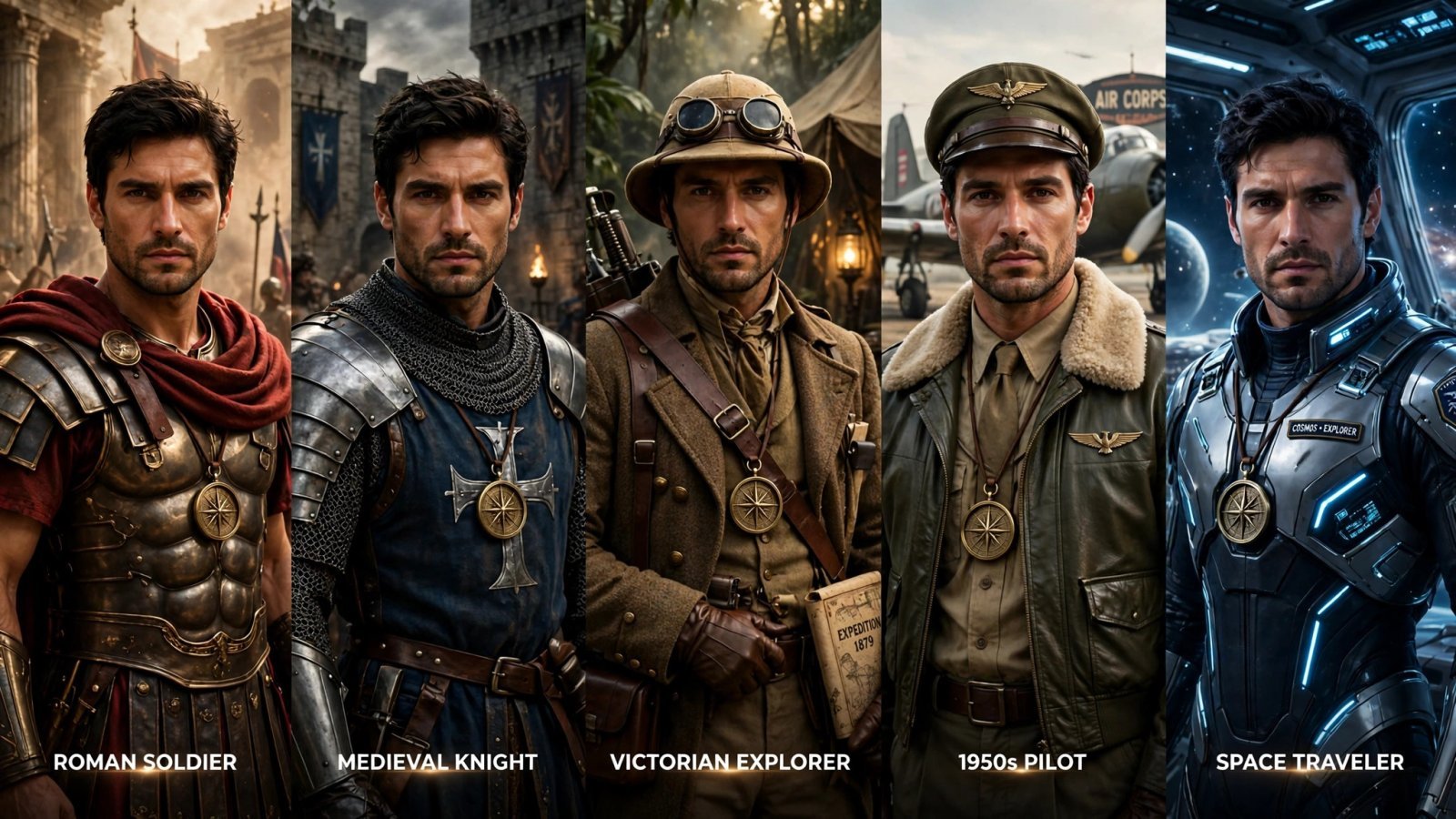
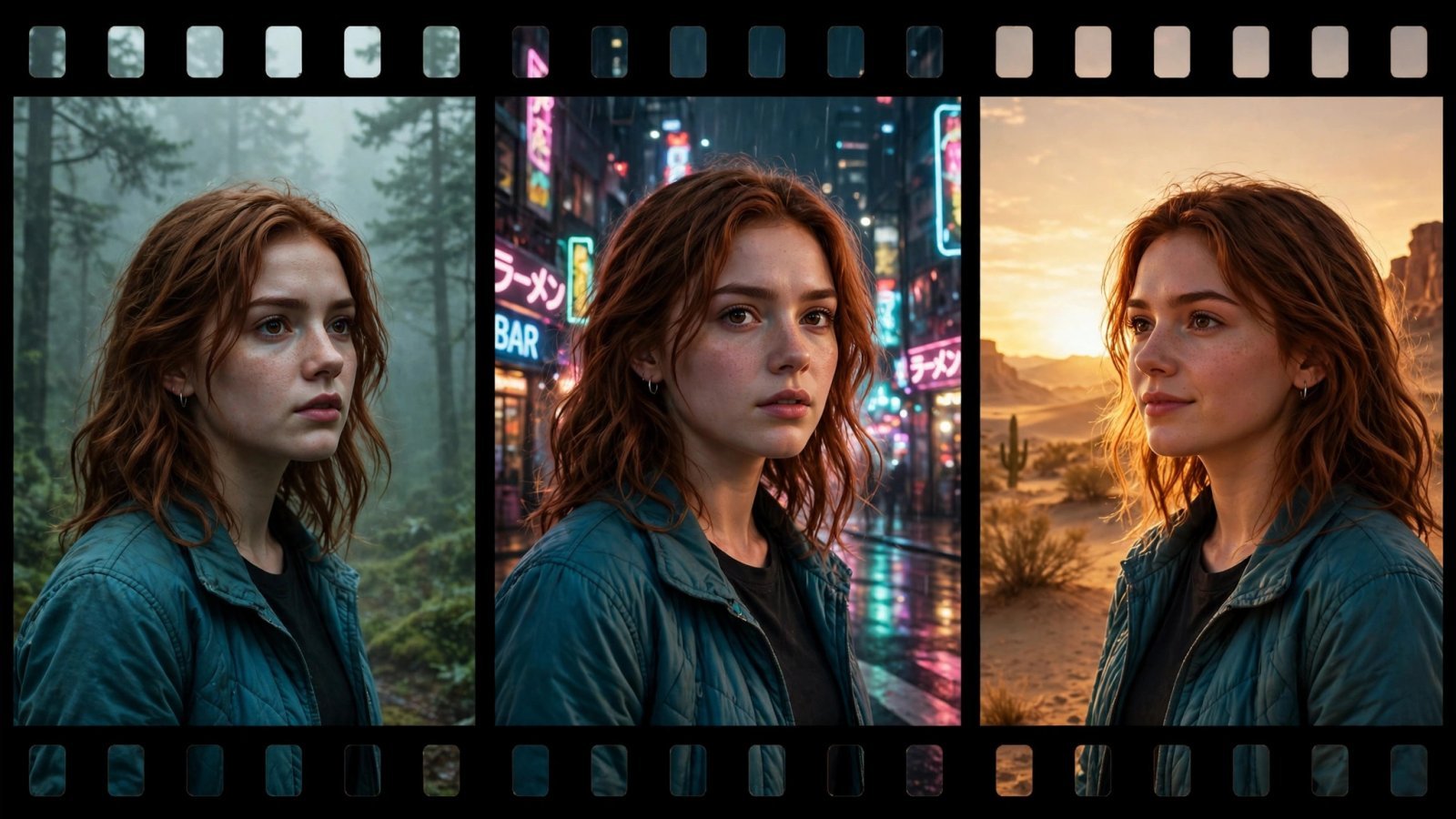
Same Face, New Worlds: Keep Your Character Consistent Across Every AI Video Scene
A repeatable prompt framework that locks your character's face, outfit and style so they stay identical across every AI video scene you generate.
Customize this prompt
Fill in the fields below — the prompt text updates automatically. [BRACKETED] words are placeholders you replace.
The prompt
Generate a cinematic video sequence featuring the same character, [CHARACTER_NAME], in [NUMBER_OF_SCENES] connected scenes. Keep the character's appearance locked in every shot: [CHARACTER_DESCRIPTION], wearing [OUTFIT], with [DISTINCTIVE_FEATURE] always visible. Scene 1 opens in [LOCATION_1] at [TIME_OF_DAY], where the character [ACTION_1]. Scene 2 moves to [LOCATION_2] with [MOOD] lighting as the character [ACTION_2]. Scene 3 closes in [LOCATION_3], ending on [ENDING_SHOT]. Use a consistent [CAMERA_STYLE] camera, [COLOR_GRADE] color grade and [ASPECT] framing throughout. Reference the same character sheet in every generation and repeat the exact appearance description word for word so the model preserves identity, proportions and costume across all scenes.
How to use it
- Write a one-paragraph character sheet: face, hair, build, outfit and one unmistakable feature.
- Paste that exact character description into every scene prompt, unchanged.
- Plan your scenes as a simple story arc: arrival, challenge, resolution.
- Generate scene by scene, checking the face and outfit match before moving on.
- Regenerate any drifting shot with a stronger identity phrase and the same seed if supported.
- Stitch the clips in order and apply one shared color grade for a unified look.
Customization tips
Swap the character sheet, locations and actions to fit any story, from a brand mascot adventure to a short film hero's journey.
Example use case
Creators making multi-scene AI short films, ads or series where the same character must stay recognizable from shot to shot.
Frequently asked questions
How do I stop the character's face changing between scenes?
Repeat the exact same appearance description in every prompt and keep one distinctive feature, like a scar, hairstyle or accessory, that anchors the model's memory of the character.
Which models work best for consistent characters?
Models with image reference or character-lock features, such as Kling, Runway and Google Flow, hold identity best when you feed them the same reference still for every scene.
Share
Tags: consistent character AI video character design video generation storytelling Kling Runway
Reviewed by the PromptVault editorial team on November 6, 2026.
Source notes: Daily pipeline 20261106 batch 5