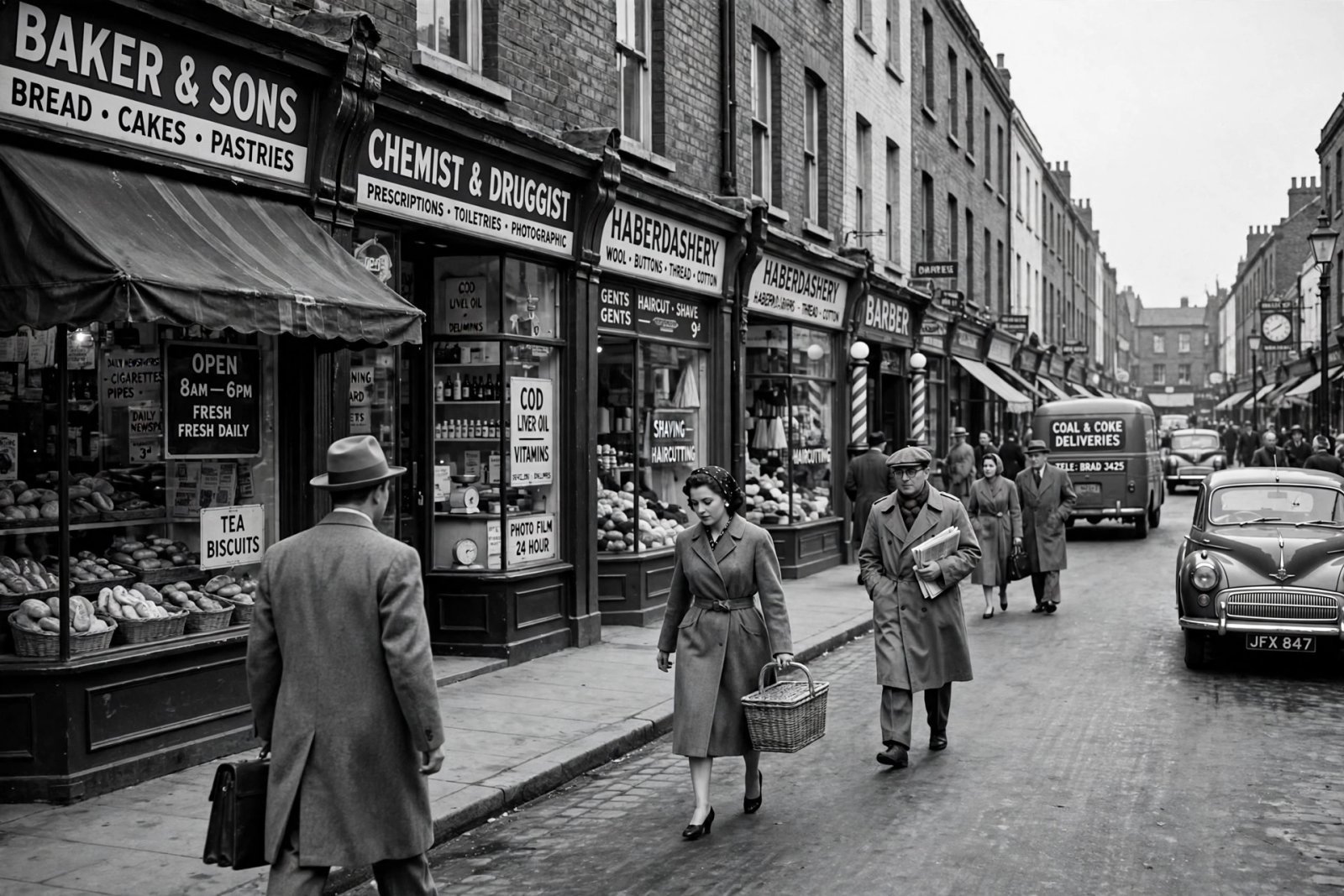
Scratched Black-and-White Street Scene Photo Restoration
A restoration prompt that cleans a scratched black-and-white street scene while keeping its rich period contrast.
Customize this prompt
Fill in the fields below — the prompt text updates automatically. [BRACKETED] words are placeholders you replace.
The prompt
Restore a scratched black-and-white street scene photograph from [DECADE] showing a [STREET_FEATURE] lined with period shopfronts, old vehicles, and passers-by in era clothing. Remove scratches, dust, water marks, and fold lines, rebalance the tones so blacks stay deep and whites stay clean, and sharpen shop signs and faces just enough to read clearly. Preserve the authentic grain and documentary feel of the original, and do not add colour, modern objects, or invented signage to the scene.
How to use it
- Scan the original at high resolution and note the decade and main street feature.
- Paste the prompt, filling in the decade and the street feature you want preserved.
- Zoom into shop signs and faces to confirm the restoration kept them honest.
- Export a high-resolution copy for print and a smaller copy for sharing online.
Customization tips
Swap the decade and street feature to fit your photograph, from a market square to a harbour road.
Example use case
Use it for local history archives, exhibition prints, or family history books.
Frequently asked questions
Should I colourise a black-and-white street scene?
Only if you want a new interpretation; this prompt deliberately keeps the original monochrome look.
How much sharpening is too much?
Stop when signs and faces read clearly; beyond that, grain turns harsh and the photo looks digital.
Share
Tags: photo restoration black and white street scene vintage scratch removal documentary old photo
Reviewed by the PromptVault editorial team on October 26, 2026.
Source notes: Daily pipeline 20261026 batch 2