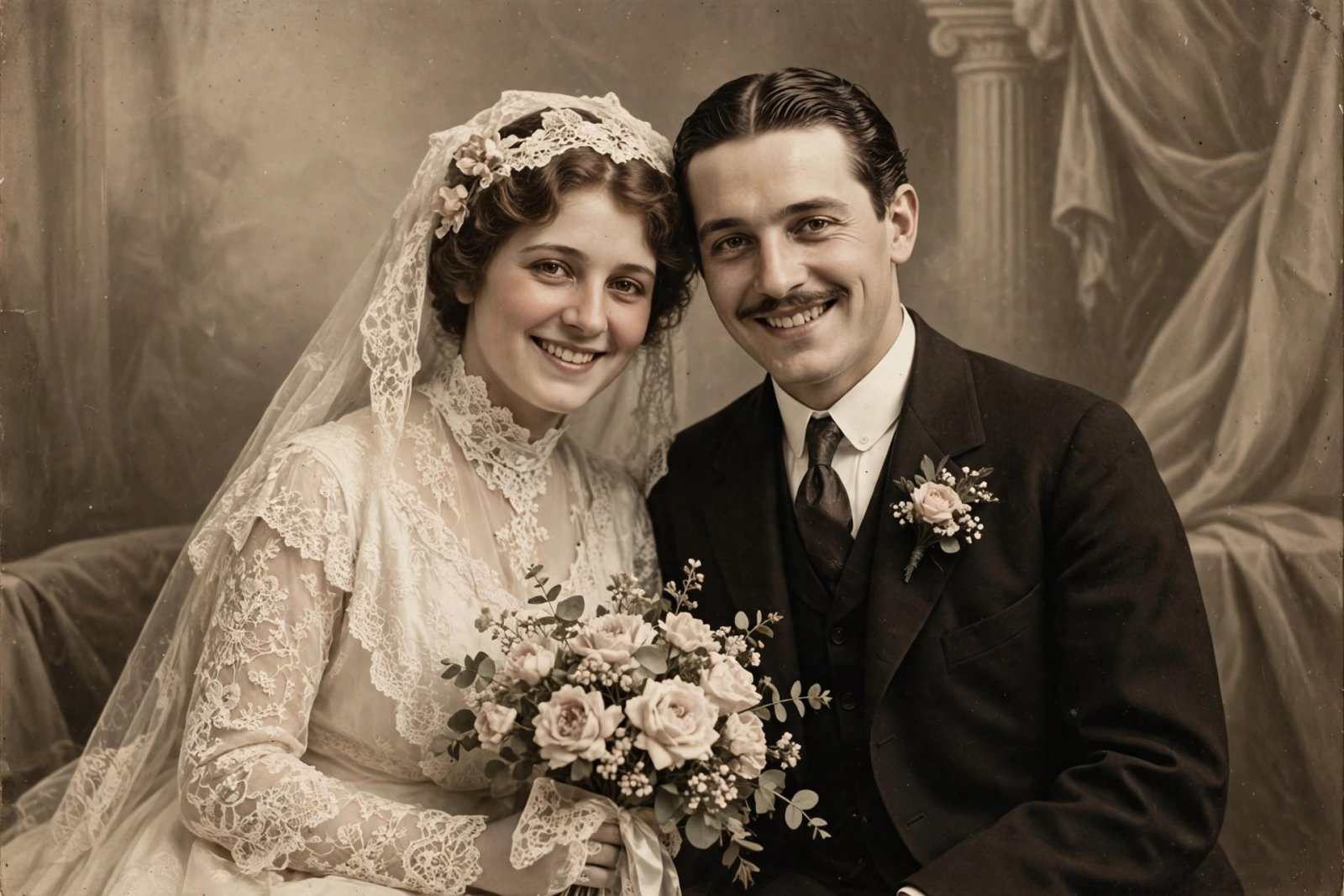
Torn Vintage Wedding Portrait Repair and Colour Revival
A careful repair prompt for a torn vintage wedding portrait, rebuilding the tear and reviving gentle period colour.
Customize this prompt
Fill in the fields below — the prompt text updates automatically. [BRACKETED] words are placeholders you replace.
The prompt
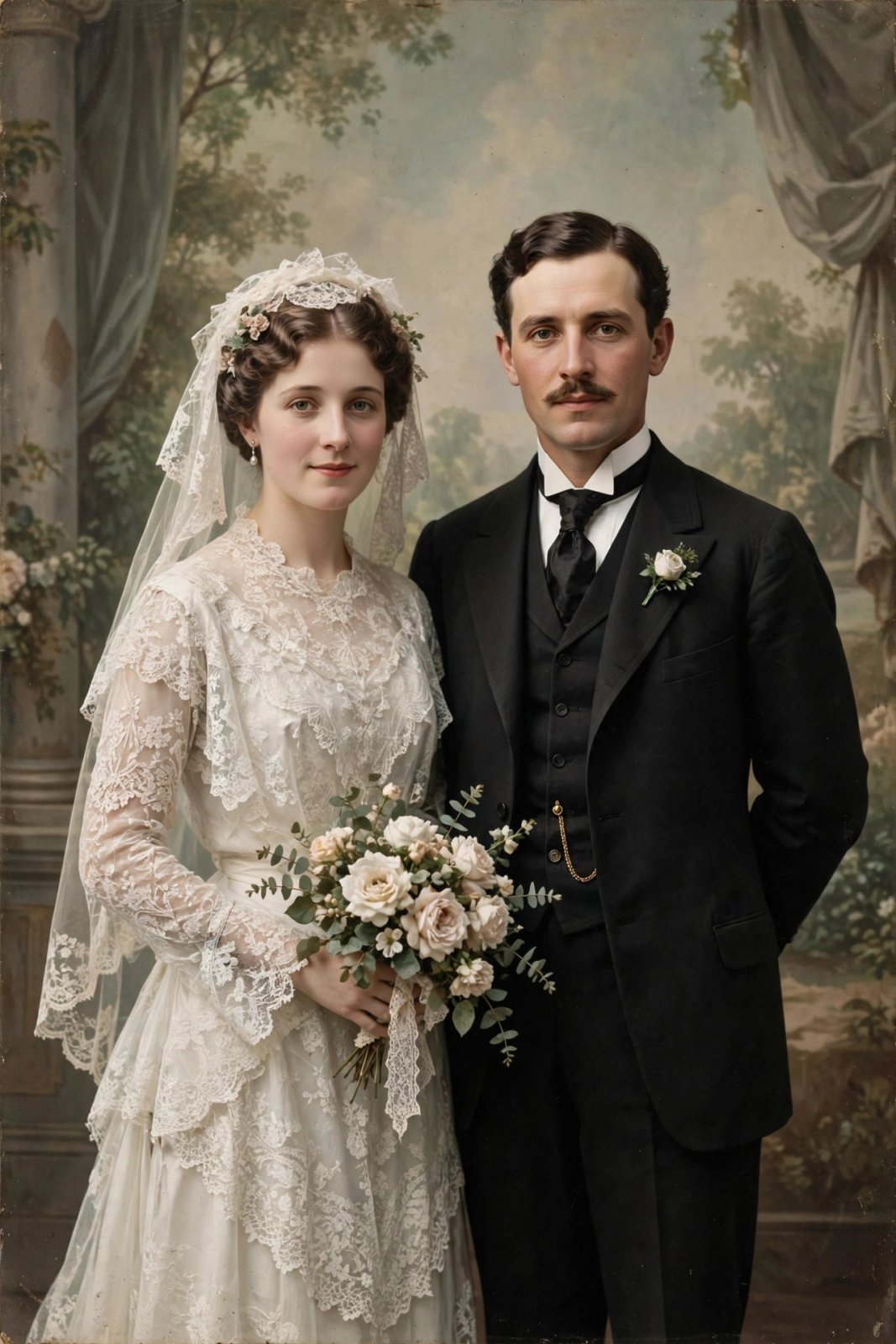
Repair a torn vintage wedding portrait of a couple standing before a [BACKDROP_STYLE] backdrop, where a tear runs across the [TEAR_LOCATION]. Rebuild the missing fabric, lace, and background detail seamlessly, restore gentle period colour to the bride's dress and the groom's suit, sharpen both faces while preserving their true likeness, and remove stains, foxing, and scratches. Keep the portrait's formal, timeless composition and soft studio lighting, and do not modernise the clothing, hairstyles, or jewellery in any way.
How to use it
- Photograph the portrait flat in even light, showing the full tear clearly.
- Paste the prompt, naming the backdrop style and exactly where the tear runs.
- Check both faces against the original at full size before accepting a result.
- Save the restored version separately and keep the original scan untouched.
Customization tips
Change the backdrop style and tear location to match your portrait, and adjust the colour strength to taste.
Example use case
Use it for anniversary restorations, family archives, or reprinted wedding portraits.
Frequently asked questions
Can AI rebuild a face hidden by a tear?
It can suggest plausible detail, but always verify against other photos of the same person when one exists.
Should the restored portrait look modern?
No, keep period colour and soft studio light so the portrait still feels like its own era.
Share
Tags: photo restoration wedding portrait vintage tear repair colour revival old photo portrait
Reviewed by the PromptVault editorial team on October 26, 2026.
Source notes: Daily pipeline 20261026 batch 2