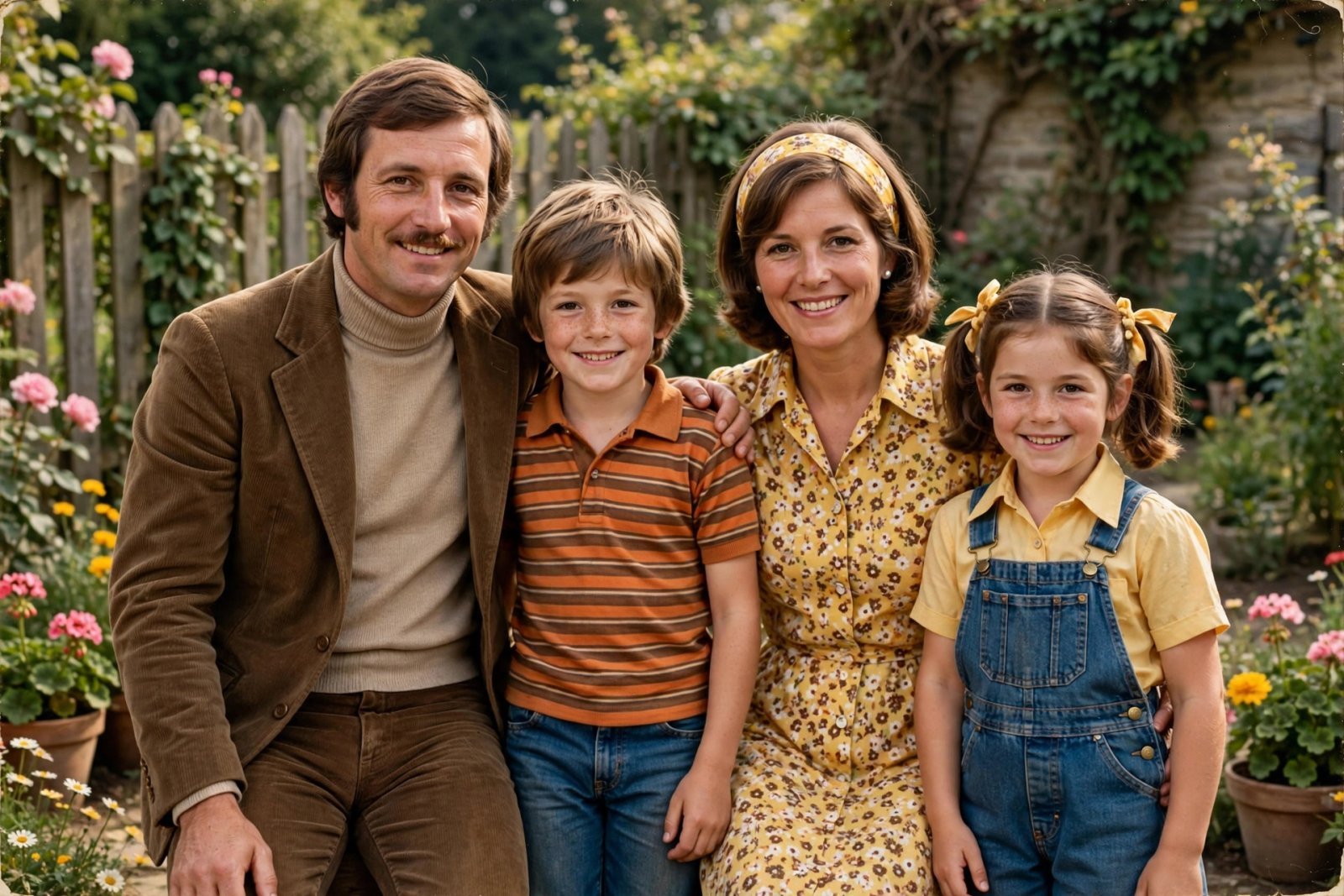
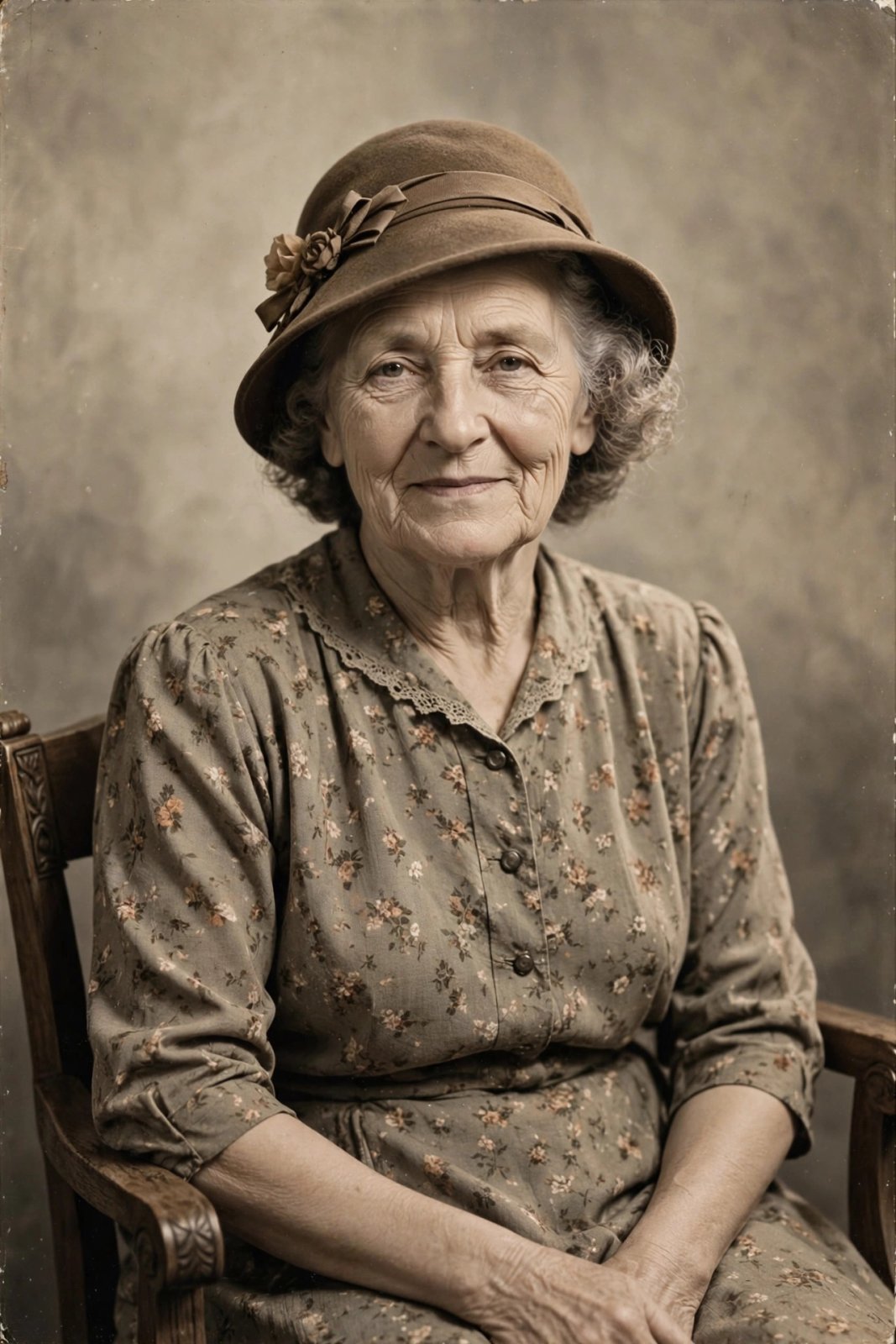
Sharpen a Blurry Childhood Snapshot Without Changing It
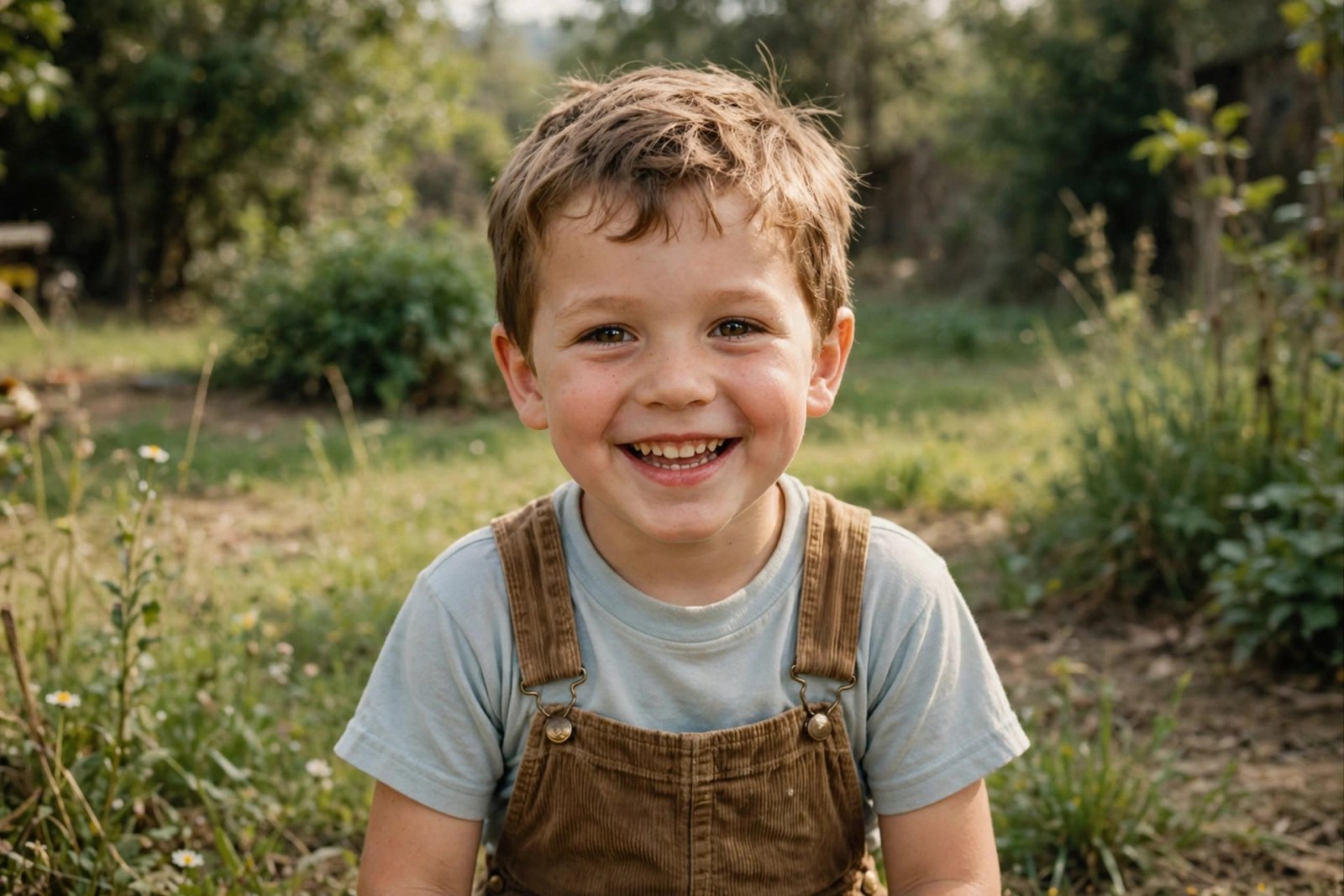
A gentle enhancement prompt that sharpens a blurry childhood snapshot, lifts dull light and keeps the moment exactly as remembered.
Customize this prompt
Fill in the fields below — the prompt text updates automatically. [BRACKETED] words are placeholders you replace.
The prompt
Enhance a blurry childhood snapshot without changing the moment. Work from [PHOTO_DESCRIPTION], a small, soft photo taken in [LIGHTING_CONDITION] light. Lift the dull exposure, sharpen edges and faces gently, reduce grain without turning skin waxy, and restore natural colours. Keep the composition, background and every expression unchanged; do not restage the scene, swap faces or add modern objects, and stop before the image starts to look artificial.
How to use it
- Describe the snapshot and the lighting it was taken in.
- Lift exposure and colour before attempting any sharpening.
- Sharpen faces and edges in small steps, checking for artefacts.
- Reduce grain gently so skin keeps natural texture.
- Compare side by side with the original and stop while it still feels real.
Customization tips
Describe your snapshot and its lighting for an enhancement matched to that photo.
Example use case
Use it to rescue small childhood prints for albums, gifts or digital archives.
Frequently asked questions
Can a very blurry photo become perfectly sharp?
No, enhancement recovers what is there; a heavily blurred face will stay soft rather than inventing detail.
How do I avoid a plastic, over-processed look?
Sharpen in small steps, keep skin texture, and compare with the original after each pass.
Share
Tags: photo restoration photo enhancement childhood photo sharpen old photos photo editing
Reviewed by the PromptVault editorial team on November 3, 2026.
Source notes: Daily pipeline 20261103 batch 2