Torn Photo Seamless Repair
Seamlessly repair a torn photograph, rebuilding missing pieces with matching texture, light, and detail.
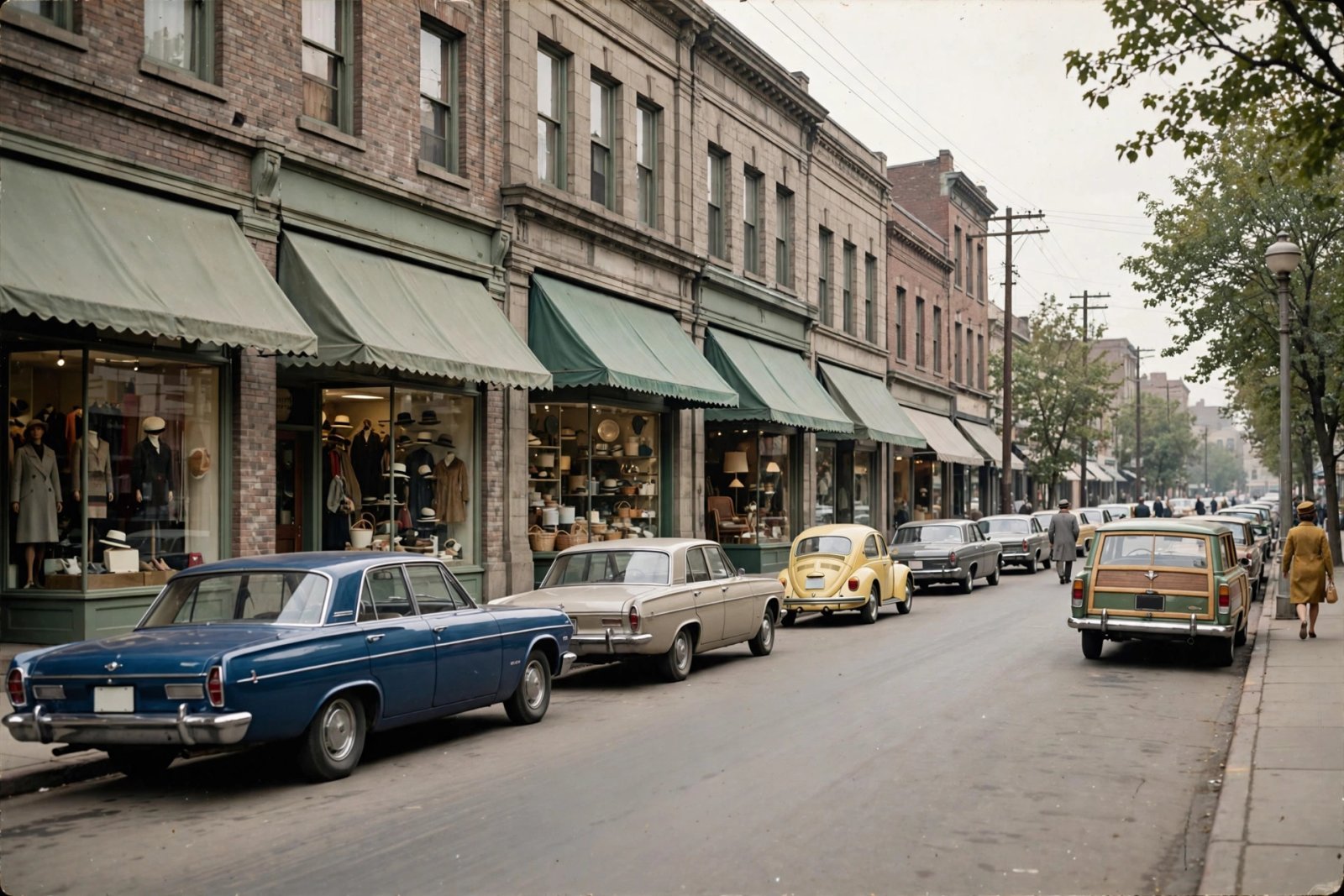
Customize this prompt
Fill in the fields below — the prompt text updates automatically. [BRACKETED] words are placeholders you replace.
The prompt
Repair the torn photograph: seamlessly reconstruct the missing or damaged [DAMAGE_AREA] by matching surrounding texture, lighting direction, film grain, and color. Blend edges so no seam is visible, rebuild any partial faces or objects using the visible portions as reference, and remove crease lines and edge darkening. Preserve the original composition, people, and mood exactly — the repair must be invisible. Output: a whole, undamaged photograph that looks like it was never torn. Style: museum-grade restoration, invisible mending, natural grain continuity, no new elements, no text, no watermark.
How to use it
- Photograph or scan the torn pieces aligned as best you can.
- Describe the [DAMAGE_AREA], e.g. 'bottom-right corner with part of a face'.
- Note the lighting direction to keep the rebuild consistent.
- Generate and zoom in to check the seams are invisible.
- Save the repaired version as your new master copy.
Customization tips
Describe the damage area precisely for the most accurate reconstruction.
Example use case
A lifesaver for rescuing damaged prints and treasured originals.
Frequently asked questions
Can it rebuild a missing face?
Partial faces can be reconstructed from visible features; fully missing faces need a reference photo.
Does it work on creases too?
Yes, crease lines and fold marks are removed as part of the repair.
Share
Tags: photo repair torn photo restoration seamless vintage fix memories
Reviewed by the PromptVault editorial team on October 12, 2026.
Source notes: Daily pipeline 20261012 batch 103