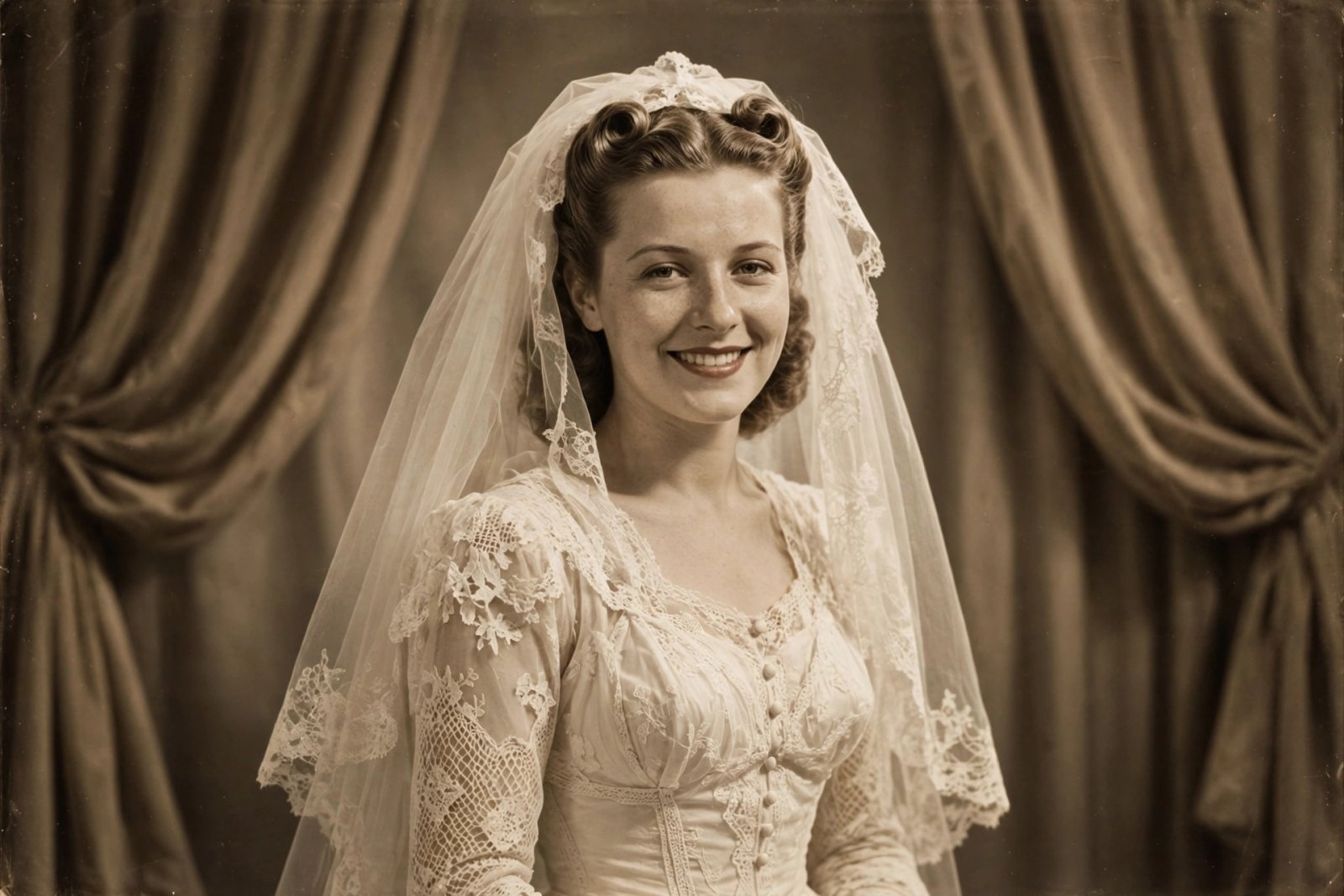
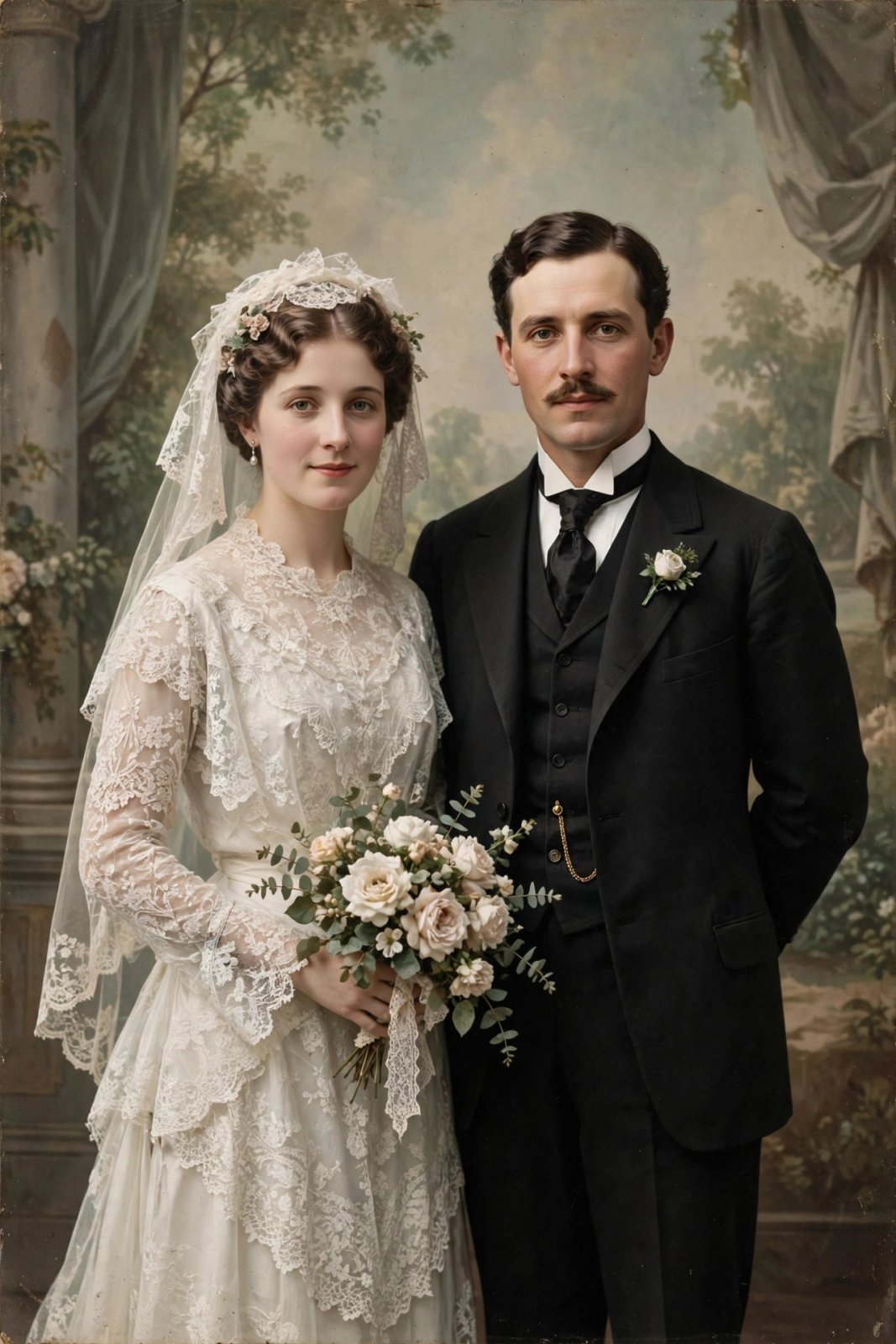
Turn a Black-and-White Wedding Photo into Colour
Turn a black-and-white wedding portrait into natural colour — realistic skin tones, true dress whites, and period detail.
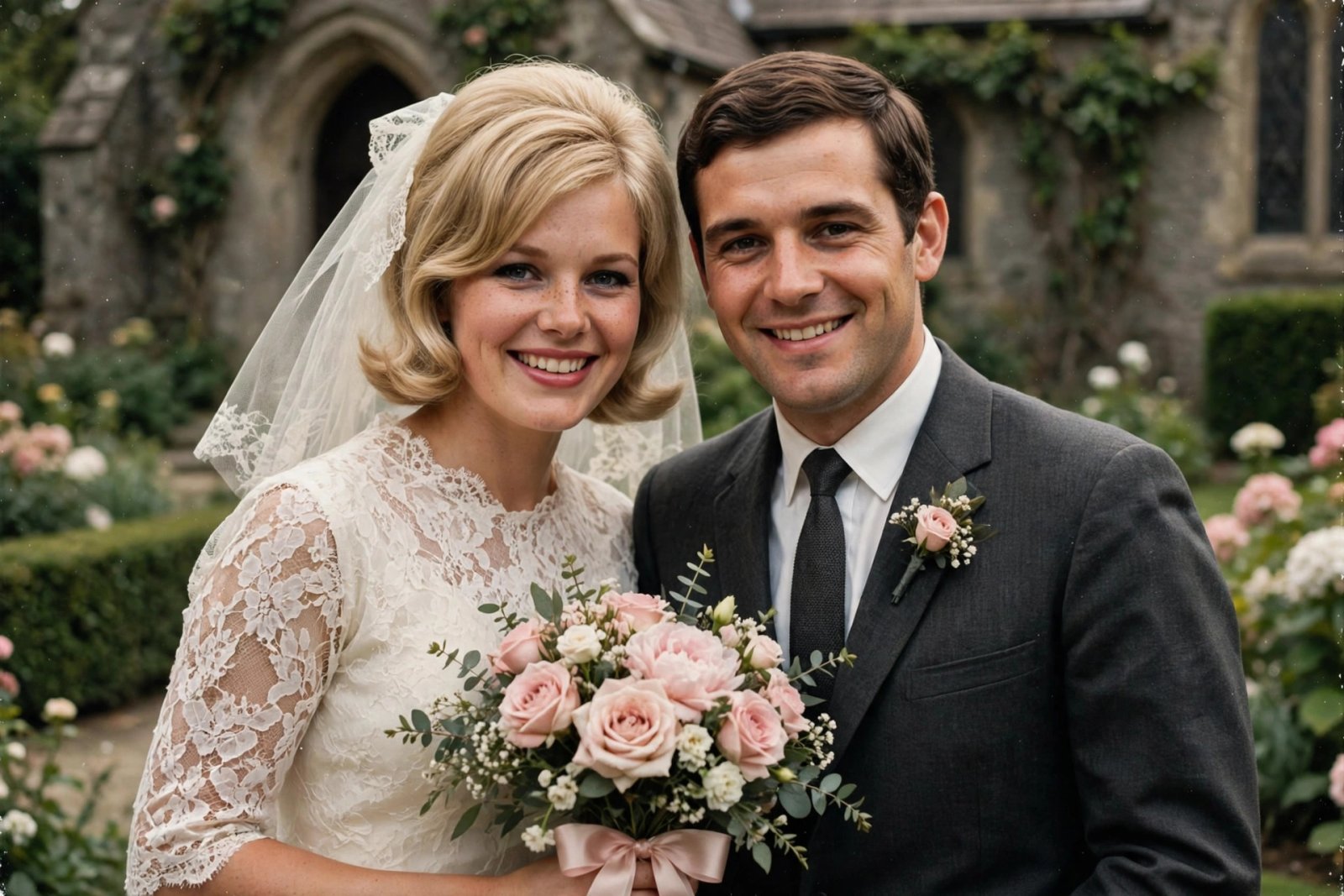
Customize this prompt
Fill in the fields below — the prompt text updates automatically. [BRACKETED] words are placeholders you replace.
The prompt
Colourise a black-and-white wedding portrait from [DECADE], showing [COUPLE_DESCRIPTION] in front of [BACKGROUND]. Apply historically accurate, natural colours: warm realistic skin tones, an ivory-white dress with soft shading, a [SUIT_COLOUR] suit, and [FLOWER_COLOURS] in the bouquet. Match the colours to the era's fabrics and the photo's lighting so nothing looks painted on. Keep every facial feature, lace pattern, and background detail exactly as in the original, with gentle grain and a soft [FINISH] finish. Output at [RESOLUTION] with no added text or borders.
How to use it
- Scan the original at high resolution first.
- Note the decade and the fabrics — satin, lace, or wool.
- Describe the bouquet and any visible flowers.
- Ask for natural skin tones, not oversaturated colour.
- Compare the colourised version side by side with the original.
Customization tips
Adapt it for a 1940s wartime wedding, a 1980s ceremony, or a black-and-white group family portrait.
Example use case
Give treasured wedding portraits a new life in colour for anniversaries and family displays.
Frequently asked questions
How accurate will the colours be?
Skin tones and common fabrics colourise reliably; exact dress shades are an educated match to the era, not a guarantee.
Can I colourise a whole wedding album?
Yes — run the same prompt per photo, keeping the palette notes identical for consistency.
Share
Tags: photo restoration colourise wedding black and white vintage portrait
Reviewed by the PromptVault editorial team on November 15, 2026.
Source notes: Daily pipeline 20261115 batch 2