Turn Meeting Notes Into Assigned Tasks Without Manual Copying
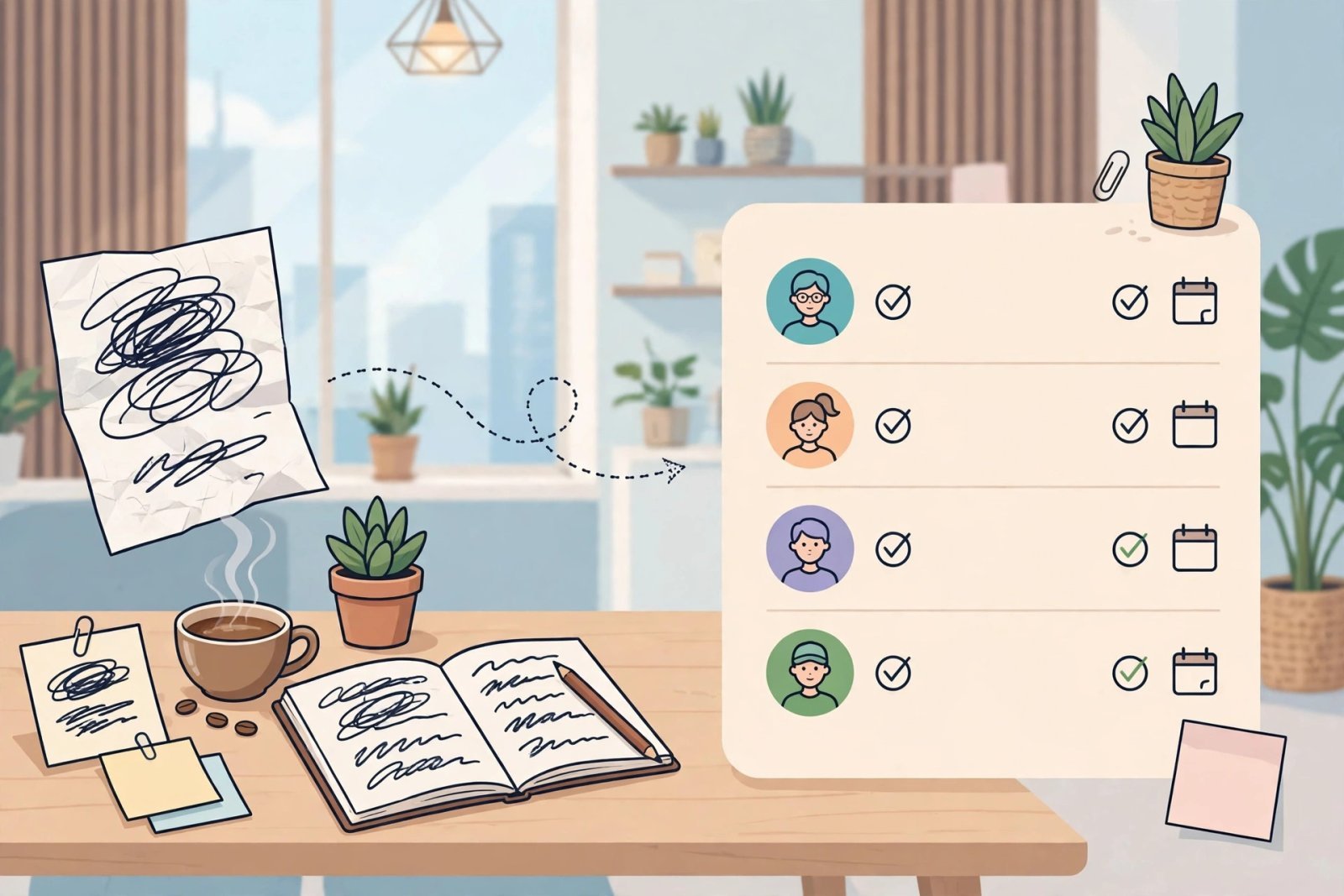
Convert messy meeting notes into a clean task list with owners, deadlines and priorities, ready to paste into your tracker.
Customize this prompt
Fill in the fields below — the prompt text updates automatically. [BRACKETED] words are placeholders you replace.
The prompt
Act as an operations assistant who turns meeting notes into action. I will paste my notes from a [MEETING_TYPE] about [PROJECT_NAME]. Extract every decision, action item and open question. For each action item, assign an owner from [TEAM_MEMBERS], a deadline based on anything mentioned in the notes or a sensible default, and a priority of high, medium or low. Flag any item where the owner or deadline is unclear and suggest the most likely owner with a question mark. Format the output as a clean table I can paste into [TASK_TOOL], followed by a two-sentence summary of the decisions made and a short list of open questions for the next meeting. Do not invent tasks that are not in the notes, and keep the wording faithful to what was actually agreed.
How to use it
- Paste your meeting notes and list the team members.
- Run the prompt and check each action item against the notes.
- Confirm or correct any owner or deadline marked as unclear.
- Paste the table into your task tracker.
- Send the decision summary to everyone who attended.
Customization tips
Set [TASK_TOOL] to your tracker and [TEAM_MEMBERS] to your real team so assignments are accurate.
Example use case
Team leads and managers who take meeting notes and need a reliable action list without retyping everything.
Frequently asked questions
What if my notes are messy or incomplete?
The prompt flags anything unclear instead of guessing, so you can fill in the gaps before the list goes to your team.
Can I use this with any task tool?
Yes. The table format pastes cleanly into Notion, Trello, Asana, Todoist or a simple spreadsheet.
Share
Tags: automation meeting notes task management productivity workflow team
Reviewed by the PromptVault editorial team on November 15, 2026.
Source notes: Daily pipeline 20261115 batch 11