Meeting Transcript to Action Items: Owners, Deadlines, and Follow-Ups
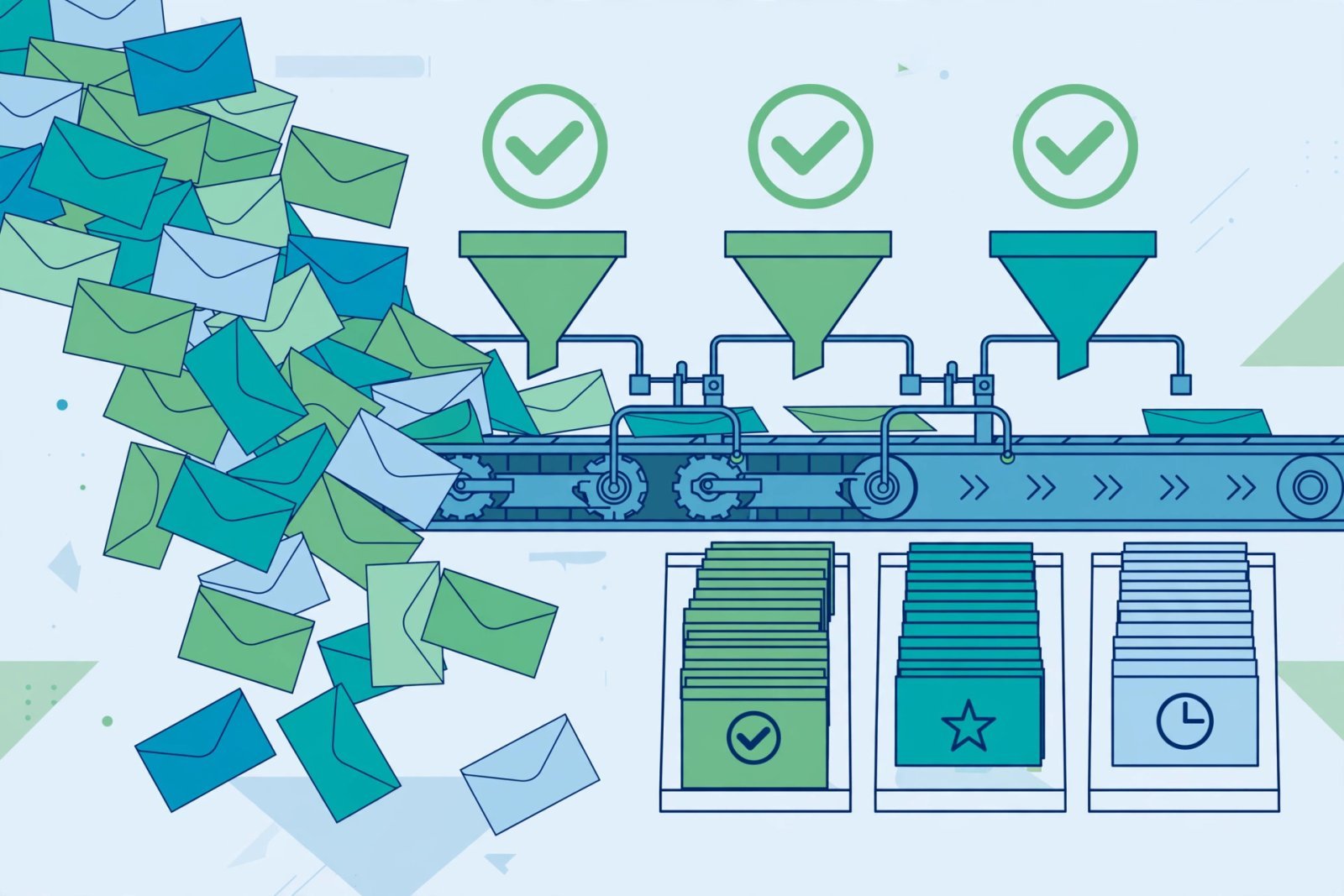
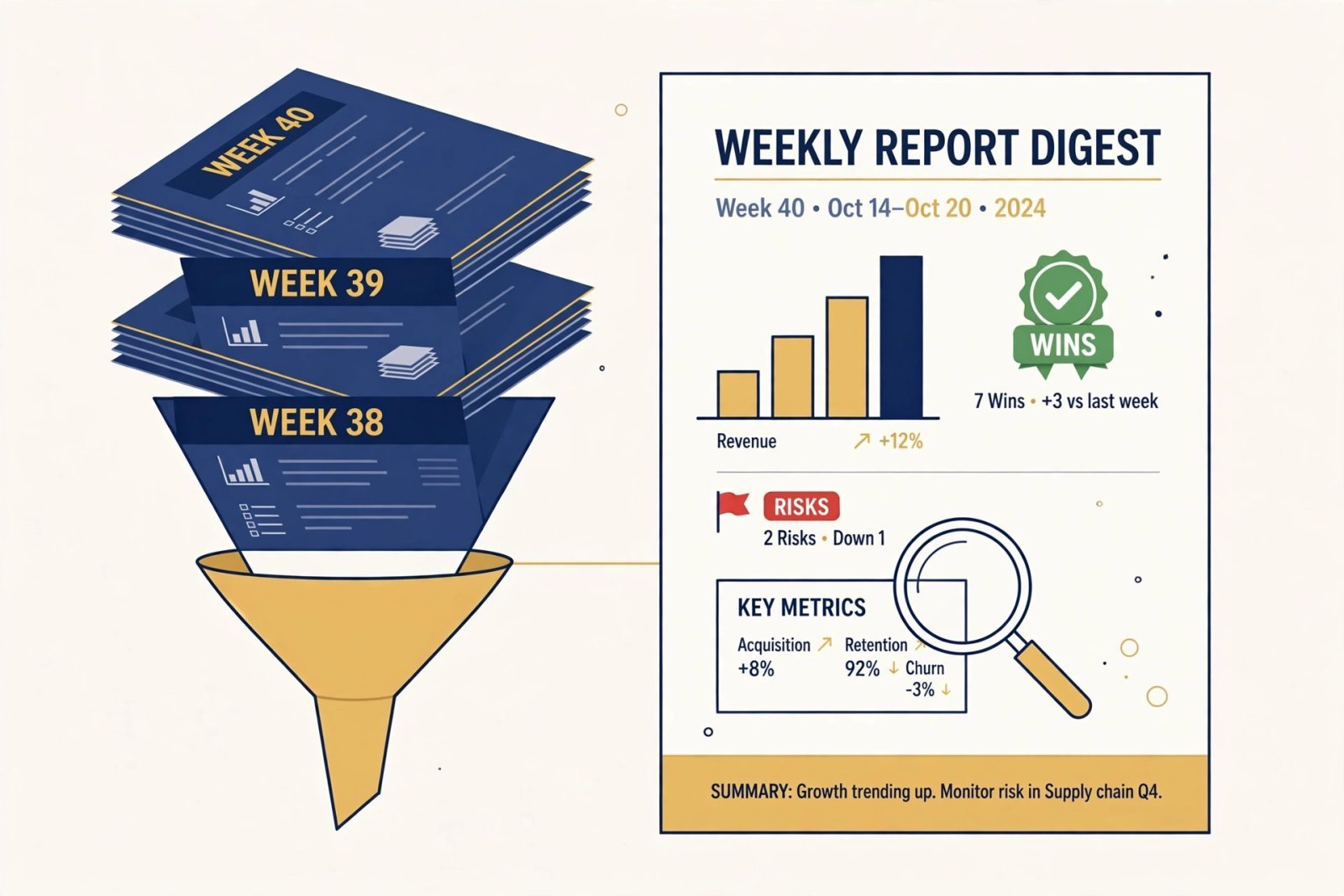
Turn a raw meeting transcript into decisions, owner-assigned action items with deadlines, open questions, and an executive summary.

Customize this prompt
Fill in the fields below — the prompt text updates automatically. [BRACKETED] words are placeholders you replace.
The prompt
You are a meeting-intelligence assistant that converts raw meeting transcripts into structured follow-up. Here is my transcript (speakers, timestamps, filler words included): [TRANSCRIPT]. Extract: (1) DECISIONS — each decision made, stated in one sentence, with who agreed; (2) ACTION ITEMS — each task with an owner (name the speaker who took it on), a deadline (use dates mentioned; if none, mark [NO DEADLINE]), and the exact deliverable; (3) OPEN QUESTIONS — anything raised but not resolved; (4) a 5-bullet executive summary for people who missed the meeting. Formatting: use markdown tables for action items (Owner | Task | Deadline | Notes). My project context: [PROJECT_CONTEXT]. Output format: [OUTPUT_FORMAT] (e.g., markdown email, task-tracker import). Rules: do not invent owners or deadlines, mark anything uncertain as [UNVERIFIED], ignore small talk and repeated points, and keep the whole summary under [WORD_LIMIT] words. If the transcript has no clear actions, say so explicitly instead of inventing some.
How to use it
- Paste your raw transcript into [TRANSCRIPT] and add your project context.
- Set your preferred output format and word limit.
- Run the prompt and review the extracted decisions and action items.
- Correct any [UNVERIFIED] or [NO DEADLINE] entries before sharing.
- Send the summary to attendees and import the action items to your tracker.
Customization tips
Change the output format to match your task tracker (Asana, Jira, Linear, Notion) or plain email.
Example use case
Teams and managers use this to stop action items from evaporating after meetings, with owners and deadlines attached.
Frequently asked questions
Does it catch action items I forgot to state clearly?
Yes. It scans for every commitment verb (will, going to, by Friday) and lists each as a draft action item, flagging the owner and deadline it inferred.
Can I paste multiple meetings at once?
Paste transcripts back-to-back with a clear meeting header; it processes each meeting separately.
Share
Tags: automation meetings productivity action-items transcript workflow summarization
Reviewed by the PromptVault editorial team on October 20, 2026.
Source notes: Daily pipeline 20261020 batch 11