Weekly Report Digester With Next-Step Actions
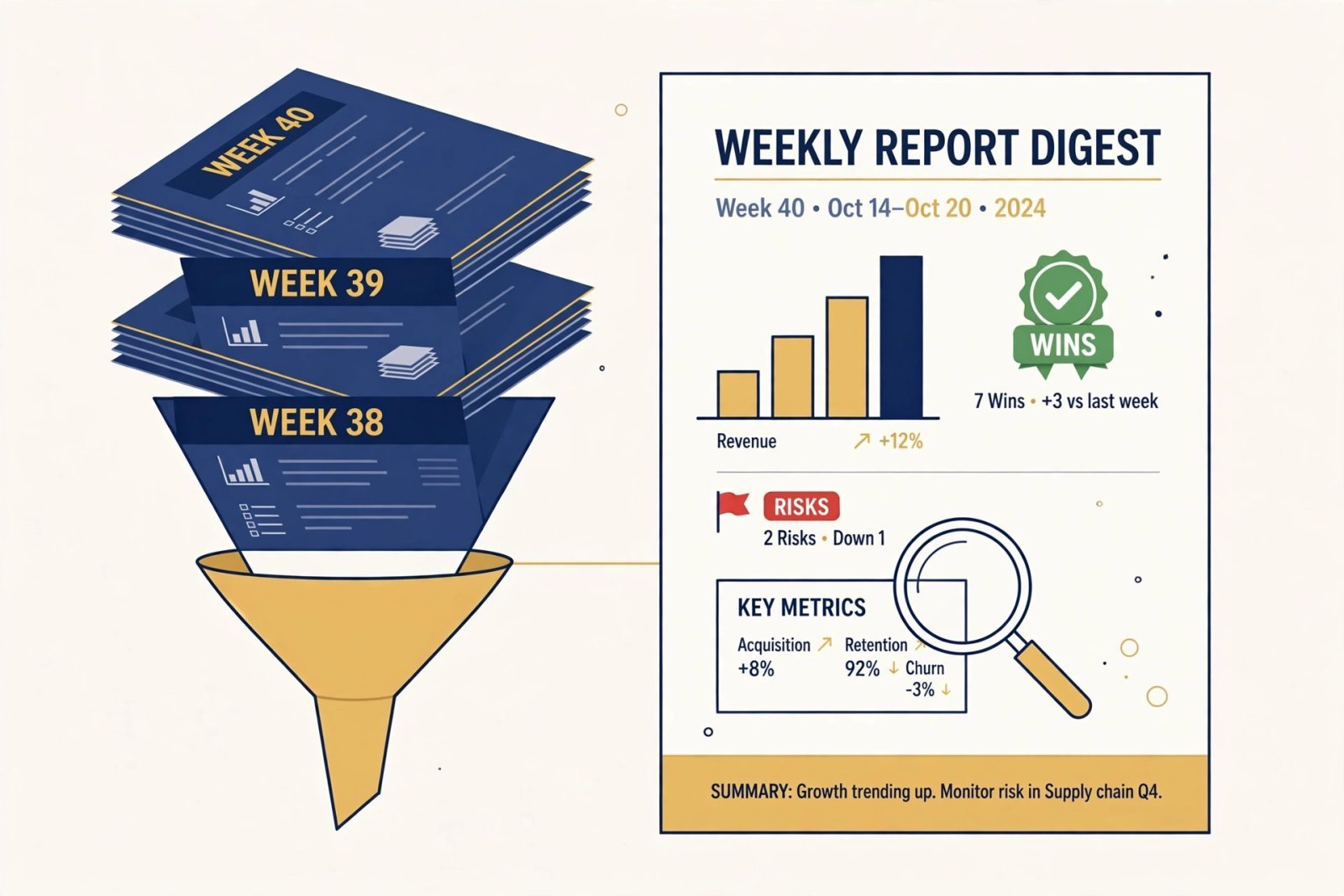
Feed the AI your weekly reports and it returns a one-page digest: wins, risks, numbers that moved, and concrete next-step actions.
Customize this prompt
Fill in the fields below — the prompt text updates automatically. [BRACKETED] words are placeholders you replace.
The prompt
Act as a chief-of-staff who turns raw weekly reports into a crisp executive digest. I will paste [NUMBER] of weekly reports below from [TEAM_OR_DEPARTMENT_NAME]. Produce: 1) EXECUTIVE SUMMARY: 5 bullet points, each one sentence, capturing what matters this week. 2) WINS: anything that beat target or unblocked work, with the number or fact that proves it. 3) RISKS: problems, delays, or warning signs, each tagged with severity (HIGH/MEDIUM/LOW) and one line on the impact if ignored. 4) NUMBERS THAT MOVED: a small table of metrics that changed meaningfully versus last week, with direction arrows and the reason if stated. 5) NEXT-STEP ACTIONS: 5-8 concrete actions for next week, each starting with a verb, with an owner suggested from the report authors and a realistic deadline. 6) QUESTIONS FOR ME: 3 decisions only I can make, framed as yes/no or A/B choices with the trade-offs. Style: direct, jargon-free, written for a [READER_LEVEL, e.g. 'busy founder', 'department head']. Ignore boilerplate and filler; if a report is vague, say so instead of padding. Reports:

[PASTE_WEEKLY_REPORTS_HERE]
How to use it
- Collect this week's reports and paste them into the placeholder.
- Set team name and the reader level for the digest.
- Skim the digest's risks section first.
- Approve or edit the next-step actions and owners.
- Answer the 3 questions so decisions don't stall.
Customization tips
Adjust the number of reports, team name, and reader level. Add a budget-watch section if you track spending weekly.
Example use case
Managers and founders who need a fast, honest digest of weekly team reports.
Frequently asked questions
What if my reports come in different formats?
That is fine — paste them as-is. The prompt is format-agnostic and looks for wins, risks, and numbers regardless of how each report is structured.
Can I run this on monthly reports instead?
Yes. Change the framing to monthly and the prompt will compare trends across the month; the structure works the same.
Share
Tags: reports summarization management automation digest productivity
Reviewed by the PromptVault editorial team on October 21, 2026.
Source notes: Daily pipeline 20261021 batch 11