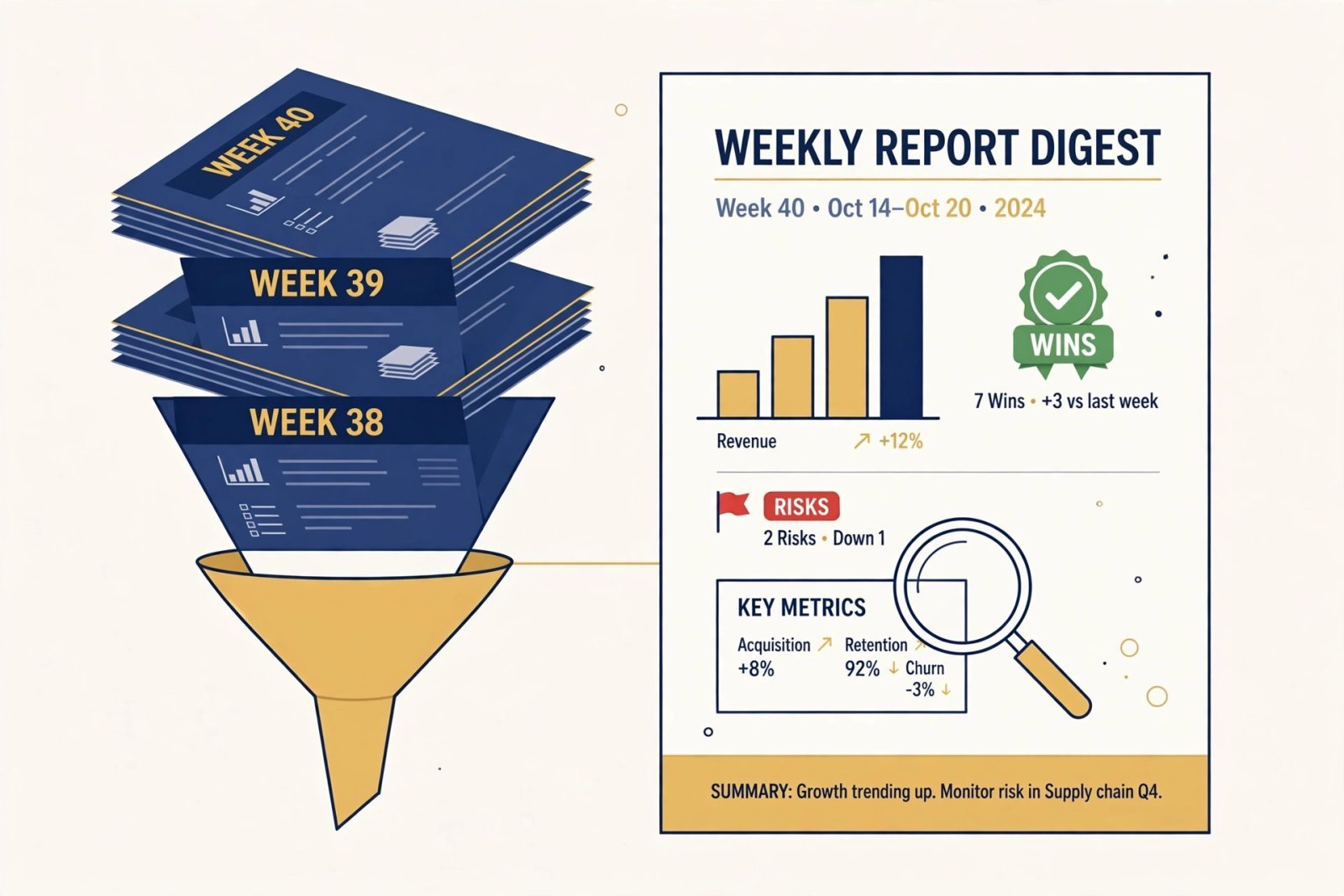
Weekly Report Autopilot: Messy Notes to Polished Update
Turns rough weekly notes into a structured, evidence-backed update with an executive summary and TL;DR.

Customize this prompt
Fill in the fields below — the prompt text updates automatically. [BRACKETED] words are placeholders you replace.
The prompt
Act as a chief-of-staff style report writer. Turn these messy notes into a polished weekly update: [RAW_NOTES]. The reporting period is [WEEK_RANGE], the team or project is [TEAM_NAME], the recipient is [RECIPIENT], and the tone should be [TONE]. Structure the update as: 1) a three-bullet executive summary, 2) wins and progress with evidence, 3) blockers and risks with owners and next steps, 4) next week's priorities, and 5) decisions needed from the recipient. Rewrite vague statements into specific ones with numbers where the notes support them; flag anything uncertain as UNVERIFIED rather than guessing. Keep the full update under [WORD_LIMIT] words and end with a one-line TL;DR I can paste into chat.
How to use it
- Collect your raw notes for the week.
- Fill in period, team, recipient, and tone.
- Generate the structured update.
- Send the TL;DR in chat and the full update by email.
Customization tips
Paste raw notes in any format, set the audience tone, and ask for a shorter executive version alongside the full update.
Example use case
Managers and team leads who want a fast, consistent weekly update from scattered notes.
Frequently asked questions
Can this produce an executive summary instead of a full report?
Yes. Set [RECIPIENT] to leadership and [TONE] to concise, and ask for a three-bullet executive summary at the top.
What if my notes contain guesses or unconfirmed numbers?
The prompt instructs the model to mark uncertain items as unverified and list them separately, so nothing is presented as fact without evidence.
Share
Tags: automation weekly report productivity reporting management writing
Reviewed by the PromptVault editorial team on October 18, 2026.
Source notes: Daily pipeline 20261018 batch 11