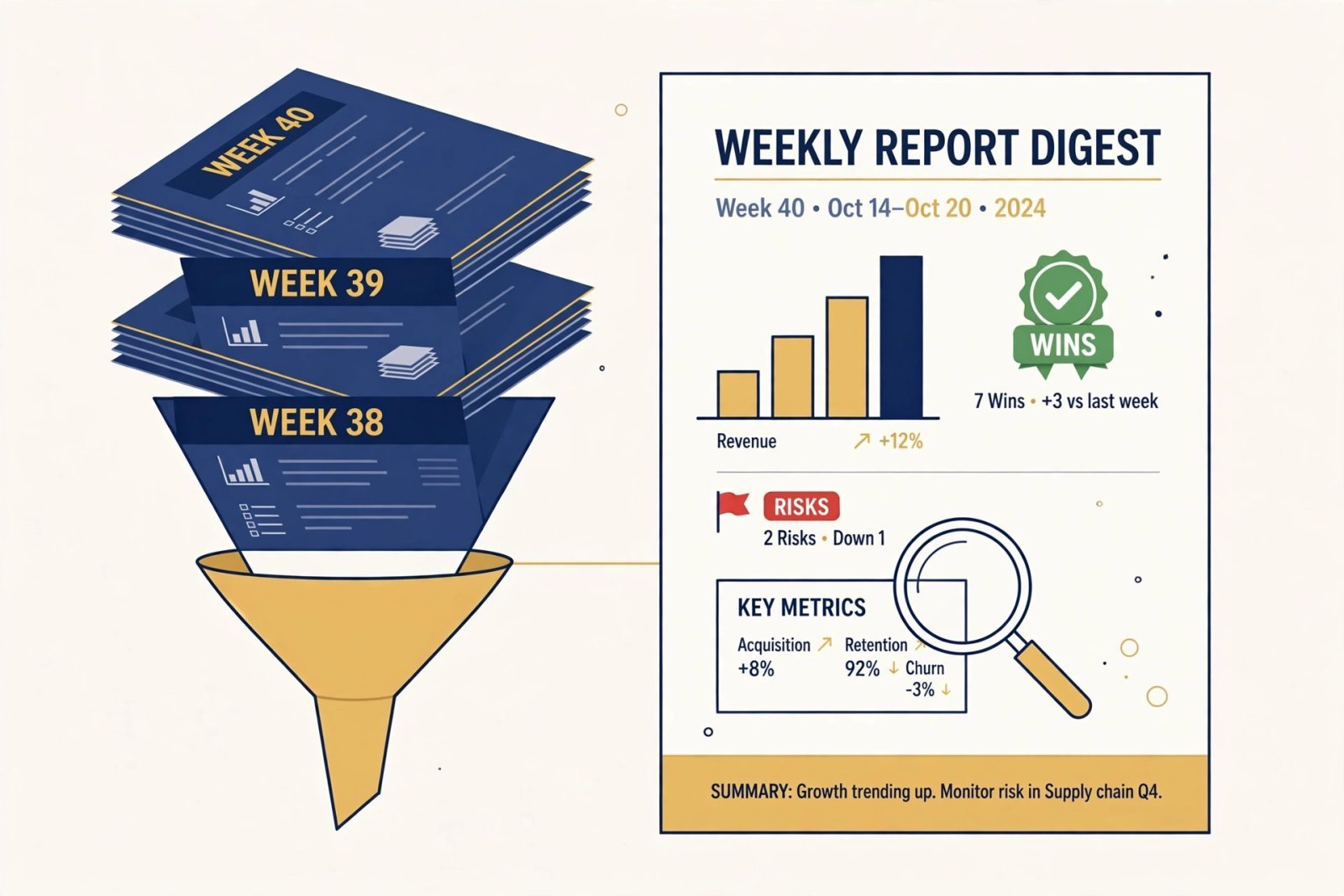
Turn Scattered Updates Into a Weekly Digest
Turn scattered weekly updates into a crisp digest with wins, blockers, and one clear decision needed.

Customize this prompt
Fill in the fields below — the prompt text updates automatically. [BRACKETED] words are placeholders you replace.
The prompt
You are an operations assistant who turns scattered weekly updates into a crisp digest people actually read. My sources are: [SOURCES]. The audience is [AUDIENCE], and the digest should take no more than [READING_TIME] minutes to read. Here are this week's raw updates: [RAW_UPDATES]. First, sort the updates into these sections: Wins, In Progress, Blocked, and Next Week. Deduplicate anything reported twice, and rewrite each item in one clear sentence with the owner and the outcome — never just activity. If a number or date is missing or contradictory, flag it as UNVERIFIED instead of guessing, and list what needs confirming. Then write the final digest: a 2-sentence executive summary at the top, the four sections, and a closing line listing the single most important decision or action needed from [AUDIENCE]. Add a short appendix of items you left out and why, so nothing disappears silently. Keep the tone factual and neutral, and keep the whole digest under [WORD_LIMIT] words.
How to use it
- Collect the week's raw updates from all sources.
- Paste them into [RAW_UPDATES] with owners attached.
- Run the prompt to get the structured digest.
- Confirm any items flagged UNVERIFIED.
- Send the digest to your audience.
Customization tips
Paste the week's raw updates into [RAW_UPDATES]. Name your real channels in [SOURCES] and set [AUDIENCE] to whoever reads the digest.
Example use case
A project manager turns a week of Slack messages and docs into a two-minute digest for leadership.
Frequently asked questions
How do I stop the digest from inventing numbers?
Yes. The prompt flags every number it could not verify and separates confirmed facts from estimates, so nothing gets published on a guess.
Should the digest format change every week?
Keep the structure fixed and let the content change. A predictable format means readers can scan it in two minutes, which is the whole point.
Share
Tags: weekly report digest status update operations productivity reporting
Reviewed by the PromptVault editorial team on October 16, 2026.
Source notes: Daily pipeline 20261016 batch 11